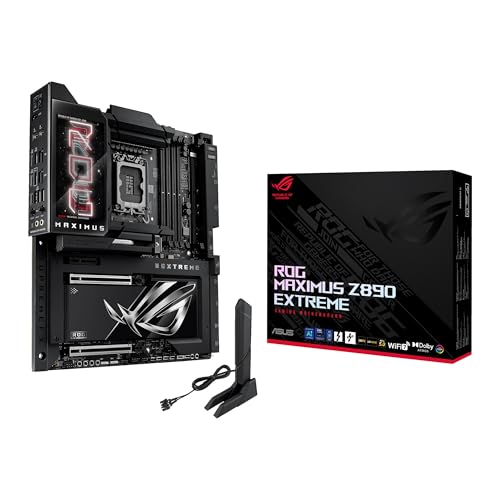
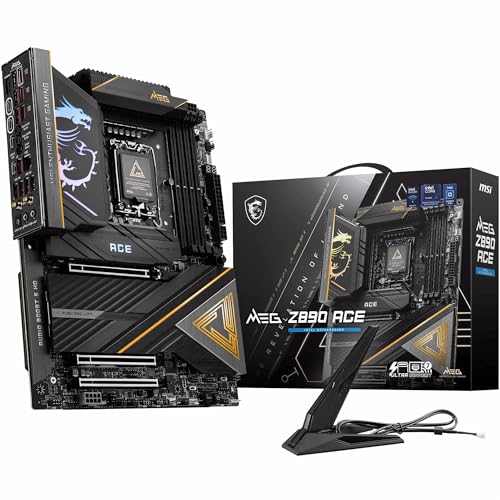
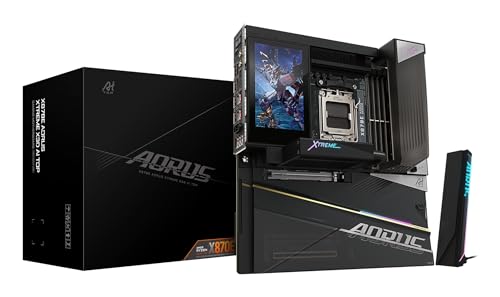
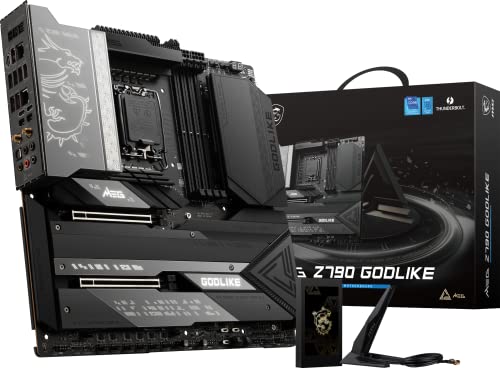
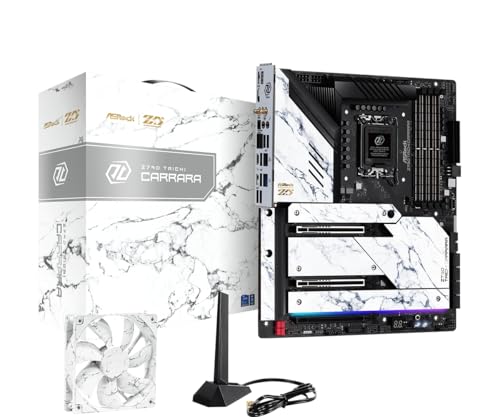
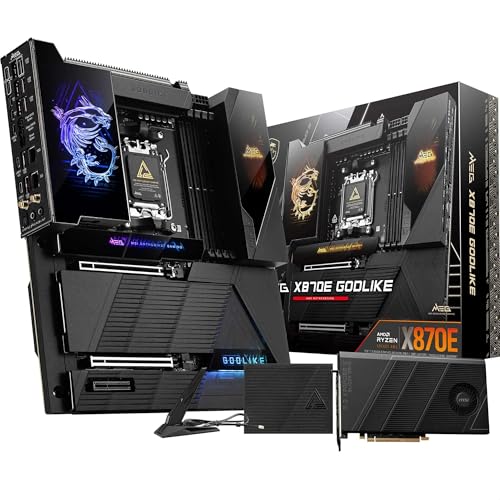
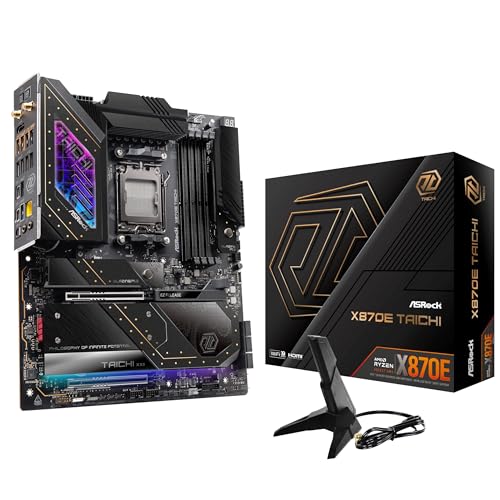
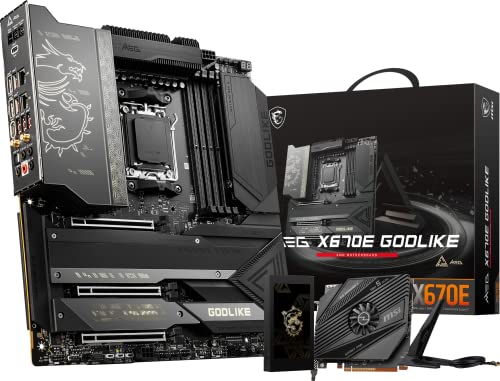
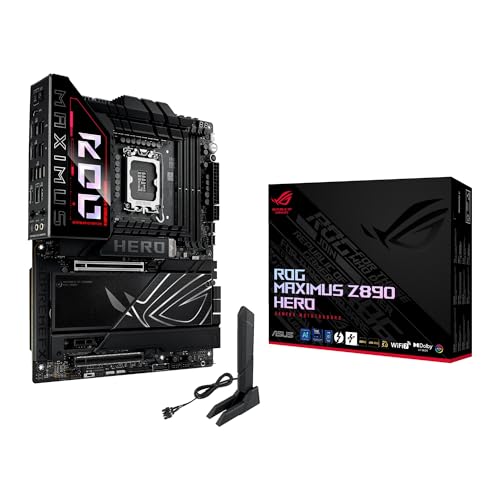
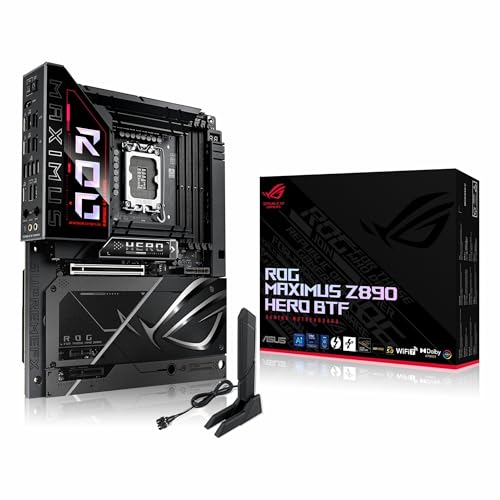
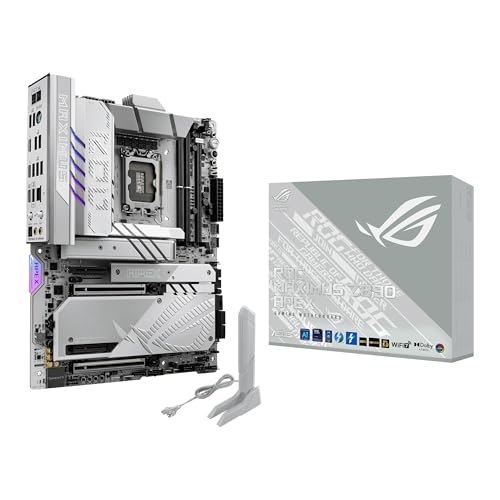
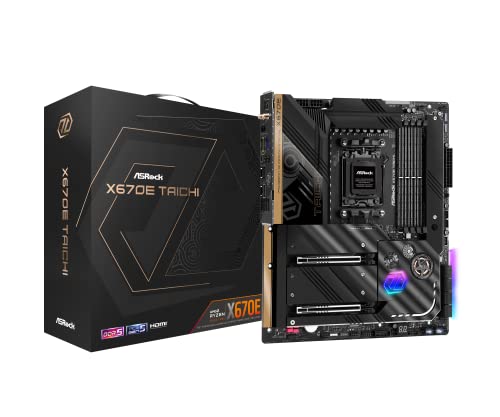
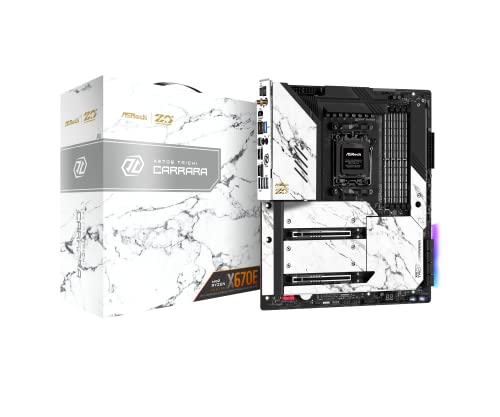
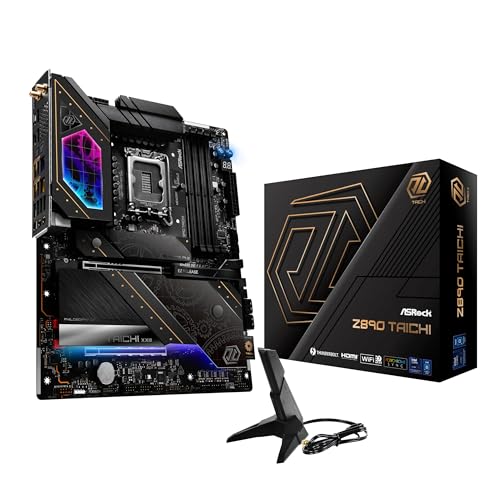
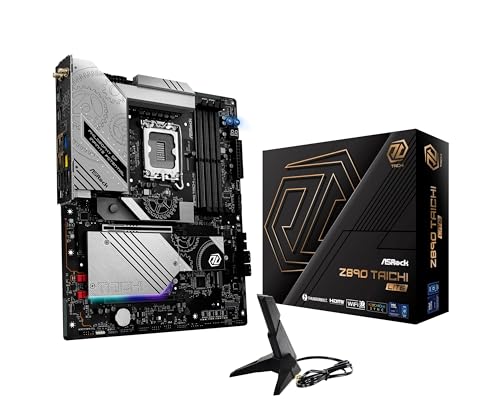
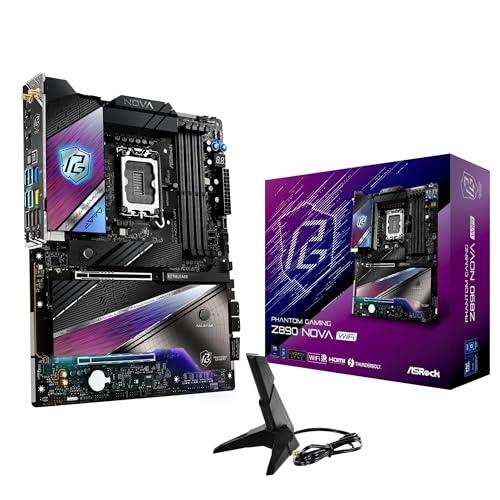
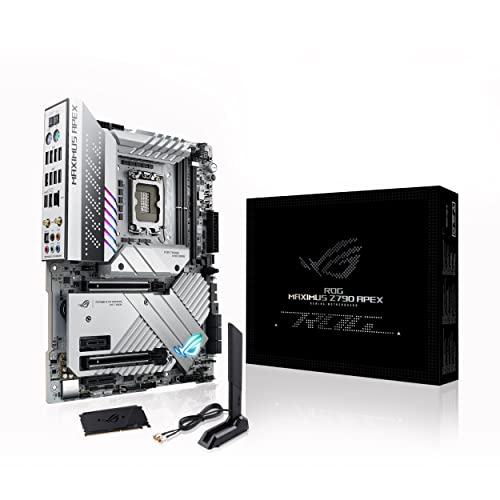
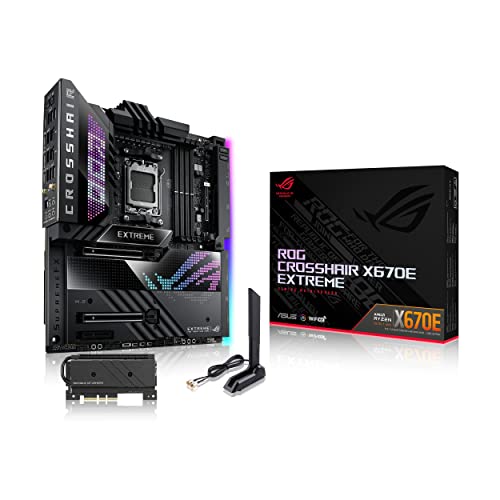
What is the difference between a gaming motherboard and a standard motherboard?
The difference between a gaming motherboard and a standard motherboard is as follows:
- Performance features: Gaming motherboards support higher overclocking and faster memory speeds. They also have stronger VRMs that keep CPUs and GPUs stable under heavy use.
- Cooling systems: They include larger heatsinks and extra fan headers, which control heat during long sessions. Some models also add liquid cooling support for advanced setups.
- Expansion support: Gaming boards provide more PCIe slots and faster NVMe storage. They also allow multiple GPUs or high-bandwidth cards for better performance.
- Audio quality: These motherboards use premium audio chips with isolated circuits. This design reduces interference and delivers cleaner sound for headsets and speakers.
- Connectivity: Gaming models include more USB ports, faster Ethernet, and Wi-Fi with low latency. This helps reduce lag during online games and supports more devices.
- Design: They feature RGB lighting, reinforced slots, and durable materials. The layout also supports larger components and looks more appealing in custom builds.
Do I need a gaming motherboard to play games?
You do not need a gaming motherboard to play games. A standard motherboard with a compatible CPU, GPU, and enough RAM can run games without issues. The motherboard acts as a platform for these components, so as long as it supports the hardware, it can handle gaming.
A gaming motherboard usually includes stronger VRMs, more PCIe lanes, faster RAM support, and extra features like RGB lighting or advanced cooling headers. These features improve performance stability and expand upgrade options, but they do not determine if you can play games in the first place.

Which motherboard brands make the best gaming models?
The best gaming motherboard brands are as follows.
- MSI (Overall score: 9 points)
- ASUS (Overall score: 9 points)
- GIGABYTE (Overall score: 8.9 points)
The chart below ranks gaming motherboard brands by average overall score.
[horizontal-chart-07955829637041243075125372974845762180580715769144]
How much do gaming motherboards cost?
Gaming motherboards cost from about £90 to more than £550 depending on features and chipset.
Entry-level models usually start near £90 and cover basic gaming needs. Mid-range boards often fall between £130 and £260 and include better cooling, stronger power delivery, and more connectivity. High-end gaming motherboards can reach £340 to £550 or more since they support overclocking, multiple graphics cards, faster memory, and advanced BIOS features.
This chart visualizes gaming-motherboard prices.
[vertical-chart-13041429827606110282003523443061466697593223004029]
What CPU sockets do gaming motherboards support?
The best gaming motherboards support AMD AM5 and Intel LGA 1700 sockets, which are the current flagship platforms for high-performance gaming systems.
AMD's AM5 socket supports the latest Ryzen 7000 and 8000 series processors, including the flagship Ryzen 9 7950X3D and Ryzen 7 7800X3D processors that excel in gaming performance due to their 3D V-Cache technology. Intel's LGA 1700 socket accommodates 12th, 13th, and 14th generation Core processors, with models like the Core i9-14900K and Core i7-14700K delivering exceptional gaming frame rates across all resolution levels.
What chipsets are best for gaming motherboards?
The best chipsets for gaming motherboards are AMD's B650, X670, and X870 for mid-range to high-end gaming, while Intel's B760 and Z790 deliver excellent performance for current gaming builds.
AMD's B650 chipset provides the best value balance between performance and cost, supporting overclocking capabilities and latest Ryzen processors at competitive prices. The X870/X870E and X670/X670E chipsets serve enthusiasts who need advanced features like multiple PCIe 5.0 slots and extensive connectivity options for flagship gaming systems.
Intel's Z790 chipset remains the top choice for high-end gaming builds with support for 12th through 14th generation processors, DDR5 memory, and PCIe 5.0 connectivity. The B760 chipset targets budget-conscious gamers who want solid performance without overclocking features, while Z690 boards continue to be competitive options for gamers who don't require the latest PCIe 5.0 standard.
What RAM speeds and capacities do the best gaming motherboards support?
The best gaming motherboards support DDR5 RAM speeds up to 8000+ MHz and capacities up to 128GB or 192GB depending on the chipset.
High-end Z790, Z890, X670E, and X870E motherboards handle DDR5-7200 to DDR5-8000+ speeds with four DIMM slots that accommodate 32GB modules for maximum capacity. AMD's X670E and X870E boards support up to 128GB total capacity, while Intel's Z790 and newer Z890 chipsets can handle up to 192GB with compatible memory modules.
What PCIe versions and expansion slots do the best gaming motherboards have?
The best gaming motherboards feature PCIe 5.0 as the latest standard, though PCIe 4.0 remains widely used and sufficient for current gaming needs.
High-end gaming motherboards typically include one or two PCIe x16 slots for graphics cards, with the primary slot running at full x16 speed while secondary slots may operate at x8 speed when both are populated. Most premium boards also include multiple PCIe x1 slots for expansion cards like sound cards, network adapters, or Wi-Fi modules.
What storage options do the best gaming motherboards offer?
The best gaming motherboards support multiple storage options including M.2 slots, SATA connectors, and advanced storage technologies. Modern high-end gaming motherboards typically feature 2-4 M.2 slots that support both SATA and NVMe SSDs, with PCIe 4.0 and PCIe 5.0 compatibility on the latest models. These motherboards also include 4-8 SATA 6Gb/s ports for traditional 2.5-inch and 3.5-inch drives, which accommodate both SSDs and HDDs for mass storage needs.
Most premium gaming motherboards implement storage acceleration features such as Intel Rapid Storage Technology (RST) and AMD StoreMI, which combine different storage types into a single accelerated volume.
What connectivity features do the best gaming motherboards include?
The best gaming motherboards include several connectivity features as follows:
- USB ports: High-speed USB 3.2 Gen 2 and Gen 2x2 ports support fast data transfer and external devices.
- PCIe slots: PCIe 4.0 or PCIe 5.0 slots connect modern graphics cards and storage drives with high bandwidth.
- Ethernet: 2.5Gb or 10Gb LAN ports deliver stable wired internet for low latency gaming.
- Wi-Fi: Built-in Wi-Fi 6 or Wi-Fi 6E modules support high wireless speeds and strong connections.
- Bluetooth: Bluetooth 5.2 or newer connects wireless peripherals like headsets and controllers.
- M.2 slots: Multiple M.2 slots support NVMe SSDs for fast storage expansion.
- Audio jacks: Dedicated audio ports and optical S/PDIF outputs support surround sound setups.
What cooling features do the best gaming motherboards have?
The best gaming motherboards often include the following cooling features:
- Heatsinks on VRM: Large heatsinks cover voltage regulator modules to reduce heat during power delivery.
- Chipset heatsink: Dedicated heatsink keeps the chipset stable under heavy loads.
- M.2 heatsinks: Metal plates on M.2 slots prevent SSDs from overheating and throttling.
- Multiple fan headers: Extra headers allow more case fans and liquid cooling pumps to connect.
- Hybrid fan control: Sensors monitor temperatures and adjust fan speeds for targeted cooling.
- Heatpipe design: Heatpipes spread heat between VRM and chipset areas for balanced dissipation.
- Water cooling support: Some boards include fittings for custom water blocks on CPU, VRM, or chipset.
- Backplate cooling: Metal backplates add rigidity and help draw heat away from hot zones.
- Thermal pads: Pre-applied pads improve heat transfer between components and heatsinks.