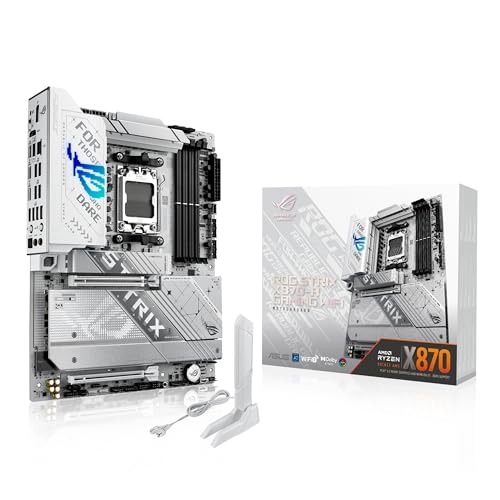
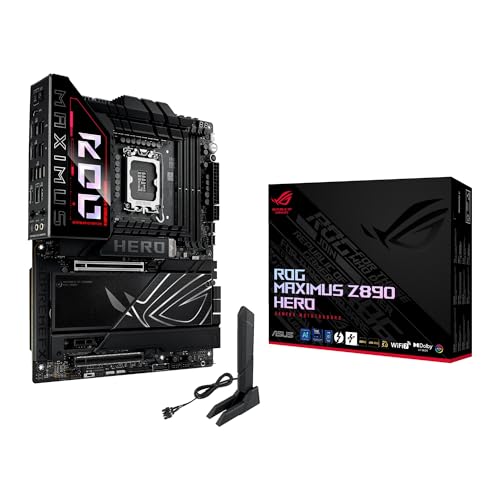
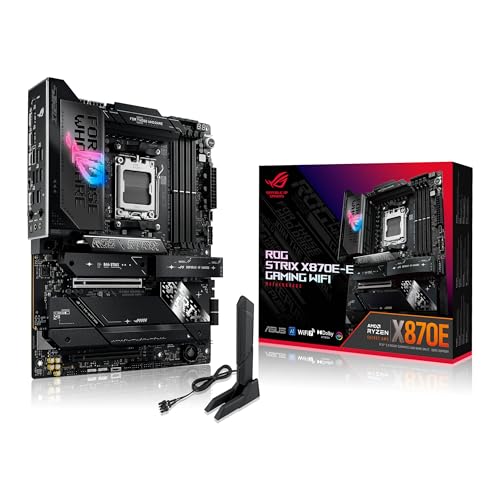
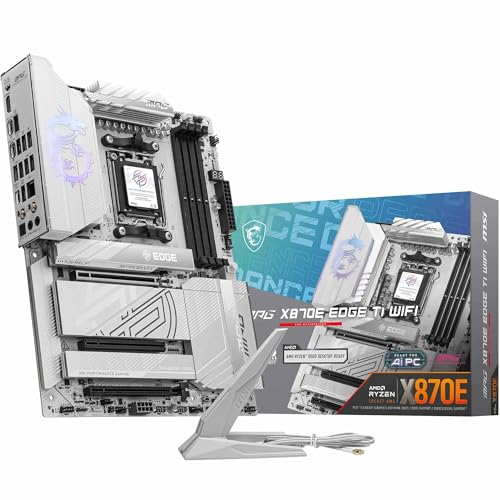
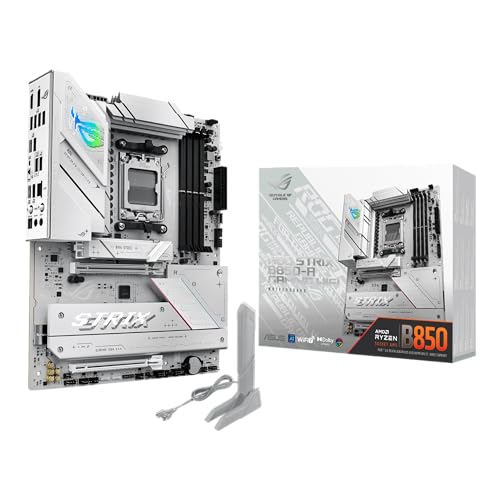
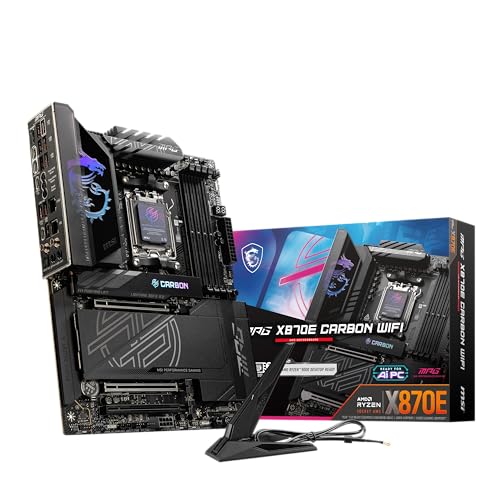
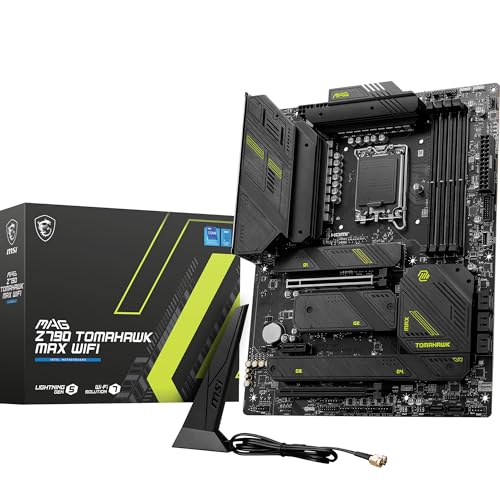
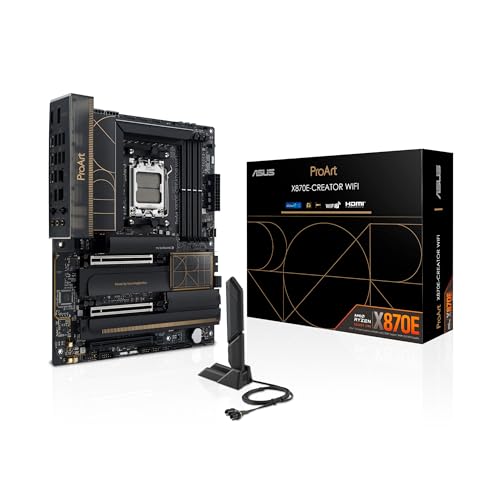
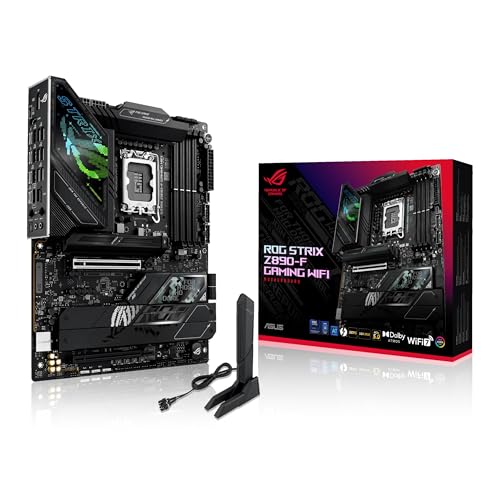
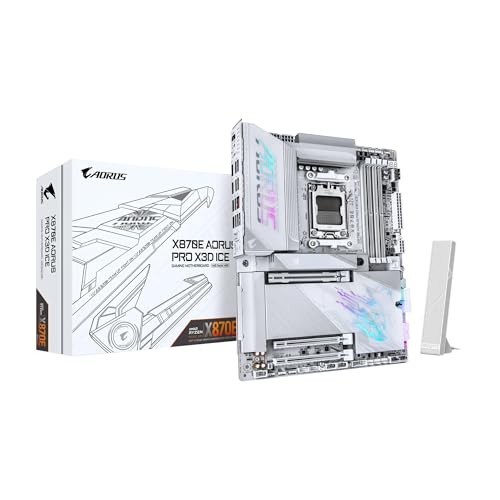
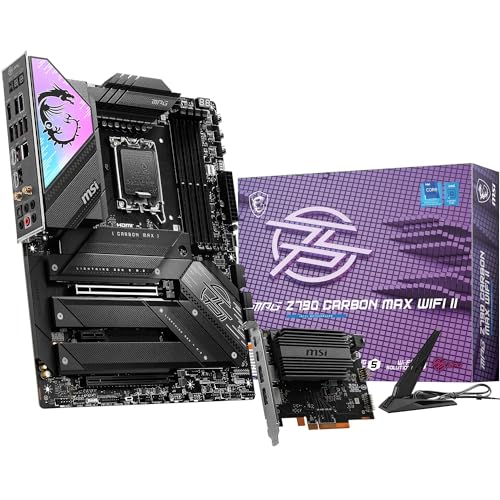
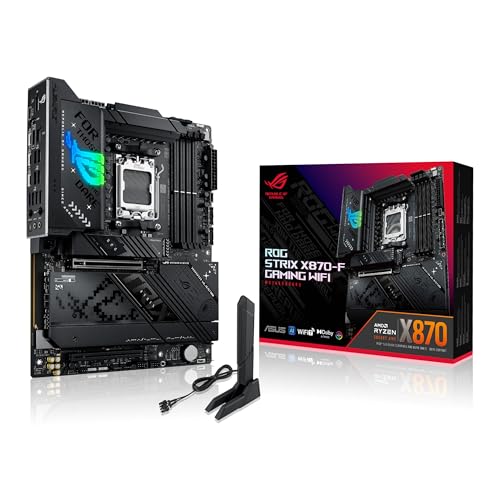
What is an ATX motherboard?
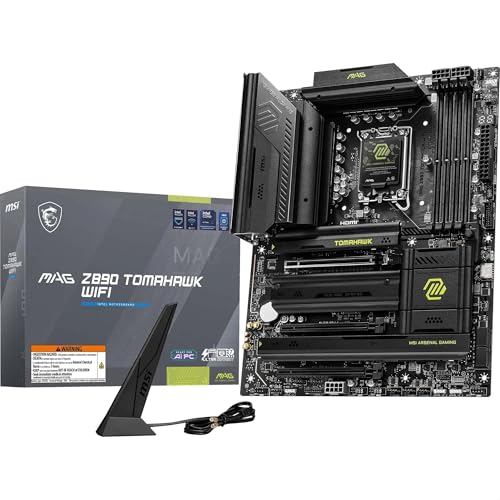
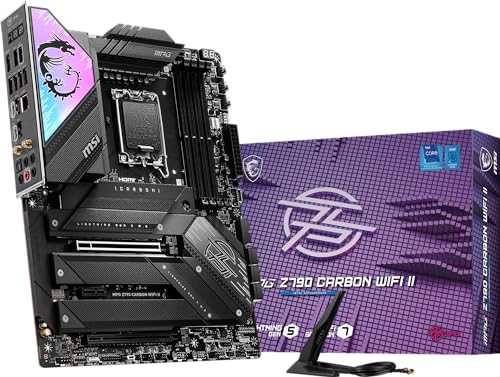
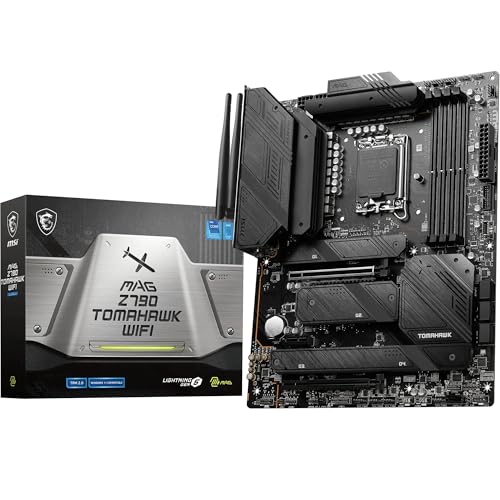
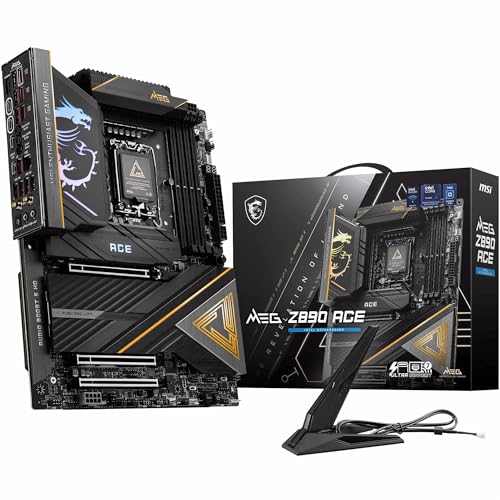
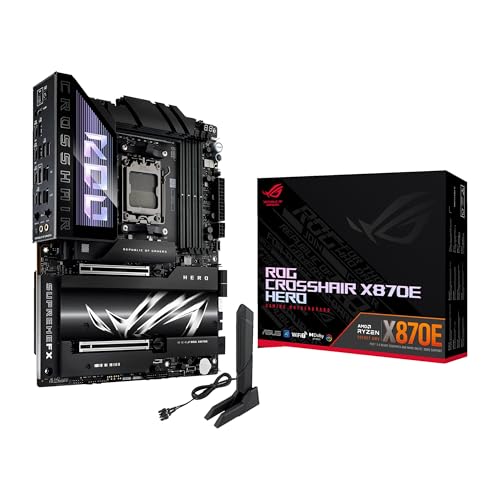
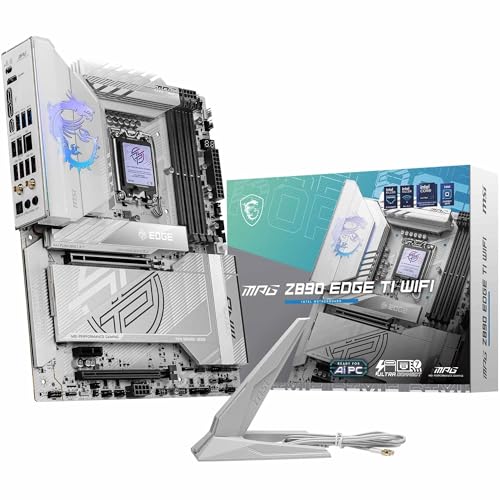
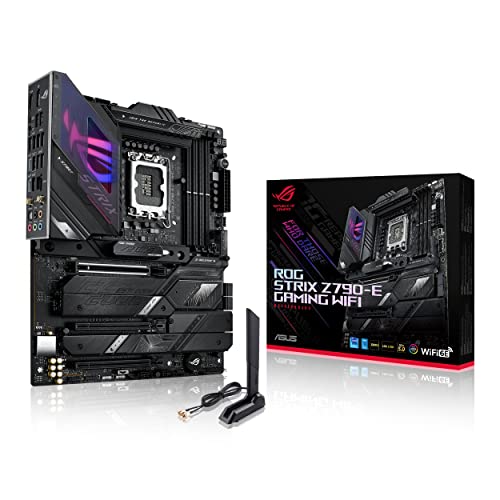
An ATX motherboard is a standard motherboard form factor that measures 305 x 244 mm and supports full-size components. It was introduced by Intel in 1995 and replaced the older Baby-AT design. ATX boards have a layout that improves airflow and positions components in a way that simplifies assembly and upgrades.
How does ATX differ from Mini-ITX or Micro-ATX?
ATX differs from Mini-ITX and Micro-ATX in size, expansion capacity, and component support. ATX motherboards are larger at 305 × 244 mm, while Micro-ATX measures 244 × 244 mm and Mini-ITX is the smallest at 170 × 170 mm. This size difference affects how many slots, ports, and features each format can integrate.
ATX boards have more room for multiple PCIe slots, additional RAM slots, and advanced cooling solutions, while Mini-ITX boards usually include a single PCIe slot and two RAM slots because of their compact layout.

Which brands make ATX motherboards in 2025?
The best ATX motherboard brands are as follows.
- ASUS (Overall score: 9 points)
- MSI (Overall score: 9 points)
- GIGABYTE (Overall score: 8.9 points)
The chart below ranks ATX motherboard brands by average overall score.
[horizontal-chart-07492407127173116585124376794665734469471352777335]
How much do ATX motherboards cost?
The following chart shows the price distribution of ATX motherboards.
[vertical-chart-00971104230858887049144766352790821949832133054059]
What CPU socket types do ATX motherboards support?
ATX motherboards support numerous CPU socket types across both Intel and AMD platforms. Intel sockets compatible with ATX form factor include LGA1151, LGA1200, LGA1700, LGA1851, and the older LGA775, LGA1155, and LGA1156 variants. AMD-compatible ATX motherboards feature AM4, AM5, TR4, sTRX4, and TRX50 sockets, along with legacy options like AM3+, AM3, and FM2+.
Which chipsets do ATX motherboards use?
ATX motherboards use multiple chipset families from both Intel and AMD, which determine the CPU socket compatibility and feature sets.
Intel ATX motherboards utilize chipsets such as the Z-series (Z790, Z690, Z590), B-series (B760, B660, B550), H-series (H770, H670, H610), and X-series (X299) for different market segments and processor generations.
AMD ATX motherboards employ chipsets like the X-series (X670E, X570, X470), B-series (B650, B550, B450), and A-series (A520) that support various Ryzen processor families and AM4 or AM5 sockets.
What memory types do ATX motherboards support?
ATX motherboards support DDR4 and DDR5 memory types, with the specific support depending on the motherboard's chipset and generation.
Modern ATX motherboards primarily use DDR4 SDRAM, which operates at speeds ranging from 2133 MHz to over 5000 MHz, while newer high-end ATX motherboards have transitioned to DDR5 memory support. DDR5 memory delivers higher bandwidth and lower power consumption compared to DDR4, but DDR4 remains widely compatible across most current ATX motherboard designs.
How much RAM can ATX motherboards handle?
ATX motherboards can handle large amounts of RAM, often up to 128 GB or 256 GB depending on the model and chipset.
Most standard ATX motherboards include four DIMM slots, which support dual-channel configurations, while high-end models may include eight slots that support quad-channel memory setups. The actual RAM capacity also depends on the type of DDR memory supported, such as DDR3, DDR4, or DDR5, which each have different maximum module sizes.
What PCIe versions do ATX motherboards support?
ATX motherboards support different PCIe versions depending on their chipset and release year. Older ATX boards usually support PCIe 2.0 or 3.0, while most modern boards support PCIe 4.0 and newer high-end models already support PCIe 5.0. The version defines the bandwidth of the slots, which affects the performance of graphics cards, SSDs, and other PCIe devices.
The standard is backward and forward compatible, so a PCIe 4.0 graphics card can run in a PCIe 3.0 slot, although with reduced bandwidth.
How many expansion slots do ATX motherboards provide?
ATX motherboards provide up to seven expansion slots, which is more than smaller form factors. These slots use the PCI Express standard, and the number of lanes depends on the chipset and CPU support. The layout usually includes at least one full-length PCIe x16 slot for a graphics card and several smaller PCIe slots for extra cards.
The full-size ATX board uses its larger dimensions to fit more slots compared with Micro-ATX or Mini-ITX, so it gives more upgrade paths for multiple GPUs, sound cards, capture cards, or networking cards.
What connectivity options do ATX motherboards have?
ATX motherboards have a wide range of connectivity options that cover both internal and external connections. They include USB ports of different generations (USB 2.0, USB 3.2, and in many cases USB-C), HDMI or DisplayPort outputs for integrated graphics, and audio jacks for sound systems. Most boards also include an Ethernet port for wired networking, while some models add Wi-Fi and Bluetooth through integrated modules.
Internally, ATX motherboards have SATA ports for storage devices, M.2 slots for NVMe SSDs, and PCIe slots for graphics cards or expansion cards. They also include fan headers and power connectors for system cooling and stability.
Audio connectors for front panel ports and headers for USB expansion are standard as well.