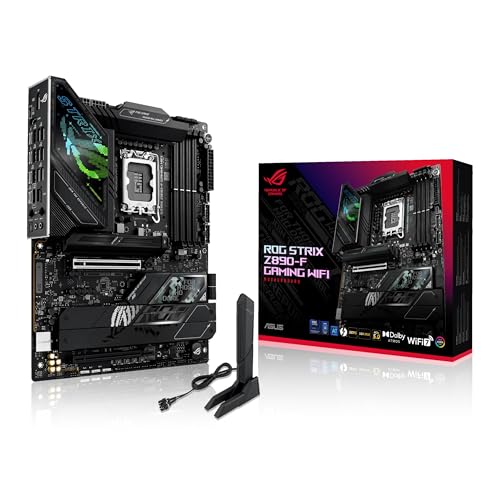
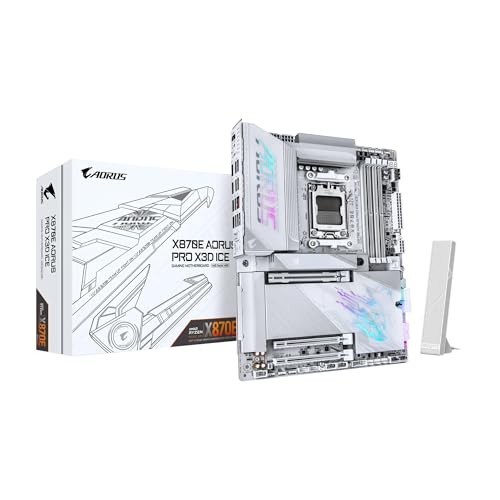
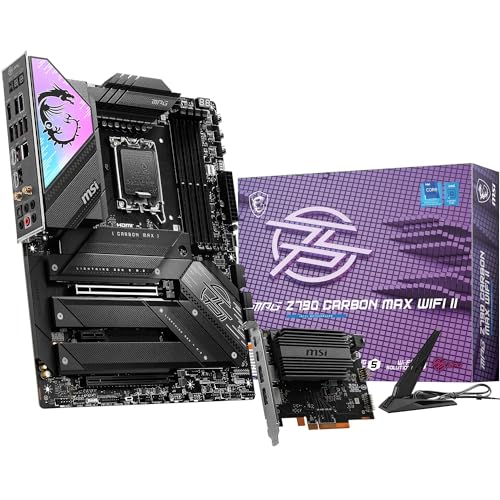
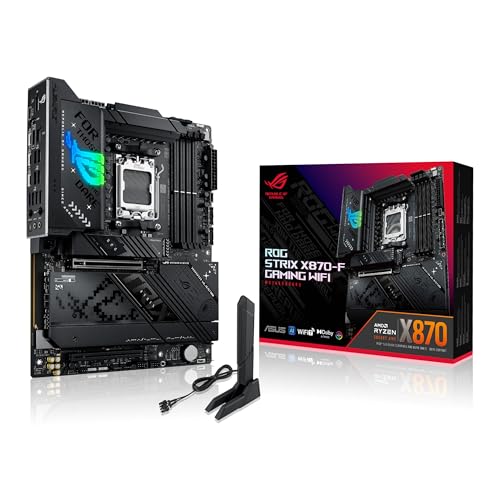
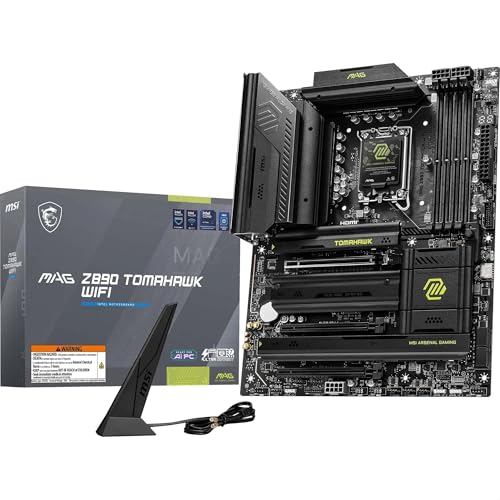
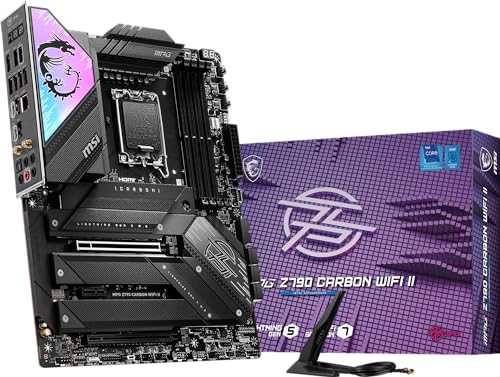
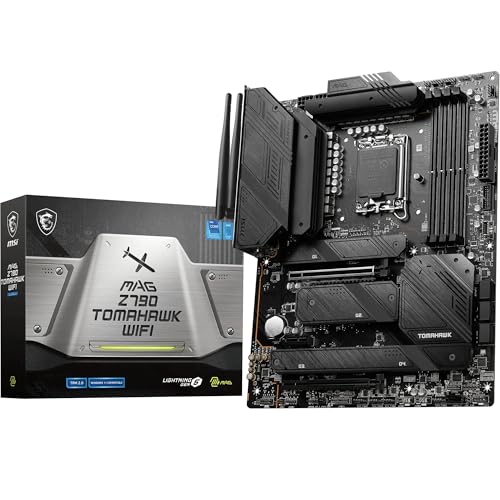
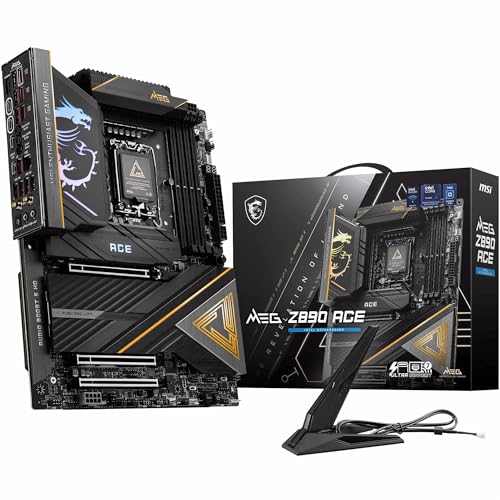
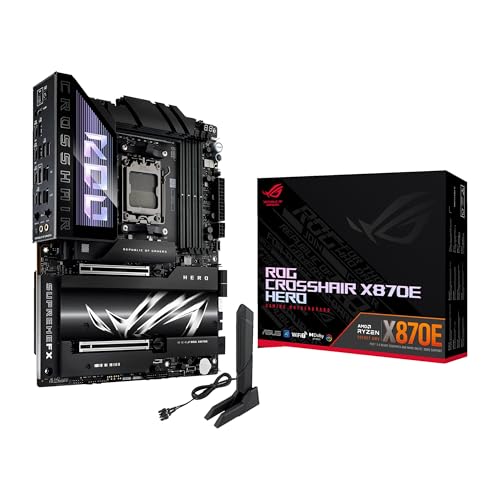
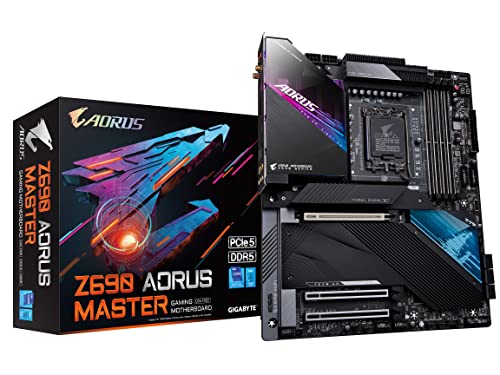
What is a DDR5 motherboard?
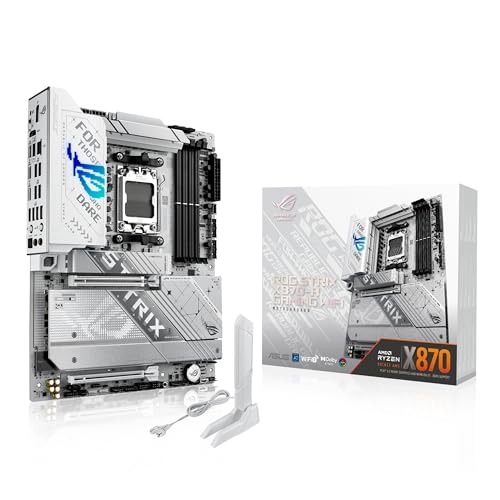
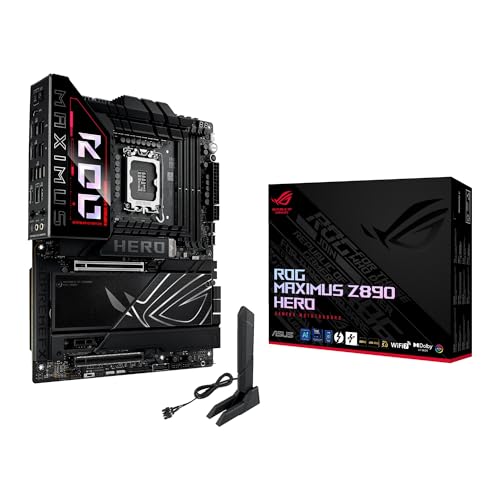
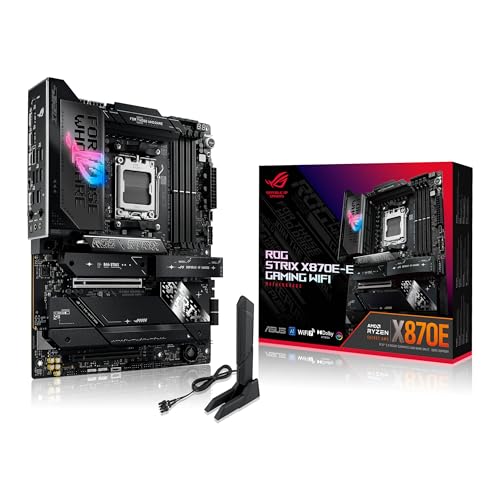
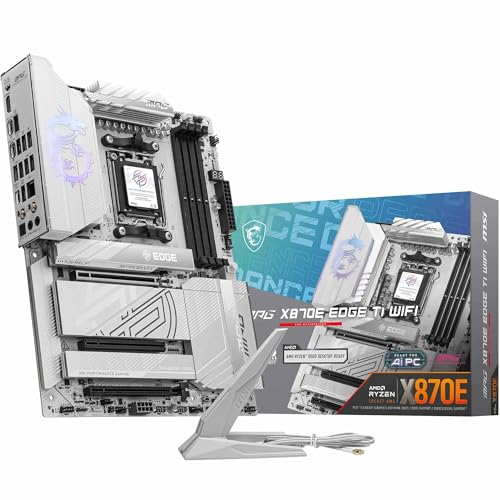
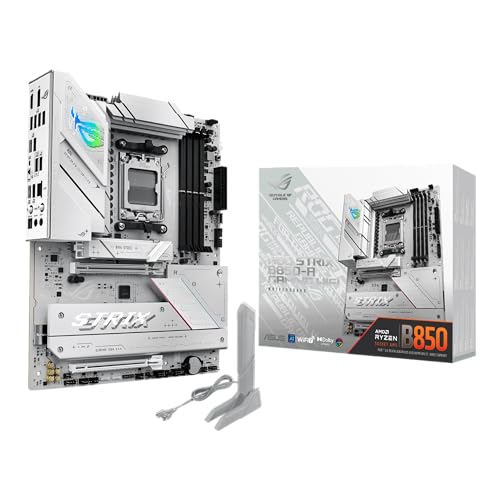
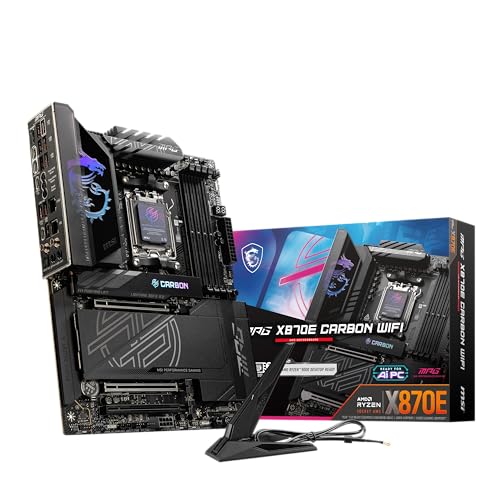
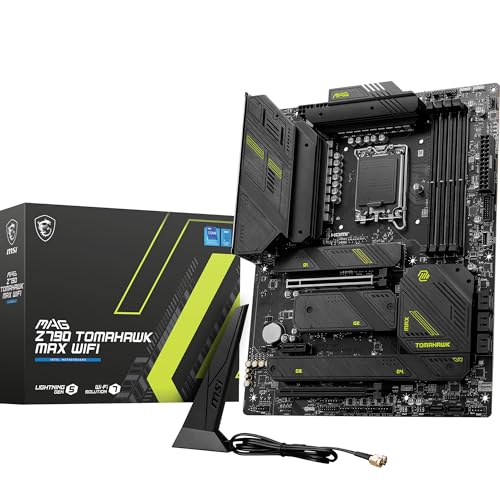
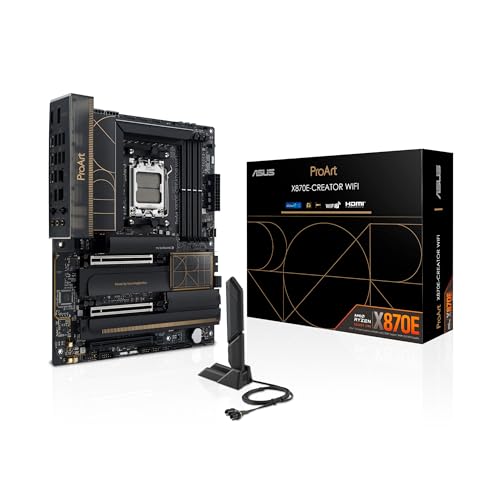
A DDR5 motherboard is a motherboard that supports DDR5 memory modules, the latest generation of system RAM used in modern PCs. It has DIMM slots designed for DDR5, which run at higher frequencies and with improved efficiency compared to DDR4. This type of motherboard provides the base for CPUs that support DDR5, so it is required if you want to use the new memory standard.
What makes a DDR5 motherboard different from older ones?
A DDR5 motherboard is different from older ones because it supports DDR5 memory instead of DDR4 or earlier generations.
DDR5 memory has higher bandwidth and higher capacity per module, so a DDR5 motherboard must use a new memory controller and different DIMM slot design. This change means DDR5 RAM modules are not physically compatible with DDR4 slots, and a DDR5 motherboard cannot run DDR4 memory unless the board is built with special dual-support slots.
DDR5 motherboards also use new power management features. The voltage regulation for DDR5 modules happens on the memory stick itself (through a power management IC), while older boards handled voltage control on the motherboard. This design reduces signal noise and allows better power efficiency at higher speeds.
Chipsets built for DDR5 motherboards also support newer CPUs, faster PCIe standards, and updated connectivity features, so a DDR5 motherboard represents a full platform update rather than just a memory upgrade.
Can I use DDR4 RAM in a DDR5 motherboard?
You cannot use DDR4 RAM in a DDR5 motherboard. DDR4 and DDR5 use different physical slots, so the modules do not fit each other’s sockets. The pin layout and notch positions are not the same, so you cannot insert DDR4 sticks into a DDR5 slot (or the other way around).

Which brands make the best DDR5 motherboards?
The best DDR5 motherboard brands are as follows.
- ASUS (Overall score: 9 points)
- MSI (Overall score: 9 points)
- GIGABYTE (Overall score: 8.9 points)
The chart below ranks DDR5 motherboard brands by average overall score.
[horizontal-chart-02760885703651756769029528061477096102293880250404]
How much do DDR5 motherboards cost?
DDR5 motherboards cost between £130 and £550 depending on the chipset, brand, and features.
Entry-level models usually start around £130 to £170, while mid-range options with better VRMs, more M.2 slots, and faster connectivity cost £220 to £340. High-end motherboards with advanced power delivery, PCIe 5.0 lanes, and extensive connectivity can reach £430 or more.
The price also depends on the socket and chipset generation. Intel’s Z690, Z790, and AMD’s X670 motherboards with DDR5 support tend to cost more than DDR4 versions of the same series.
The following chart shows the price distribution of DDR5 motherboards.
[vertical-chart-11684148470607022160106057542371046896441004693328]
What else should you consider when buying a DDR5 motherboard?
When buying a DDR5 motherboard, you should consider the following key factors:
CPU socket compatibility: The motherboard must match your processor's socket type. Intel 12th Gen and newer processors use the LGA 1700 socket, while AMD Ryzen 7000 series and newer use the AM5 socket. The socket determines which CPU generation you can install and affects your system's performance ceiling.
Memory speed support: Different motherboards support different DDR5 speeds from the standard 4800MT/s up to 8800MT/s. Check the motherboard's specifications to match your desired memory speed, as the board will bottleneck faster RAM if it cannot support the rated speeds. Higher-end boards typically support faster memory speeds and better overclocking capabilities.
PCIe version and expansion slots: Modern DDR5 motherboards include PCIe 5.0 slots which support the latest graphics cards and NVMe SSDs. Consider how many PCIe x16 slots you need for graphics cards and expansion cards. The number and type of PCIe slots determine your upgrade path for future components.
Storage options and M.2 slots: DDR5 motherboards typically feature multiple M.2 slots for NVMe SSDs, with some boards including up to five slots. Check how many M.2 slots you need for fast storage and whether the board includes both PCIe 4.0 and 5.0 M.2 slots. Also verify the number of SATA ports if you plan to use traditional hard drives or older SSDs.
Power delivery system: The VRM (voltage regulator module) design affects CPU overclocking performance and stability. Look for boards with robust power stages, especially if you plan to overclock your processor. DDR5 modules handle their own power regulation, but the CPU power delivery remains on the motherboard.
When buying a DDR5 motherboard, you should consider the following key factors:
CPU socket compatibility: The motherboard must match your processor's socket type. Intel 12th Gen and newer processors use the LGA 1700 socket, while AMD Ryzen 7000 series and newer use the AM5 socket. The socket determines which CPU generation you can install and affects your system's performance ceiling.
Memory speed support: Different motherboards support different DDR5 speeds from the standard 4800MT/s up to 8800MT/s. Check the motherboard's specifications to match your desired memory speed, as the board will bottleneck faster RAM if it cannot support the rated speeds. Higher-end boards typically support faster memory speeds and better overclocking capabilities.
PCIe version and expansion slots: Modern DDR5 motherboards include PCIe 5.0 slots which support the latest graphics cards and NVMe SSDs. Consider how many PCIe x16 slots you need for graphics cards and expansion cards. The number and type of PCIe slots determine your upgrade path for future components.
Storage options and M.2 slots: DDR5 motherboards typically feature multiple M.2 slots for NVMe SSDs, with some boards including up to five slots. Check how many M.2 slots you need for fast storage and whether the board includes both PCIe 4.0 and 5.0 M.2 slots. Also verify the number of SATA ports if you plan to use traditional hard drives or older SSDs.
Power delivery system: The VRM (voltage regulator module) design affects CPU overclocking performance and stability. Look for boards with robust power stages, especially if you plan to overclock your processor. DDR5 modules handle their own power regulation, but the CPU power delivery remains on the motherboard.