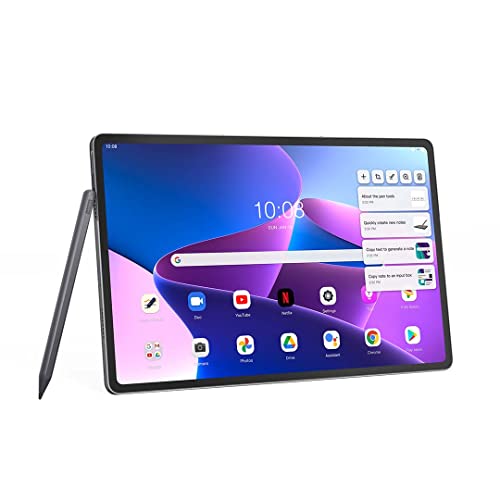
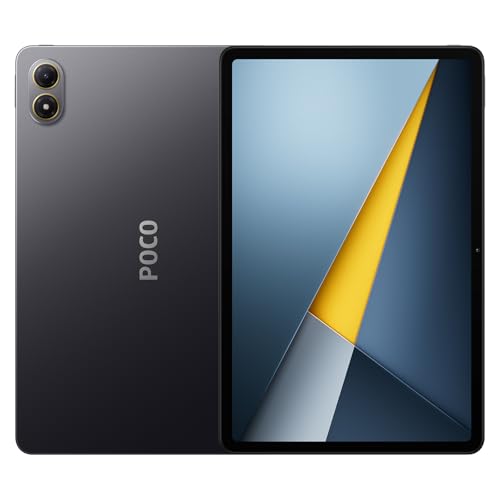
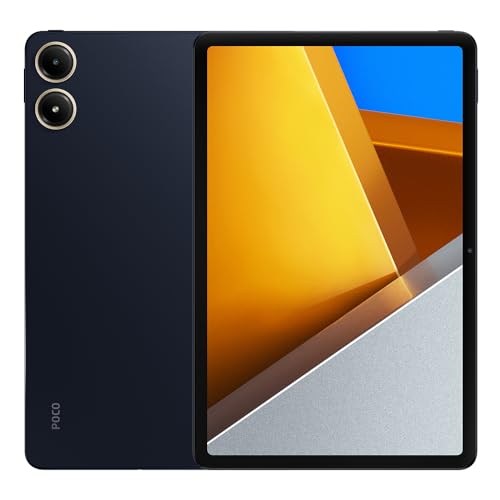
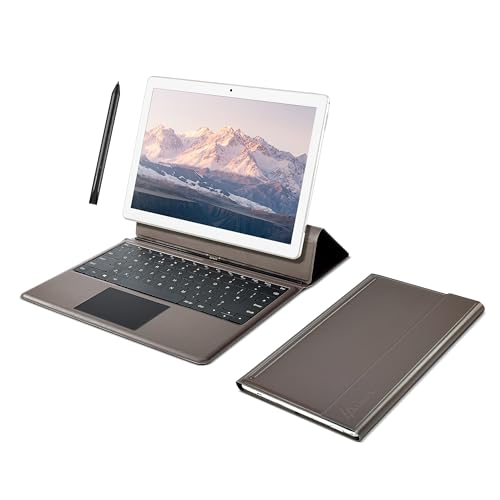
How good are tablets under £300?
Tablets under £300 are good for everyday use but they do not reach the performance level of high-end models.
You can expect smooth web browsing, video streaming, and use of social media apps, while heavier tasks such as advanced gaming or complex multitasking show clear limits. In this range, displays usually reach Full HD resolution, which is sharp enough for reading and watching films, and some models include IPS panels with good viewing angles.
Hardware in this price category often includes 3 GB to 6 GB of RAM and 64 GB to 128 GB of storage, which is enough for basic apps and media files but may require microSD expansion for heavier use. Processors tend to be mid-range chips that balance efficiency and speed, so tablets stay responsive with standard tasks but show slower performance with high-load apps.
Battery life usually reaches 8 to 12 hours depending on screen size and usage, which is adequate for daily work or entertainment.
Build quality is simpler compared with premium tablets, with more plastic frames and less refined design, but weight is usually lower, so these devices remain practical for travel and casual use.
Which brands make the best tablets under £300?
The best tablet brands under £300 are as follows.
- Vivo (Overall score: 8.5 points)
- Xiaomi (Overall score: 8.3 points)
- Lenovo (Overall score: 7.5 points)
The chart below ranks tablet brands under £300 based on their overall scores.
[horizontal-chart-13121936951479204330181142556626195252813537496819]
How powerful are processors and RAM in tablets under £300?
Processors and RAM in tablets under £300 are mid-range, so they handle everyday tasks well but not heavy workloads.
Most models use octa-core chips from MediaTek, Unisoc, or Qualcomm Snapdragon entry series, which support smooth web browsing, video streaming, and light multitasking, but they are slower with demanding apps and 3D games. Performance is balanced for casual use, and while you can run several apps at once, you may notice slowdowns with resource-intensive software.
RAM usually ranges between 3 GB and 6 GB, which is enough for smooth use in Android and Windows tablets at this price. Storage is often 64 GB or 128 GB, with expansion through microSD cards, so capacity is flexible if you need more space for apps or media.
The chart below illustrates how RAM capacity is distributed across tablets under £300.
[vertical-chart-15949153441163342829142913818886917574182447013501]
How long does the battery last on tablets under £300?
The battery on tablets under £300 usually lasts between 8 and 12 hours on a single charge, which covers a full day of typical use such as browsing, streaming, or light gaming. Cheaper models tend to stay closer to the lower end of this range, while slightly higher-end tablets in this price bracket often reach the upper limit.
Capacity usually falls between 5000 and 8000 mAh, which is enough for most daily activities. The actual runtime depends on display size, brightness, and processor efficiency, so a tablet with a large screen but the same battery capacity will drain faster than a smaller device.
Charging speed is also slower in this range since tablets under £300 rarely support fast charging above 18 W.
How much storage do tablets under £300 include?
Tablets under £300 usually include 32 GB to 64 GB of internal storage, and in some cases 128 GB.
Entry-level models often stay at 32 GB, which fills up fast with apps, photos, and system files, while mid-range options in this price segment tend to start at 64 GB. A few brands reach 128 GB in this budget category, but these remain less common.
Storage capacity often comes with the option to expand it through a microSD card slot, which adds flexibility if the internal memory is limited.
How good are the screens on tablets under £300?
Screens on tablets under £300 are usually good for everyday use, but they vary in quality depending on the model.
Most devices in this range use IPS LCD panels with Full HD resolution (1920 × 1200), which is sharp enough for browsing, video streaming, and reading. Brightness levels usually stay between 300 and 400 nits, so the display looks clear indoors but can struggle under direct sunlight. Viewing angles are wide because of IPS technology, and colors look natural, although not as vivid as on higher-end OLED panels.
Some tablets under £300 use larger 10- to 11-inch screens, which give enough space for media and multitasking. Pixel density in this range typically falls between 220 and 270 ppi, which is fine for text and images without noticeable pixelation at normal viewing distances.
Higher refresh rates are rare, so most models stay at 60 Hz, but touch response is fast enough for smooth navigation and light gaming.
What else to consider while choosing the best tablet under £300?
When choosing the best tablet under £300, you need to consider several key factors as follows:
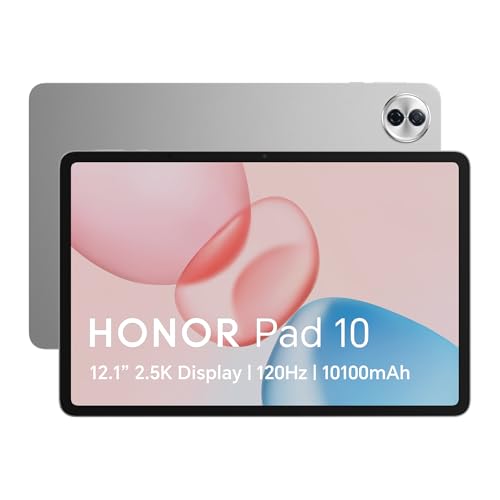
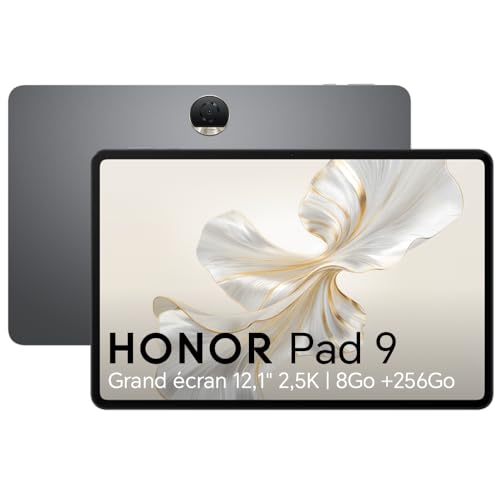
- Display quality and refresh rate: The screen determines your overall visual experience and comfort during extended use. Look for tablets with 1920x1200 resolution or higher and consider 90Hz or 120Hz refresh rates for smoother scrolling and better responsiveness. Samsung Galaxy Tab A9+ features a 90Hz display, while Xiaomi Pad 7 and Honor Pad 9 come with 120Hz screens. High refresh rates reduce motion blur and create fluid animations which enhance gaming and media consumption.
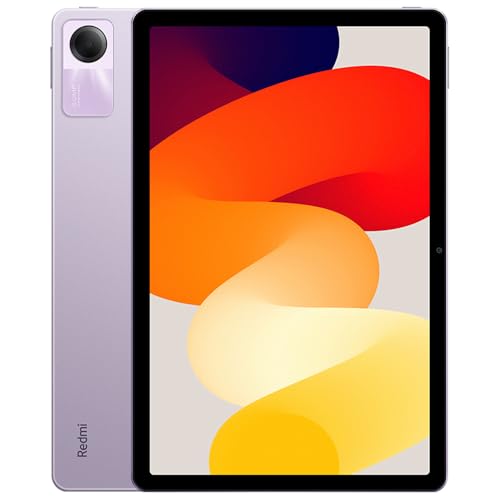
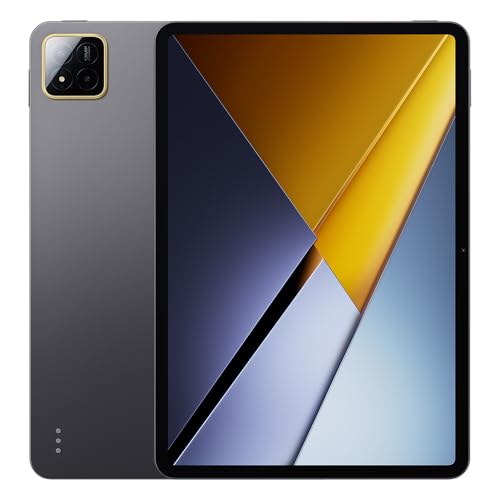
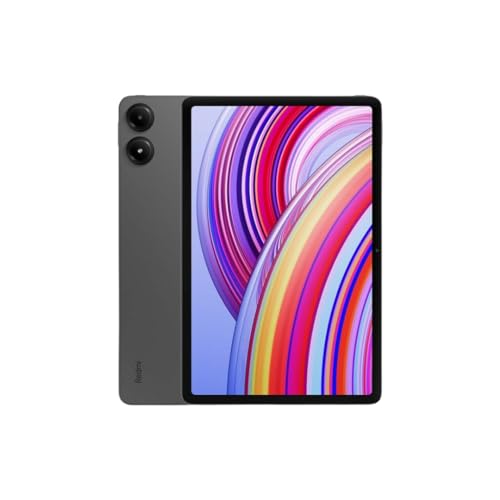
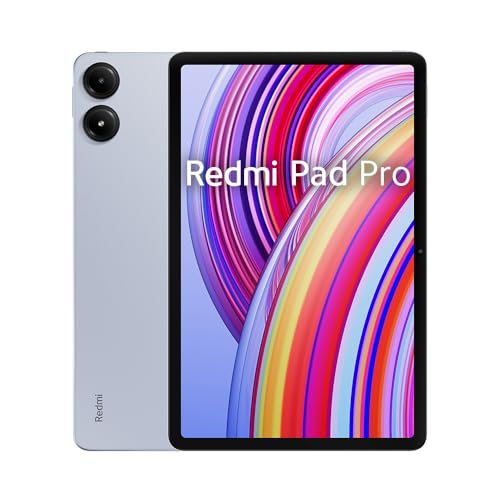
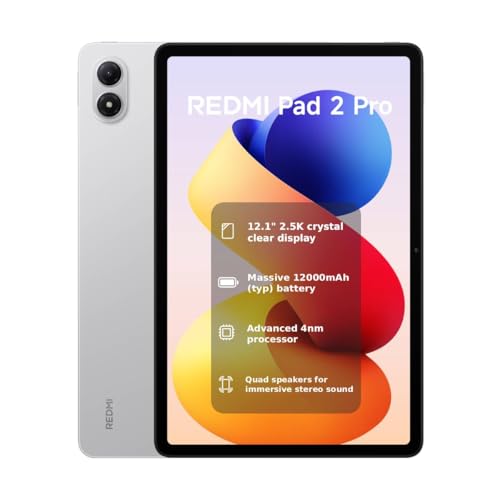
- Performance: The chipset controls how fast your tablet runs apps and handles multitasking. Snapdragon 7-series processors like the SD 7s Gen 2 in Xiaomi Redmi Pad Pro deliver solid performance for everyday tasks. Samsung Galaxy Tab S6 Lite 2024 uses Exynos 1280 which handles basic productivity and media streaming well. MediaTek Helio G99 processors in tablets like the Xiaomi Redmi Pad SE work fine for light gaming and web browsing but struggle with intensive applications.
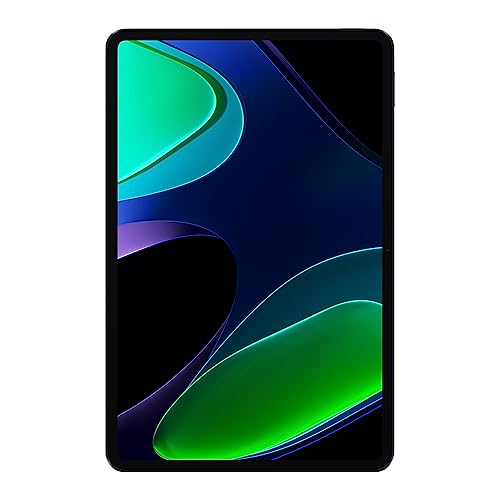
- RAM and storage: Memory capacity affects how many apps you can run simultaneously and how much content you can store locally. Look for tablets with at least 4GB RAM for basic multitasking, while 6-8GB RAM configurations in models like Xiaomi Pad 6 handle more demanding tasks smoothly. Storage options range from 64GB to 256GB, with expandable storage through microSD cards available on many Android tablets for additional flexibility.
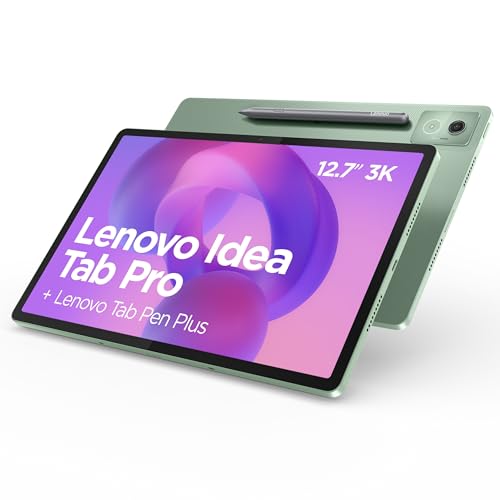
- Battery: Battery performance determines how long you can use your tablet without charging. Tablets under £300 typically deliver 8-15 hours of usage depending on screen brightness and tasks. Lenovo Tab P12 and Samsung Galaxy Tab A9+ models consistently achieve over 10 hours of video playback. Power-efficient processors like Snapdragon 695 5G in Samsung Galaxy Tab A9+ help extend battery life during regular use.
- Stylus support and input methods: Stylus compatibility opens creative possibilities and improves productivity for note-taking and drawing. Samsung Galaxy Tab S6 Lite 2024 includes the S Pen which supports pressure sensitivity and palm rejection for natural writing and sketching. Lenovo P11 2nd Gen comes with an included pen for basic stylus functionality. Amazon Fire Max 11 supports optional stylus accessories but lacks the advanced features of dedicated stylus systems.
- Operating system: The software platform determines which apps you can access and how long your tablet receives security updates. Android tablets like Samsung Galaxy models get 3-4 years of security updates while Amazon Fire tablets run Fire OS with limited Google Play Store access. Samsung tablets integrate well with Galaxy phones through features like Samsung DeX for desktop-like productivity, while Xiaomi tablets offer clean Android experiences with MIUI optimizations.
- Build quality and design: Physical construction affects durability and premium feel during daily use. Samsung Galaxy Tab series tablets feature aluminum frames and glass backs while budget models often use plastic construction to reduce costs. Lenovo Tab P12 offers a larger 12.7-inch display in a relatively portable form factor, while compact tablets like Xiaomi Redmi Pad SE balance portability with screen real estate for media consumption and reading tasks.