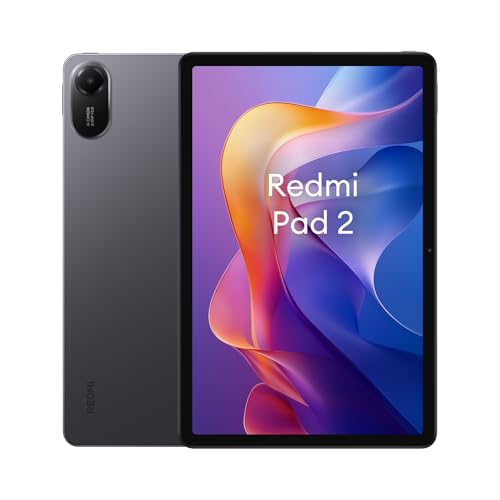
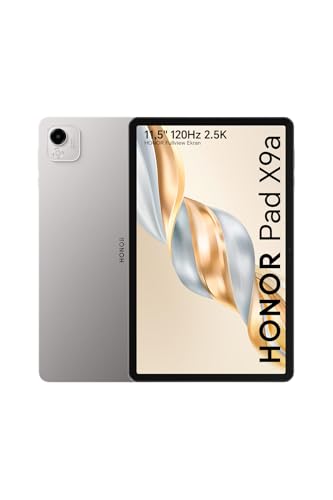
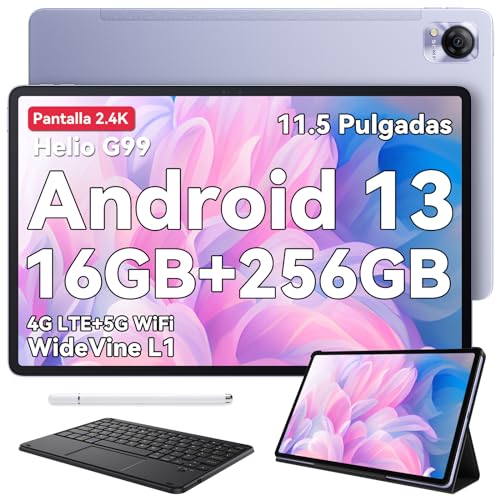
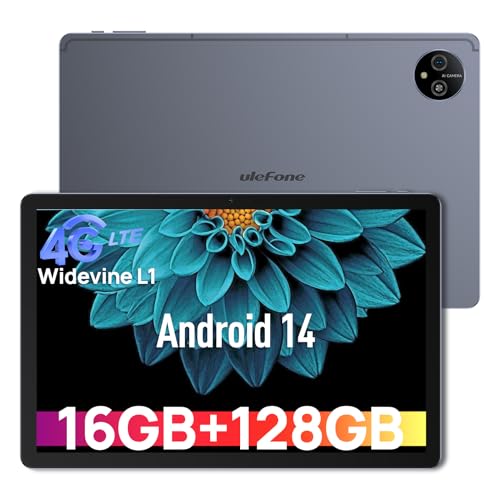
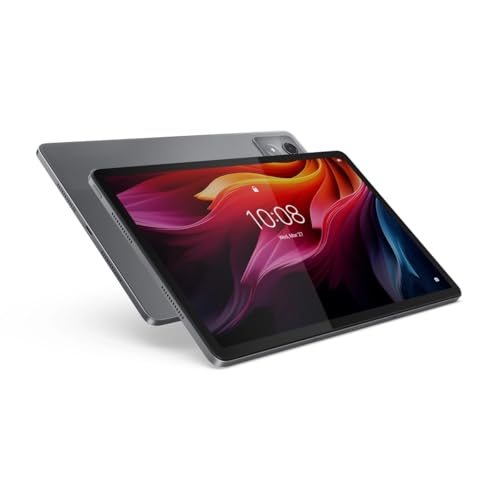
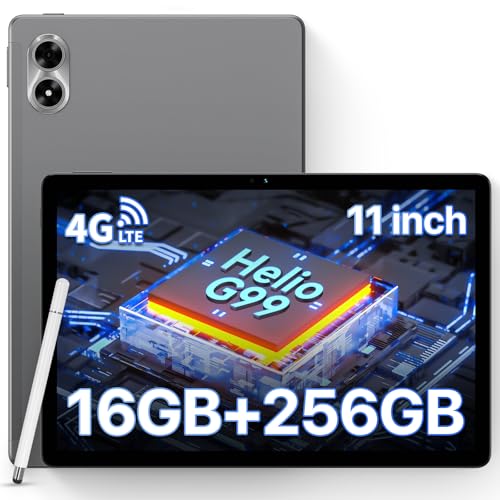
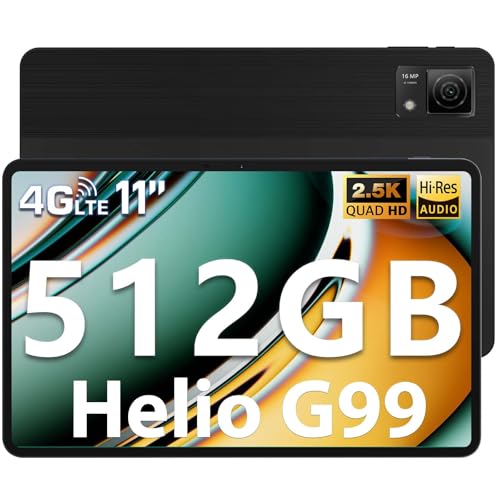
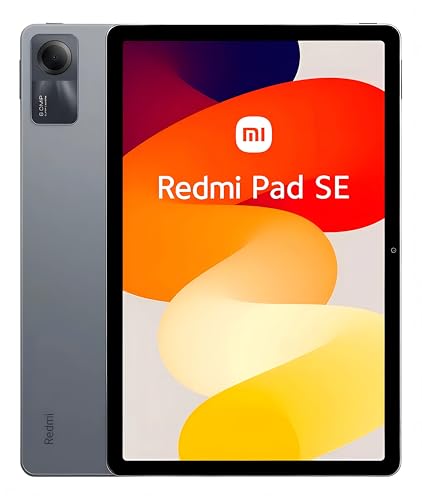
Are tablets under £200 worth buying?
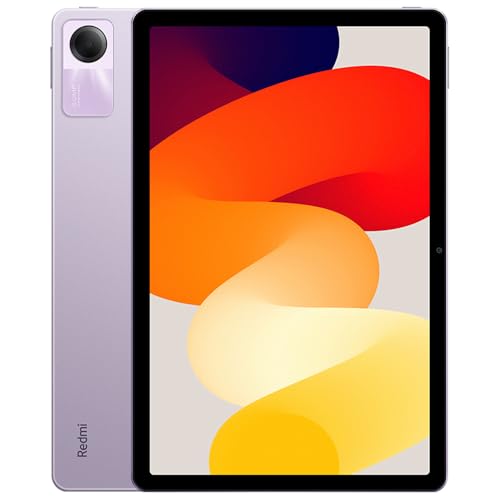
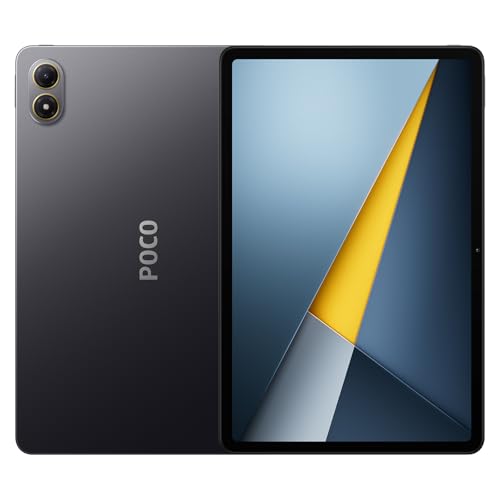
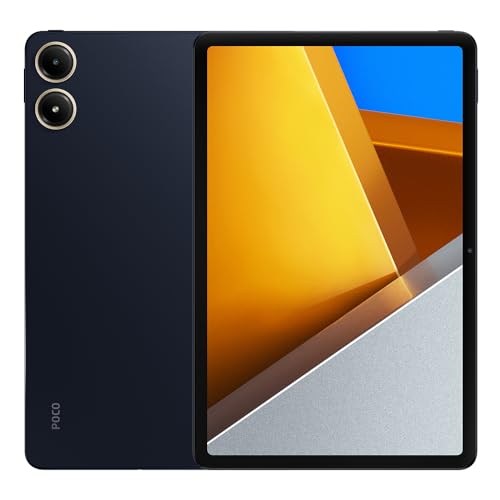
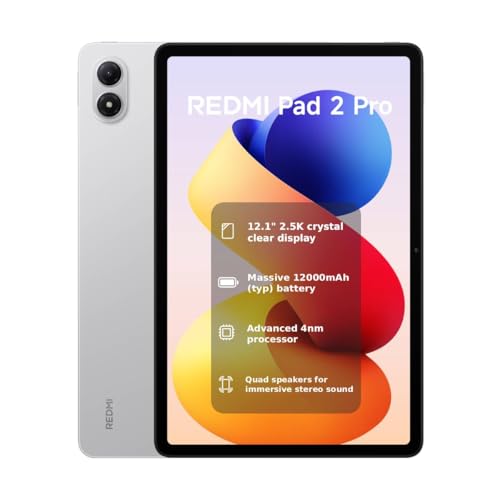
Tablets under £200 are worth buying if you need a device for basic use such as web browsing, social media, streaming videos, and light apps.
At this price range, tablets usually have compact screens, moderate resolution, and processors that handle simple tasks well. They run daily applications without problems, but they are not suitable for heavy gaming or advanced productivity.
Which brands make the best tablets under £200?
The best tablet brands under £200 are as follows.
- Xiaomi (Overall score: 7.6 points)
- Realme (Overall score: 7.3 points)
- Lenovo (Overall score: 7.3 points)
The chart below ranks tablet brands under £200 based on their overall scores.
[horizontal-chart-08213621868178681335013210185097849514342784264104]
How powerful are processors and RAM in tablets under £200?
Processors and RAM in tablets under £200 are usually entry-level and best for light tasks.
Most models use quad-core or octa-core processors with clock speeds around 1.5 to 2.0 GHz, which handle web browsing, streaming, and simple apps well but struggle with demanding games or multitasking. RAM often ranges between 2 GB and 4 GB, so performance stays limited if you run several apps at once.
RAM capacity across tablets under £200 is distributed in the following chart.
[vertical-chart-05390444935759903366142226702086018693743641410325]
How much storage do tablets under £200 include?
Tablets under £200 include storage that usually starts at 32 GB and goes up to 64 GB in most models. Some cheaper devices still have only 16 GB, but this is less common today as it limits the number of apps and files that can be kept. At this price range, 64 GB is already considered a good option, since it gives more space for apps, photos, and offline videos.
Most tablets under £200 include a microSD slot, so storage can be expanded with a memory card. This is useful because base storage fills up quickly once apps, system updates, and media files are installed.
How good are the screens on tablets under £200?
Screens on tablets under £200 are generally good for everyday use, but they do not reach the quality of mid-range or premium models.
Most tablets in this range use LCD panels with HD or Full HD resolution, which is sharp enough for browsing, watching videos, and casual gaming. Brightness usually stays between 300 and 400 nits, so screens are readable indoors but struggle under direct sunlight.
Color accuracy and contrast vary depending on the brand and model, but you can expect decent performance for streaming and media use. Tablets under £200 rarely use AMOLED panels, which means blacks are less deep and colors less vivid compared to higher-end devices.
Refresh rates stay at 60 Hz, which is smooth enough for normal tasks but not as fluid as 90 Hz or 120 Hz displays used in more expensive tablets.
How long does the battery last on tablets under £200?
Battery life on tablets under £200 usually lasts between 6 and 10 hours, which depends on the brand, screen size, and processor efficiency. Models with smaller screens and lower resolution often reach the higher end of this range, while larger displays and stronger processors consume more power and reduce usage time.
Most devices in this price category have batteries with capacities from 4000 to 6000 mAh, which supports web browsing, streaming, and light gaming for several hours.
Charging speed is usually slower compared to more expensive tablets, so a full recharge can take 3 to 4 hours.
What else to consider while choosing the best tablet under £200?
When choosing the best tablet under £200, consider the following factors:
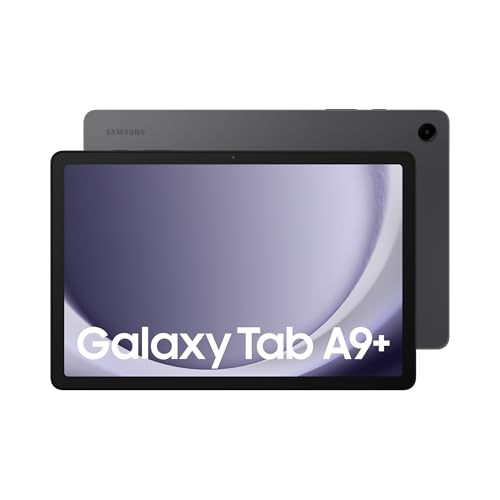
- Performance: The chipset determines how smoothly your tablet runs apps and multitasks between programs. Budget tablets often feature entry-level processors like MediaTek Helio G80 in Lenovo Tab M9 or Qualcomm Snapdragon 665 in Samsung Galaxy Tab A9+. These processors handle basic tasks like web browsing and video streaming well, but struggle with demanding games or heavy multitasking.
- Display: Screen dimensions range from 7 to 13 inches, and resolution affects your viewing experience significantly. The Samsung Galaxy Tab A9+ features an 11-inch FHD+ display with 90Hz refresh rate, while Amazon Fire HD 10 offers a 10.1-inch screen with 1920x1200 pixels. Higher refresh rates create smoother scrolling and better visual fluidity for gaming and media consumption.
- Battery: Most quality tablets should provide 8-10 hours of continuous use for daily activities. The Amazon Fire HD 10 delivers over 10 hours of battery life, while some Samsung models like the Galaxy Tab A8 have shorter battery duration. Battery performance directly impacts your tablet's usability for travel and extended work sessions.
- Storage: Internal storage varies from 32GB to 128GB in budget tablets, and microSD card slots allow expansion up to 1TB. The Samsung Galaxy Tab A8 comes in 32GB, 64GB, or 128GB variants, while most Amazon Fire tablets include microSD expansion slots. Consider your download habits for apps, games, movies, and files when selecting storage capacity.
- Operating system: Android tablets access Google Play Store with millions of apps, while Amazon Fire tablets use Fire OS with limited app selection. Samsung tablets run Android with Samsung's interface additions like Samsung DeX for desktop-like productivity. Your choice affects app availability and ecosystem integration with other devices you own. You won't find Apple iPads in this budget range since iPadOS devices typically start around £400 or higher.
- Durability: Construction materials range from plastic to metal bodies, affecting longevity and premium feel. The Samsung Galaxy Tab A8 features a metal chassis despite its budget pricing, while some competitors use plastic construction. Solid build quality protects your investment and provides better tactile experience during daily use.
- Software updates and support: Long-term software support extends your tablet's useful life and security protection. Samsung provides extended update cycles for Galaxy Tab series, while Amazon regularly updates Fire tablets with new features. Regular updates fix bugs, add features, and maintain compatibility with newer apps and services.