Which brands make the best motherboards compatible with Windows 11?
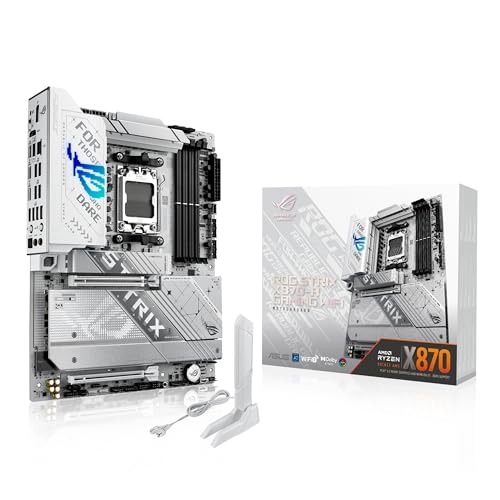
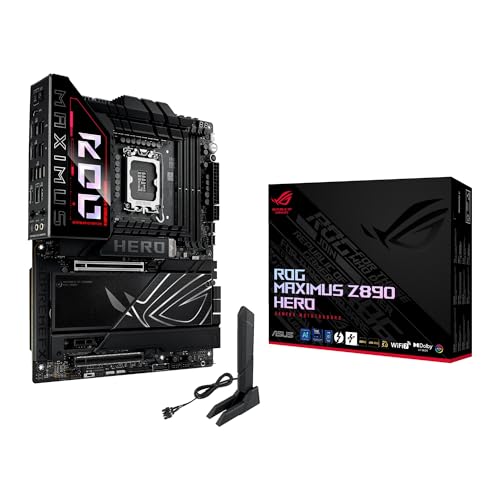
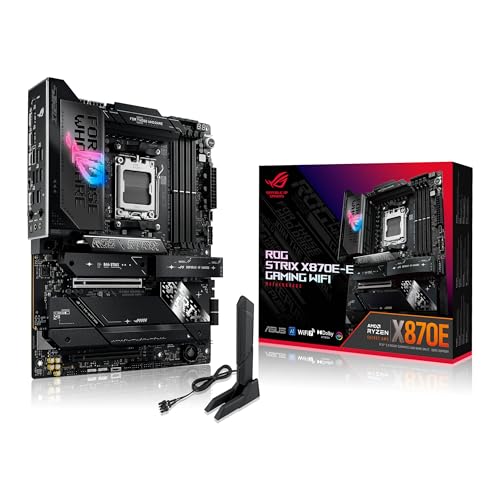
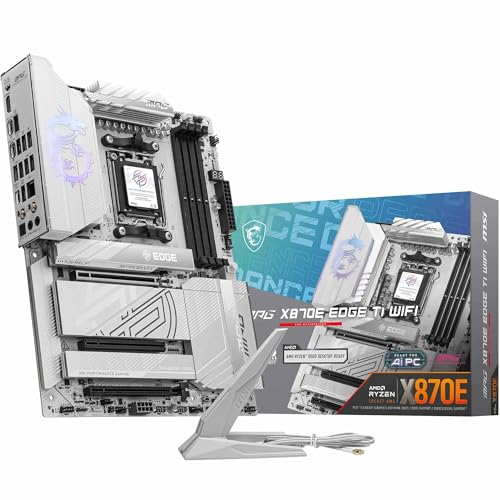
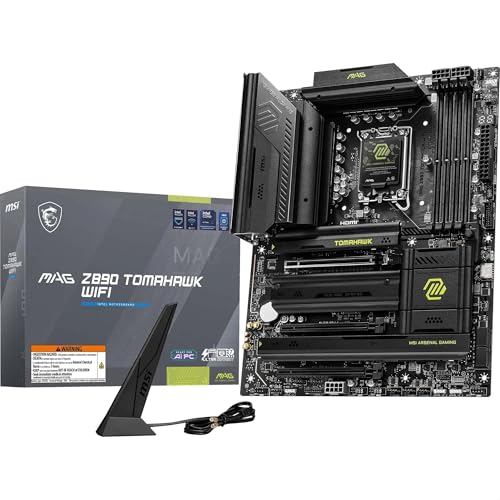
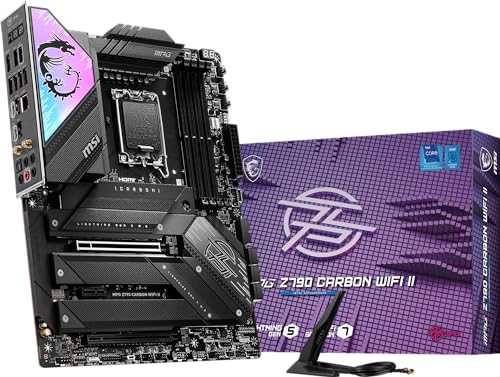
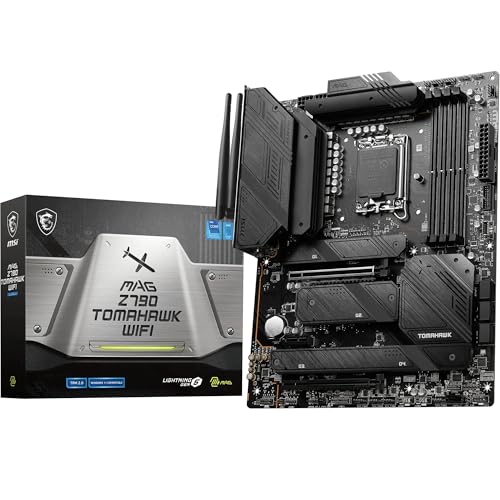
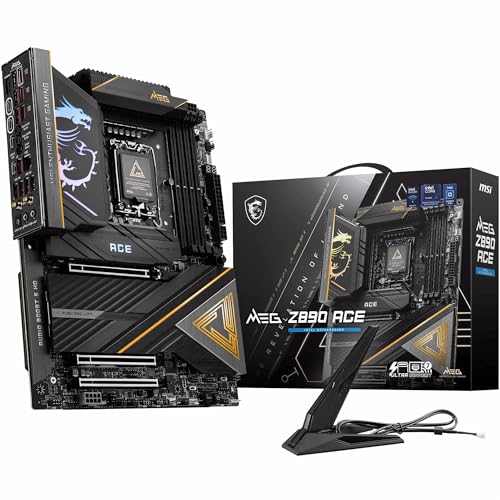
The best motherboard brands compatible with Windows 11 are as follows.
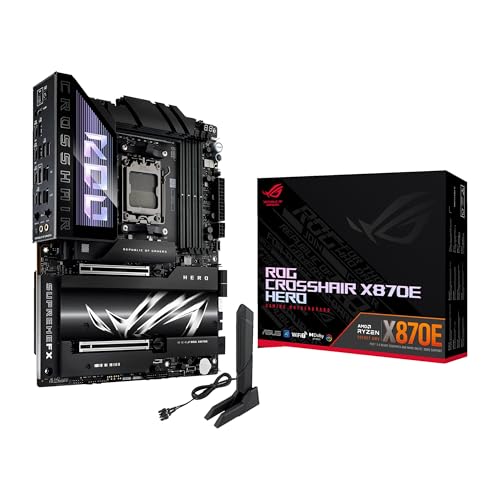
- ASUS (Overall score: 9 points)
- MSI (Overall score: 9 points)
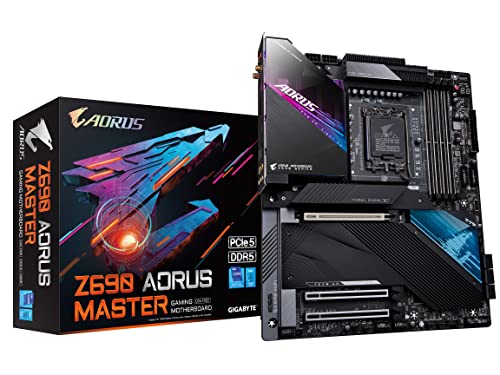
- GIGABYTE (Overall score: 8.9 points)
The chart below ranks Windows 11-compatible motherboard brands by average overall score.
[horizontal-chart-16229708900361355673039634166635434606042112039969]
Windows 11 requires a motherboard with UEFI firmware, Secure Boot capability, and a Trusted Platform Module (TPM) version 2.0. The motherboard must support UEFI instead of legacy BIOS and have TPM 2.0 either as a discrete chip or integrated firmware TPM (fTPM). Secure Boot must be available and can be enabled in the UEFI settings, which verifies the digital signature of the operating system during startup.
The motherboard also needs specific processor socket compatibility since Windows 11 supports only 8th generation Intel processors and newer, plus AMD Ryzen 2000 series and newer processors.
Most modern motherboards from 2017 onwards meet these requirements, but older boards may lack TPM 2.0 support or proper UEFI implementation. Some motherboards require a BIOS update to enable TPM functionality or to add fTPM support through firmware.
How can I check if my motherboard supports Windows 11?
You can check if your motherboard supports Windows 11 by verifying that your system meets Microsoft's hardware requirements through the PC Health Check app or by manually checking your motherboard's specifications. The primary requirements include TPM 2.0 (Trusted Platform Module), UEFI firmware with Secure Boot capability, and a compatible CPU from Intel's 8th generation or AMD's Ryzen 2000 series and newer.
Are there workarounds for unsupported motherboards or CPUs?
Yes, there are workarounds for unsupported motherboards or CPUs, though they require technical modifications and carry risks. These methods bypass hardware compatibility checks that prevent newer operating systems from running on older hardware.
Registry modifications represent the most common workaround approach. Users can edit Windows Registry entries to disable TPM 2.0 and Secure Boot requirements, which block installation on unsupported systems. The process involves creating specific registry keys that trick the system into believing hardware requirements are met.
Boot media modifications also work effectively - users can modify Windows installation media by removing compatibility check files or using third-party tools that patch the installer. This method allows the installation process to proceed without hardware verification.
BIOS modifications provide another solution for some systems. Flashing custom BIOS firmware can enable TPM emulation or modify hardware reporting to meet system requirements. However, this approach carries significant risks since incorrect BIOS modifications can permanently damage the motherboard.
How much do Windows 11-compatible motherboards cost?
Windows 11-compatible motherboards cost between £70 and £550, depending on the chipset, brand, and features.
Entry-level models with basic functionality start at around £70 to £110, while mid-range boards with more connectivity, faster RAM support, and multiple PCIe slots usually fall in the £130 to £260 range. High-end motherboards designed for gaming or professional workstations reach £340 to £550 because they include premium chipsets, advanced power delivery, and support for overclocking.
The following chart shows the price distribution of Windows 11-compatible motherboards.
[vertical-chart-05852086356311019289182754329025979073772245636100]
What should you consider while choosing the best Windows 11 motherboard?
When choosing the best Windows 11 motherboard, consider the following factors:
- Socket compatibility: Your motherboard must match your CPU socket type perfectly. Intel processors use LGA1700 sockets for 12th-14th generation processors and LGA1851 for Core Ultra 200S series. AMD uses AM4 sockets for Ryzen 5000 series and AM5 for newer Ryzen 7000/9000 processors. The socket determines which CPUs you can install and affects your future upgrade path.
- Chipset selection: The chipset controls features and performance capabilities. High-end chipsets like Z790 for Intel or X870 for AMD provide maximum overclocking support, more PCIe lanes, and additional connectivity options. Budget chipsets like B760 or B650 offer fewer features but still support modern processors at lower costs.
- Form factor: Motherboard size affects case compatibility and expansion options. ATX boards provide maximum expansion slots and connectivity ports but need larger cases. Micro-ATX offers good balance between size and features while Mini-ITX works best for compact builds with limited expansion needs.
- Memory support: RAM compatibility varies between motherboard models. Entry-level boards support DDR4 memory which costs less but offers lower performance. Premium boards support DDR5 memory which delivers higher speeds but costs more. Some boards support both DDR4 and DDR5 but never simultaneously.
- Connectivity features: Modern motherboards include various connectivity options. Look for sufficient USB ports including high-speed USB 3.2 Gen 2x2 ports, built-in Wi-Fi 6 or Wi-Fi 7, multiple M.2 slots for NVMe SSDs, and PCIe 5.0 slots for next-generation graphics cards. Premium boards add features like 10Gb Ethernet and Thunderbolt 4 ports.