How do smartphones for seniors differ from regular smartphones?
Smartphones for seniors differ from regular smartphones in the following ways:
- Larger icons and text: These phones use bigger fonts and large, high-contrast icons that are easier to read and tap.
- Simplified menus: The user interface removes extra apps and complex menus. Navigation stays basic and clear.
- Physical buttons: Many senior smartphones keep physical buttons for calling, volume, or returning to the home screen. Some phones include an emergency button.
- Loud and clear audio: These phones support higher volume levels and enhance clarity for hearing aid compatibility.
- Emergency features: Most senior smartphones include SOS functions. You can trigger emergency calls or alerts with one button.
- Long battery life: Senior phones usually include fewer background apps and have simpler displays, so battery lasts longer.
- Easy setup: These phones use guided setups and skip unnecessary steps. Some models come pre-configured.
- Remote support: A family member or caregiver can access and manage settings remotely using a paired app.
- Basic cameras: Cameras have simple controls with fewer settings. Some models skip advanced features like night mode.
- Durability: These phones often use sturdy builds with shock-resistant materials.
- No subscription traps: Most senior-focused phones skip ads, app stores, or paid services that may confuse or mislead users.
Smartphones for seniors focus on ease of use and core functions. You can call, text, and use basic apps without needing tech skills.
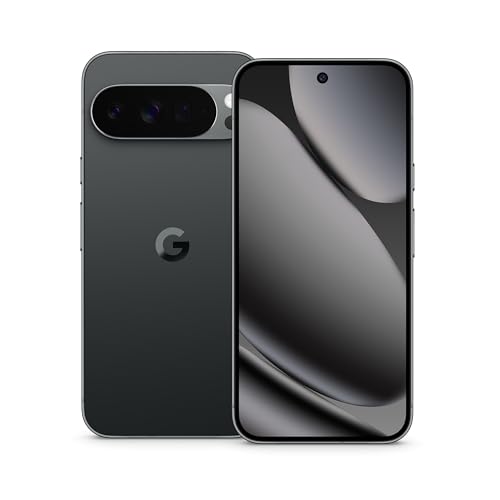
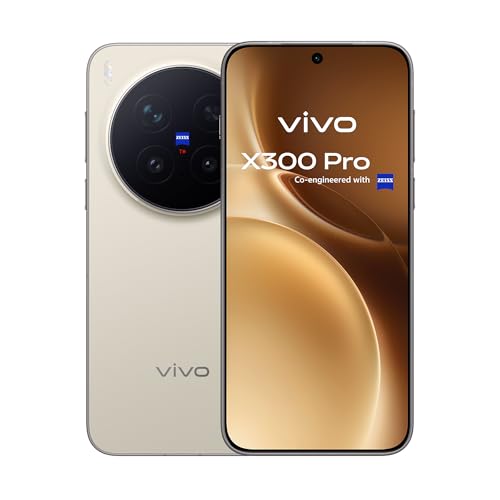
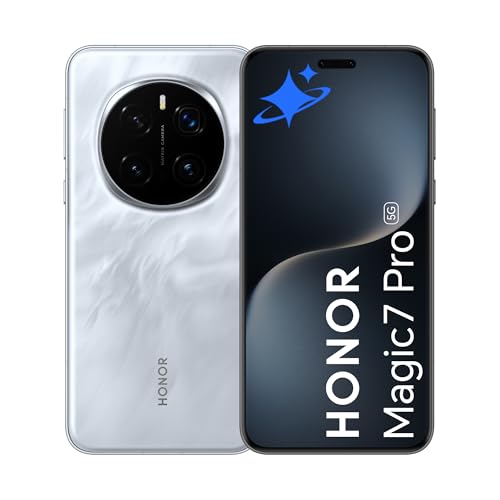
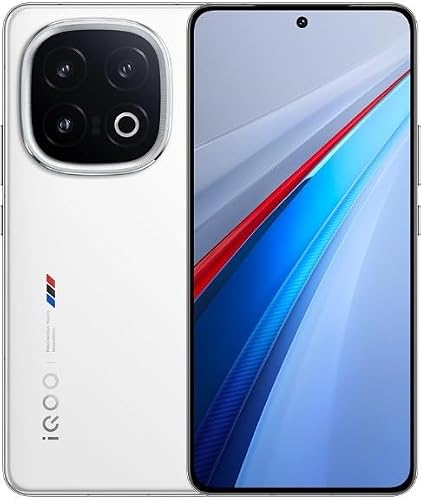
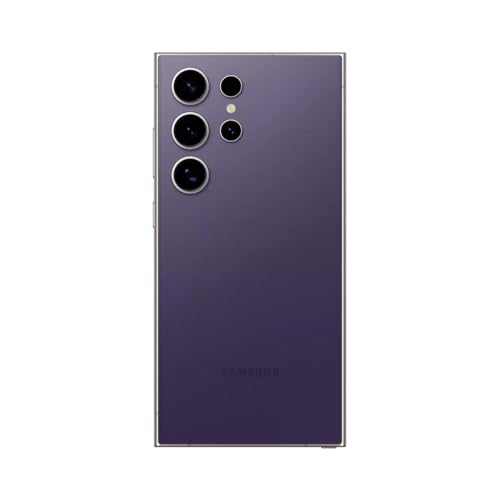
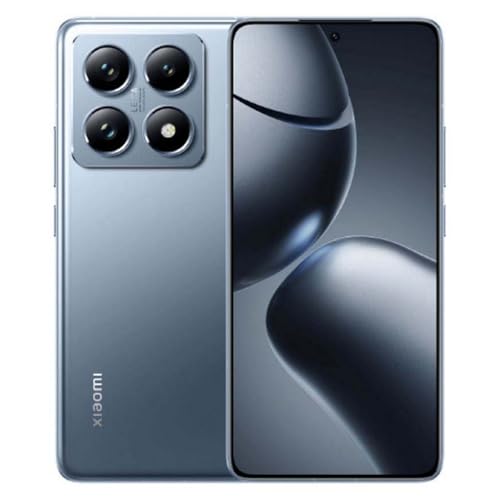
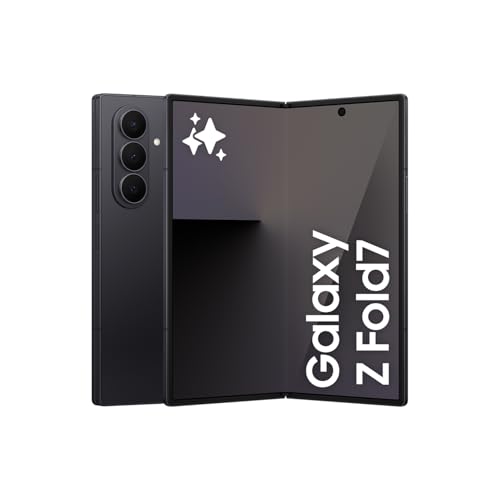
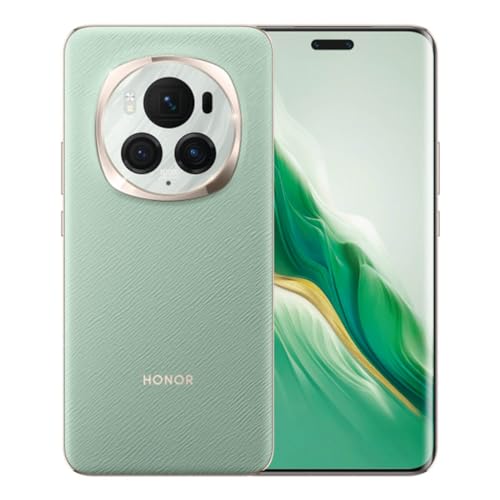
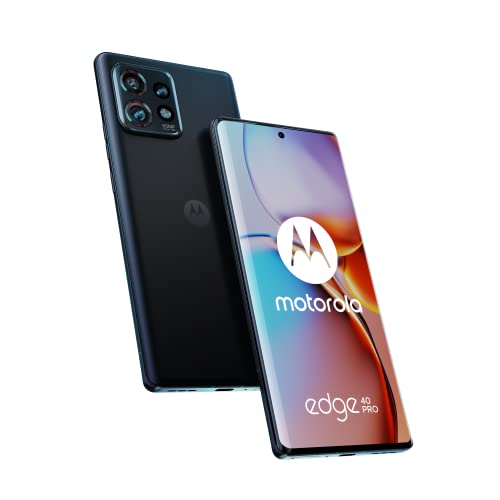
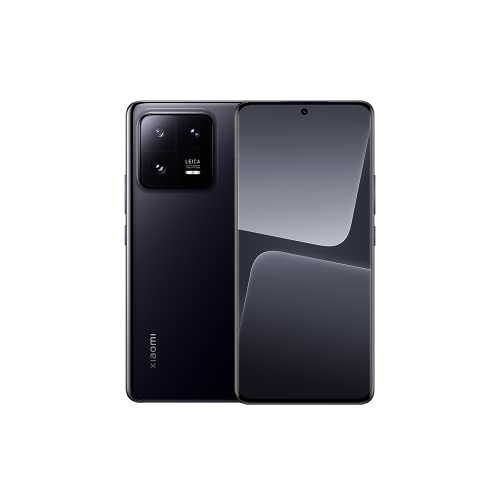
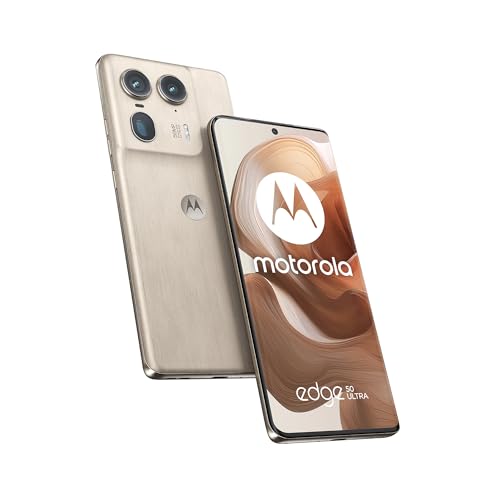
The best available smartphones for seniors (with the highest overall score) are as follows:
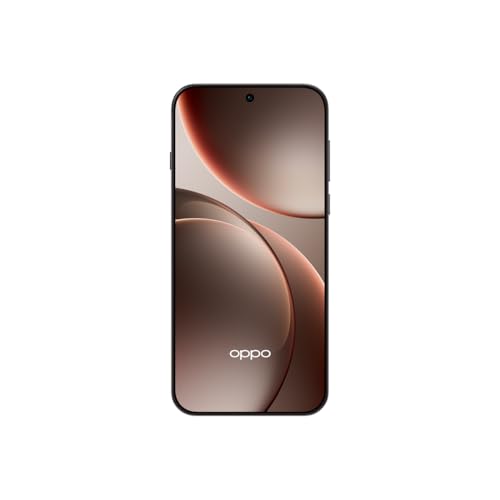
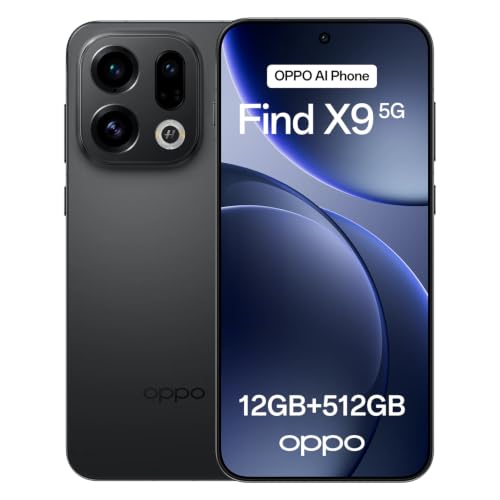
* Oppo Find X9 Pro (16GB + 512GB) (Overall score: 9.1)
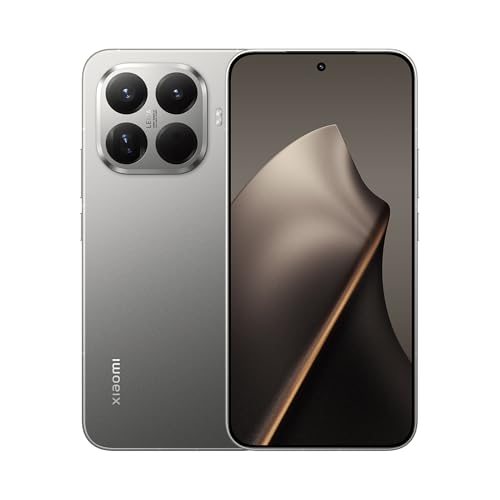
* Xiaomi 15T Pro (12GB + 1TB) (Overall score: 9.09)
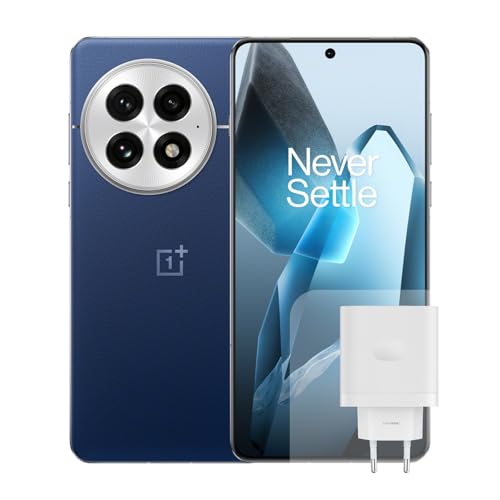
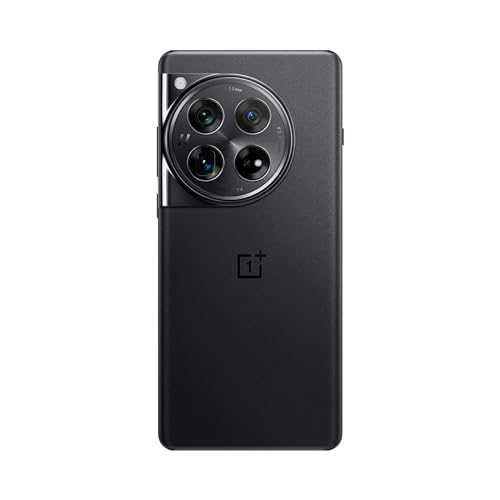
* OnePlus 13 5G (16GB + 512GB) (Overall score: 9.04)
Which brands make the best smartphones for seniors?
The best smartphone brands for seniors are as follows:
- Oppo (Average overall score: 8.9)
- Google (Average overall score: 8.5)
- Xiaomi (Average overall score: 8.4)
Note: Only brands with at least 6 smartphone models in our database, released since 2022, were considered.
The following chart illustrates the top smartphone brands for senior users based on overall score.
[horizontal-chart-10113347847772819714008004177932678807501447503721]
How much do smartphones for seniors typically cost?
Smartphones for seniors typically cost between £70 and £340, depending on features, screen size, and brand. You can find basic models closer to £90 that include large icons, simplified menus, and physical buttons. More advanced models go up to £260–£340 if they support voice typing, video calling, and better cameras.
What screen size works best for smartphones for seniors?
The best screen size for smartphones for seniors is between 5.5 and 6.5 inches. This range gives you enough display space to read text clearly, tap icons easily, and watch videos without straining your eyes. Smaller screens often feel cramped, especially if your vision isn’t sharp. Larger screens (above 6.7 inches) feel bulky in the hand and harder to use one-handed, which matters if you prefer a light, compact device.
A 6.1-inch screen hits a good balance. You get clear visuals and enough space for larger fonts and icons without the phone feeling heavy or awkward. Look for screens with high brightness and good contrast (OLED or AMOLED), since these help with visibility under sunlight and in dim light.
Some seniors also prefer phones with simple layouts, so a larger screen works better with accessibility settings like bigger text or on-screen navigation buttons.
What is the battery life of smartphones for seniors?
Smartphones for seniors usually have a battery life that lasts between one and three days, depending on usage and battery size.
Models with larger batteries, such as 4000 mAh or more, can easily last two full days with moderate use, while smaller batteries often need charging every night. You can expect these phones to have energy-efficient processors and displays that help extend usage between charges.
Battery life in senior smartphones is designed for basic functions like calls, messages, and occasional internet use, so it often lasts longer than in high-end smartphones that run power-hungry apps. If you use your phone mainly for communication and light browsing, you will likely recharge it less often.
The chart below illustrates the distribution of battery capacity in smartphones Suitable for seniors.
[vertical-chart-16313938049822502499050416844248757660583716937001]
Smartphones for seniors need mid-range processor performance. You don't need high-end chips like those in flagship phones. You need a processor that handles calling, texting, internet browsing, video calls, and light apps without delays or overheating.
Look for chipsets like Qualcomm Snapdragon 6 or 7 series, MediaTek Helio G series, or similar Exynos chips. These handle basic functions smoothly, and they support features like voice assistants, camera AI, and good battery optimization.
Avoid low-end processors (like Snapdragon 4 series or outdated MediaTek A series) because they slow down quickly, especially with updates or background apps. You also don't need flagship chips like Snapdragon 8 Gen 2, which cost more and drain battery faster.
How much storage should smartphones for seniors have?
Smartphones for seniors should have at least 64 GB of storage. You need enough space for essential apps, updates, photos, videos, and messages. Many seniors use messaging apps, video calling, and camera frequently, so storage fills up faster than expected.
If you or someone you're helping enjoys taking photos or videos, 128 GB gives more room and avoids constant cleanups. Some cheaper phones come with only 32 GB, but after system files and pre-installed apps, actual usable space drops to around 15 GB. That causes slowdowns and forces you to delete apps or data often. Most seniors don't use cloud storage regularly, so local space matters more.
What operating system is easiest for smartphones for seniors?
The easiest operating system for smartphones for seniors is Android with a custom launcher or simplified interface. You can find Android phones that use senior-friendly modes, like Samsung’s “Easy Mode” or phones with built-in senior UIs such as the Doro or Jitterbug models. Android gives more flexibility to adjust icons, text size, and navigation style, which helps older users use their phones without confusion or strain.
iOS (iPhone) has a clean layout and strong accessibility features (like VoiceOver, Magnifier, and larger text settings), but the system stays more rigid. iPhones handle updates better and run smoothly longer, but older adults might struggle with Apple’s layered menus and gesture-based controls.