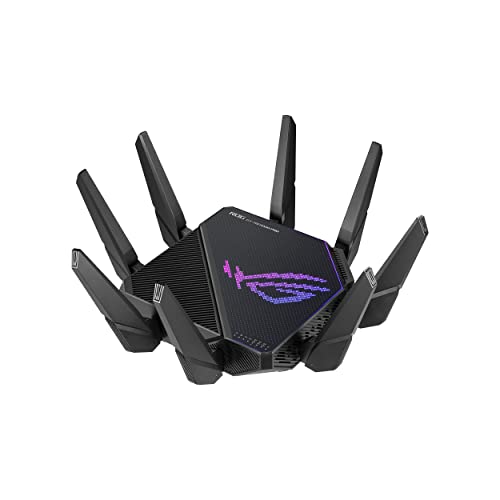

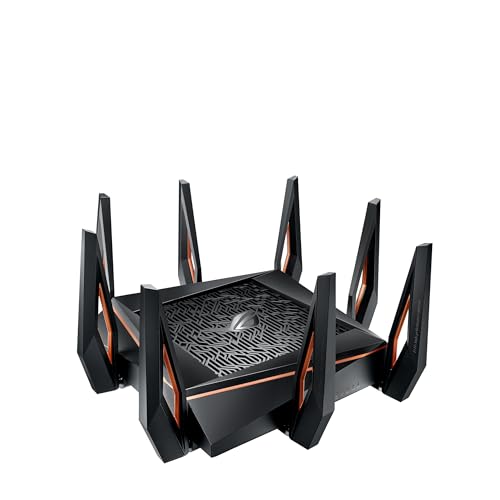
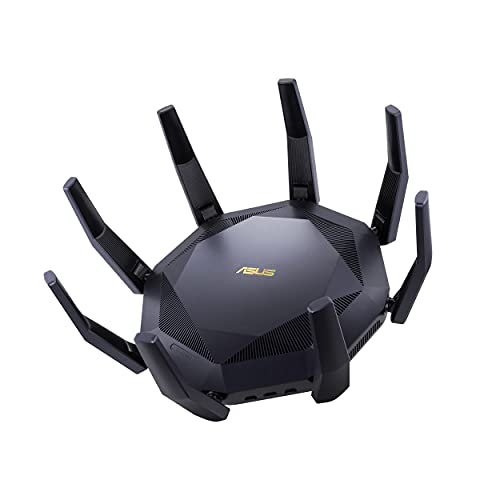
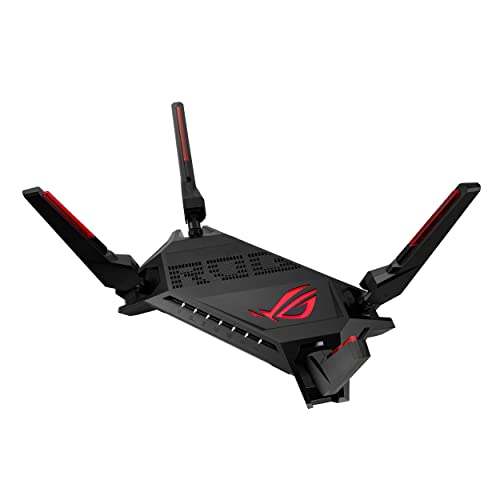
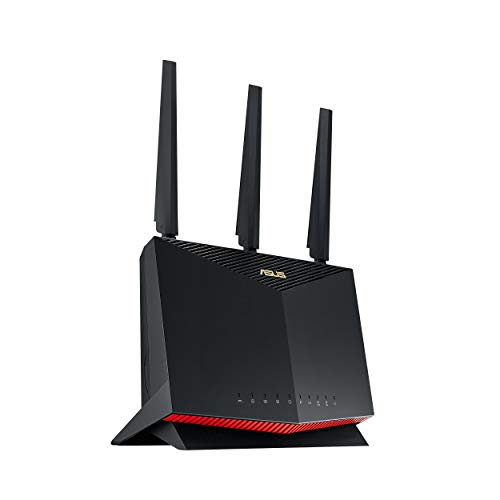
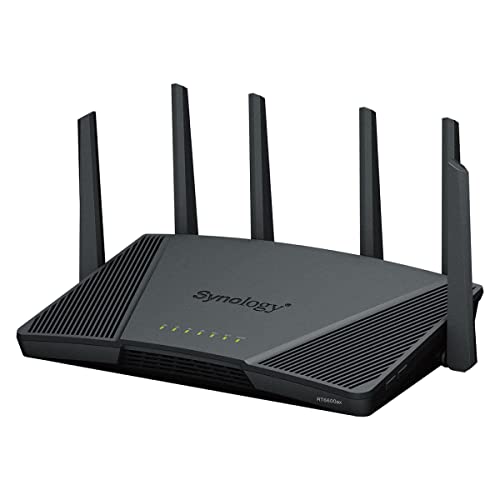
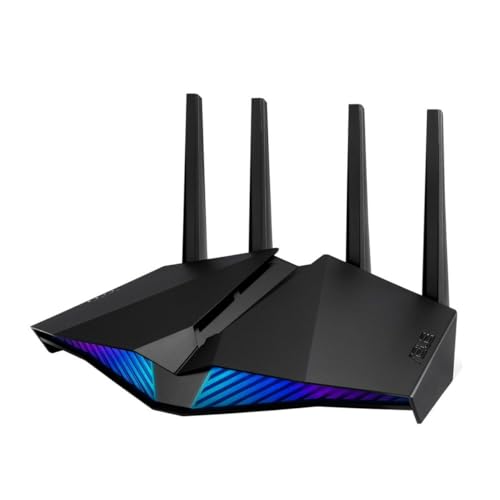
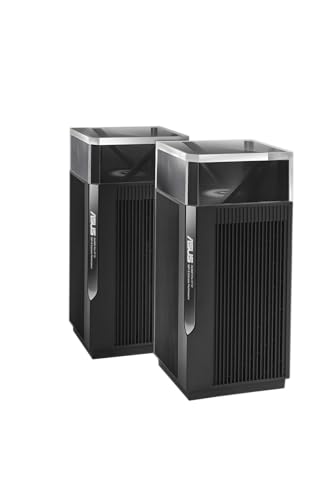
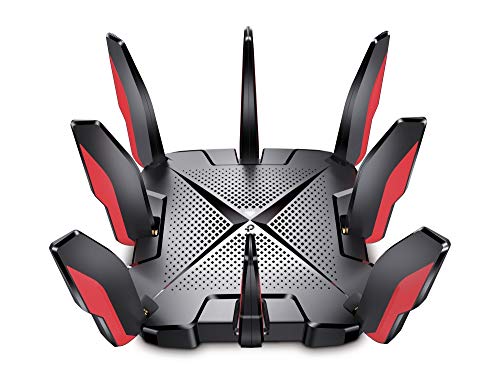
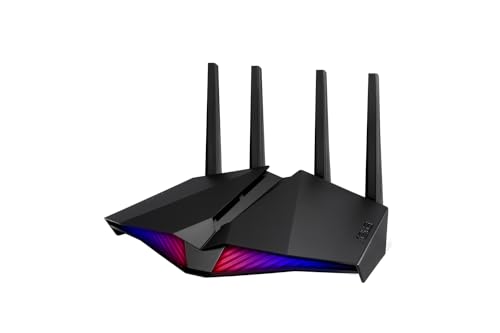
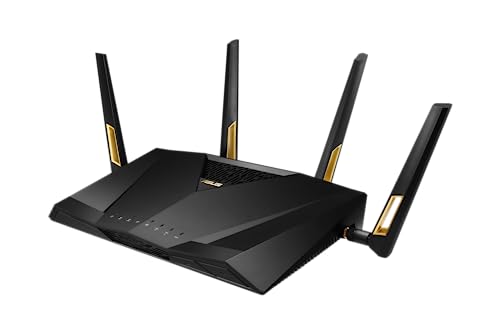
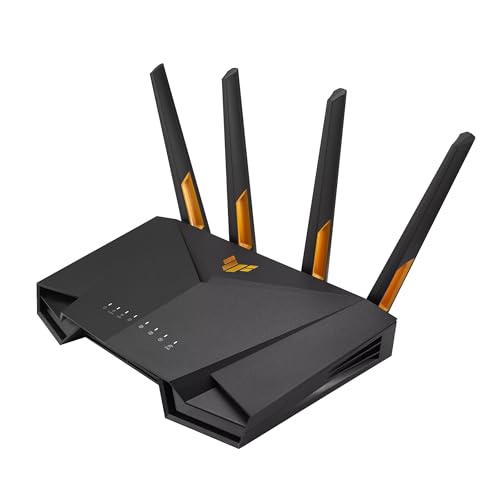
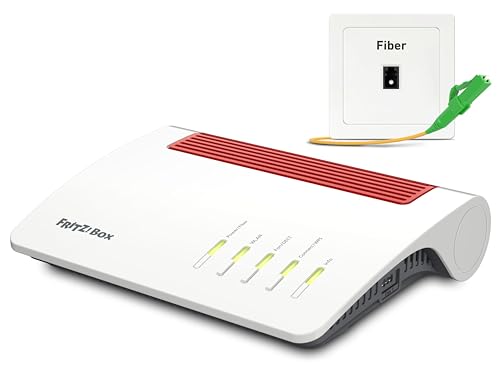
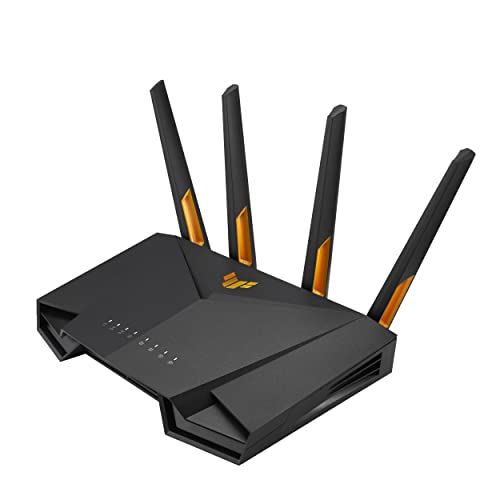
What is a Wi-Fi 6 router?
A Wi-Fi 6 router is a router that uses the Wi-Fi 6 standard (802.11ax) to deliver faster wireless speeds and better efficiency compared to older Wi-Fi versions. It improves both peak speeds and performance in crowded networks, so multiple devices can connect with less interference.
Wi-Fi 6 also increases capacity, which means it can handle more devices at the same time without slowing down.
How is a Wi-Fi 6 router different from a Wi-Fi 5 router?
A Wi-Fi 6 router is different from a Wi-Fi 5 router because it uses the newer IEEE 802.11ax standard, while Wi-Fi 5 is based on 802.11ac. Wi-Fi 6 improves maximum throughput, network efficiency, and performance in crowded environments. It uses both the 2.4 GHz and 5 GHz bands (Wi-Fi 5 works only on 5 GHz), so it supports a wider range of devices and better coverage.
Wi-Fi 6 routers use technologies such as OFDMA and MU-MIMO for uplink and downlink, which let them handle more devices at once without reducing speed. They also use 1024-QAM modulation compared to 256-QAM in Wi-Fi 5, so they can transmit more data in the same frequency range. This results in higher data rates, lower latency, and more stable connections, especially when many devices share the network.
Do I need new devices to benefit from a Wi-Fi 6 router?
No, you do not need new devices to benefit from a Wi-Fi 6 router, but the level of benefit depends on your current device capabilities.
Older devices that support Wi-Fi 5 (802.11ac) or Wi-Fi 4 (802.11n) will still connect to a Wi-Fi 6 router and can experience some improvements in network performance. These devices benefit from reduced network congestion and improved overall network efficiency, as Wi-Fi 6 routers handle multiple device connections more effectively than previous router generations.

Which brands make the best Wi-Fi 6 routers?
The best Wi-Fi 6 router brands are as follows.
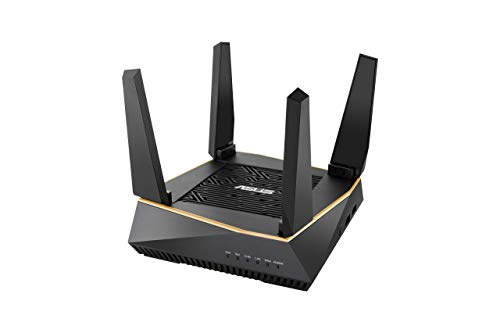
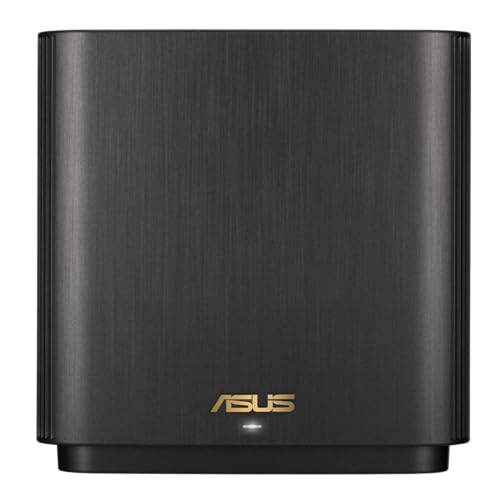
- ASUS (Overall score: 8.4 points)
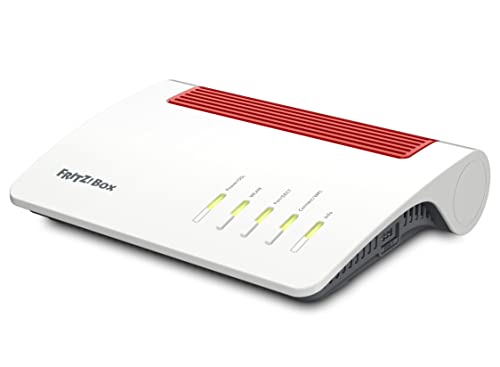
- AVM (Overall score: 8 points)
- TP-Link (Overall score: 7.7 points)
This chart compares Wi-Fi 6 router brands by average overall score.
[horizontal-chart-15627038395412710176064080686979590745173100599778]
How much do Wi-Fi 6 routers cost?
Wi-Fi 6 routers cost between £60 and £430 depending on brand, speed class, and features.
Entry-level models start at around 60–£90, which is similar to mid-range Wi-Fi 5 routers, but they usually have fewer antennas and lower maximum speeds. Mid-range Wi-Fi 6 routers range from £110 to £220, and they include faster dual-band or tri-band setups, better coverage, and more simultaneous device support.
High-end Wi-Fi 6 routers can reach 300–£430 as they target gamers, large households, or users with many connected devices. These models often include higher bandwidth channels (160 MHz), advanced beamforming, and multi-gigabit Ethernet ports.
The following chart shows the price distribution of Wi-Fi 6 routers.
[vertical-chart-12598961668888819355126161582315401600810356159417]
What speeds do Wi-Fi 6 routers support?
Wi-Fi 6 routers support speeds up to 9.6 Gbps, which is higher than the maximum 3.5 Gbps speed of Wi-Fi 5. This speed is theoretical, as actual performance depends on factors such as connected devices, interference, and internet service speed. Still, the higher limit means Wi-Fi 6 routers can handle faster connections and more traffic at the same time.
The technology behind these speeds comes from wider channels, higher data modulation, and improved efficiency. Wi-Fi 6 routers use 1024-QAM and support channels up to 160 MHz, which increase throughput.
They also improve performance when multiple devices connect at once, so users experience higher overall speed even if each device does not reach the maximum.
The chart below shows the Wi-Fi speed distribution of Wi-Fi 6 routers.
[vertical-chart-10003834492620868772156539903308503255980710462464]
How many devices can Wi-Fi 6 routers handle?
Wi-Fi 6 routers can handle more devices than previous generations because the standard was designed to improve capacity in crowded networks.
A single Wi-Fi 6 router can support dozens of connected devices at the same time without major drops in performance, while Wi-Fi 5 routers often struggle when many smartphones, laptops, and smart home devices connect at once. This is possible because Wi-Fi 6 uses technologies like OFDMA and MU-MIMO, which divide channels and send data to multiple devices at the same time.
What is the range of a Wi-Fi 6 router?
The range of a Wi-Fi 6 router is about the same as Wi-Fi 5, since both use the same 2.4 GHz and 5 GHz frequency bands.
On the 2.4 GHz band, the signal can usually reach up to 30–40 meters indoors and about 90–100 meters outdoors, while the 5 GHz band covers a shorter distance, usually around 10–15 meters indoors and about 30–40 meters outdoors.
Wi-Fi 6 does not extend the range itself, but it improves how devices share the signal when many are connected.
What ports and connectivity options do Wi-Fi 6 routers include?
Wi-Fi 6 routers usually include the following ports and connectivity options.
- Ethernet LAN ports: Most Wi-Fi 6 routers include four Gigabit LAN ports for wired PCs, TVs, consoles, or access points, while stronger models can add 2.5G Ethernet.
- WAN port: A dedicated WAN port connects the router to the ISP line, and better Wi-Fi 6 models may support Gigabit or multi-gig WAN for faster broadband plans.
- USB ports: USB 3.0 or USB 3.1 ports let the router share external drives, printers, or media files across the local network.
- Dual-band or tri-band wireless: Most Wi-Fi 6 routers use 2.4 GHz and 5 GHz bands, while higher-end models may use tri-band layouts to handle more devices with less congestion.
- Advanced wired options: Some stronger Wi-Fi 6 routers also add 10G Ethernet or SFP+ connectivity, which is useful for NAS-heavy homes or faster local backbone links.
The chart below shows the LAN-port distribution of Wi-Fi 6 routers.
[vertical-chart-12000036913950036131022090031690534453971554700305]
What security features do Wi-Fi 6 routers include?
Wi-Fi 6 routers include the following security features.
- WPA3 encryption: WPA3 replaces WPA2 and secures data traffic with stronger encryption, so it resists brute-force attacks better.
- Individualized data encryption: Each device connected to the router gets its own encryption key, which prevents eavesdropping between devices on the same network.
- Enhanced protection for weak passwords: WPA3 uses Simultaneous Authentication of Equals (SAE) that protects against dictionary attacks, even if the password is not very strong.
- Forward secrecy: Keys change regularly, so intercepted data cannot be decrypted later, even if the password becomes known.
- Automatic firmware updates: Many Wi-Fi 6 routers support automatic updates, which patch vulnerabilities quickly and keep the device secure.
- Guest network isolation: Guest networks keep visitors separated from the main devices, so they cannot access sensitive data.






