
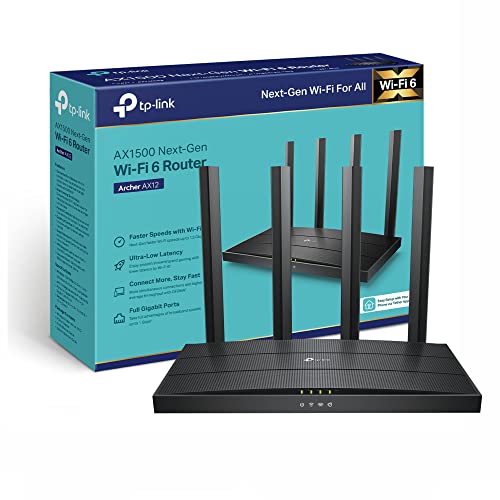
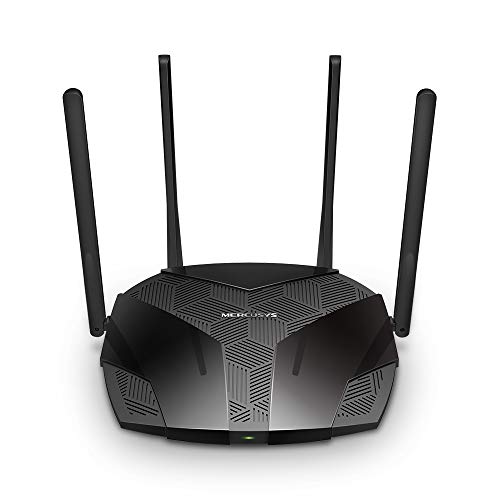
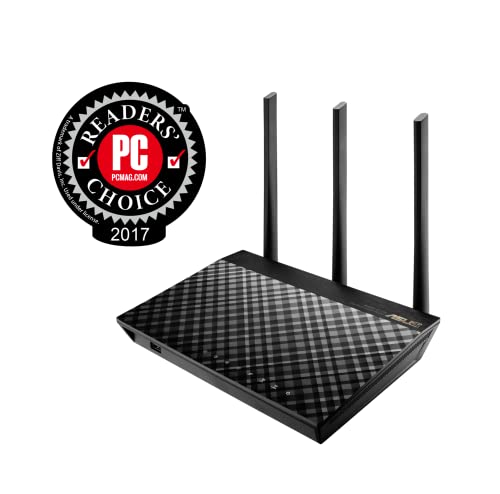
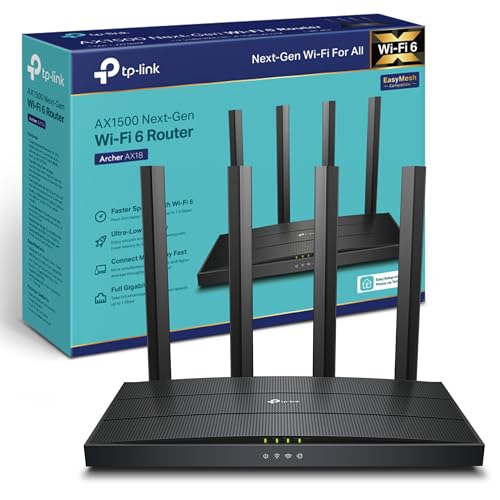
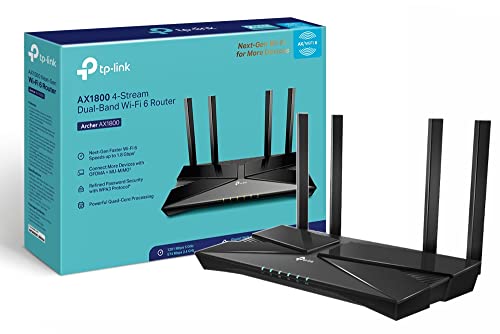
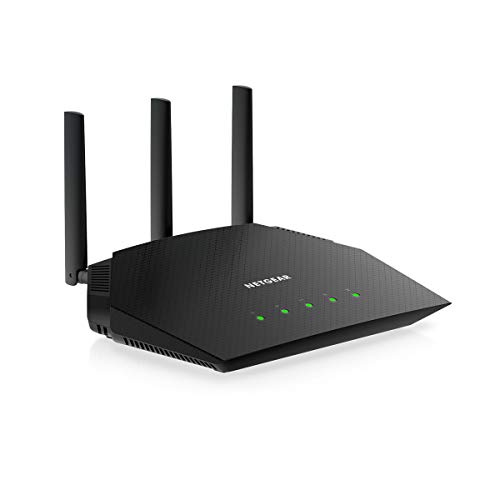
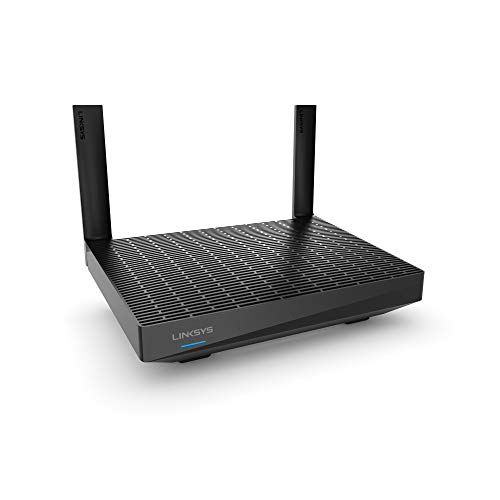
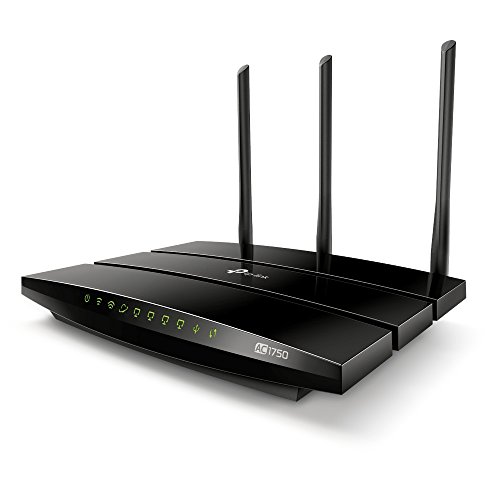
What is considered a cheap router?
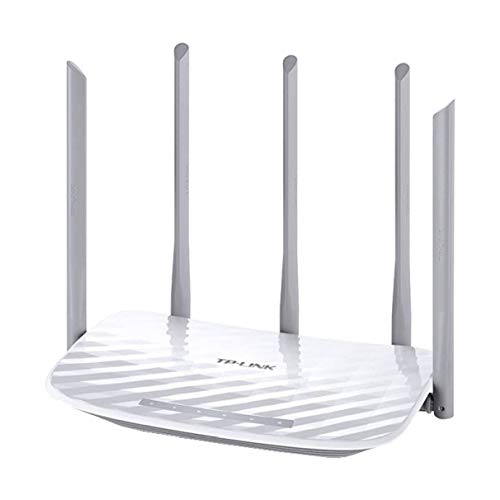
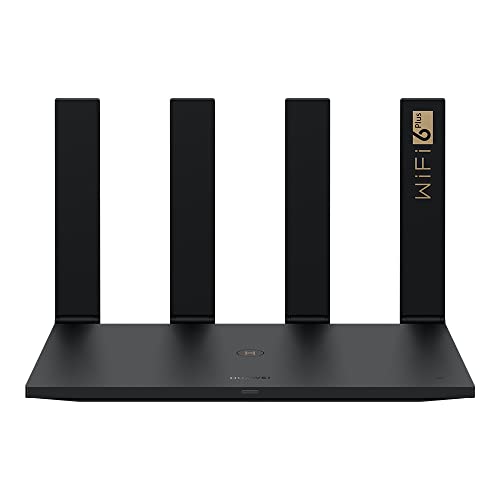
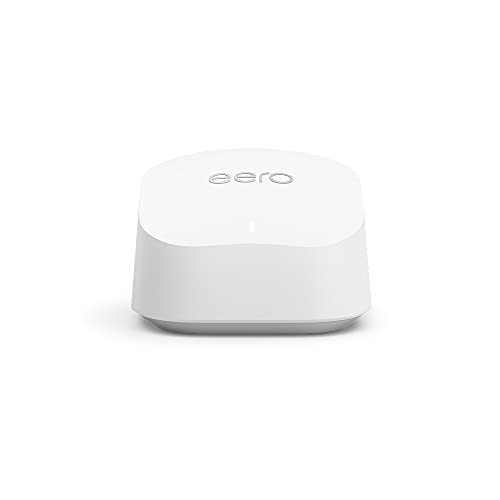
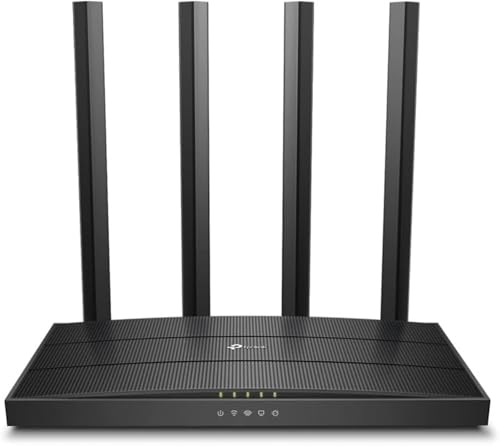
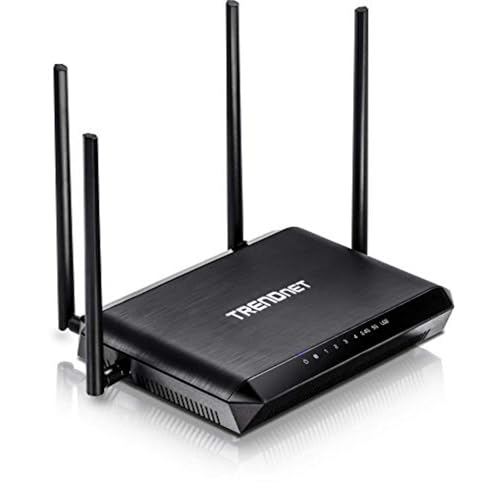
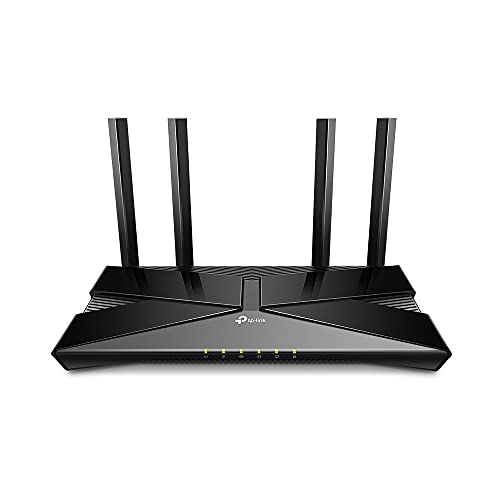
A cheap router is considered a device that costs under £60 and covers only the basic needs of home internet use.
These routers usually support standard Wi-Fi protocols and have limited speed compared to mid-range or high-end models. The lower price reflects simpler hardware and fewer advanced features, so they are best suited for light browsing, social media, or occasional video streaming.
Are cheap routers worth buying?
Cheap routers can be a good choice if you need basic connectivity at a low price.
These models focus on essential features such as standard Wi-Fi coverage and simple setup, without the advanced technologies that more expensive devices include. For light tasks like browsing, email, or streaming on a single device, a cheap router can handle the job without major issues.
The limitations appear when you need faster speeds, stronger security, or reliable performance for multiple users. Cheap routers often lack advanced Wi-Fi standards, dual-band support, or extended range, which can cause slower connections or weak signals in larger homes. They may also have fewer ports and less durable hardware.

Which brands make the best cheap routers?
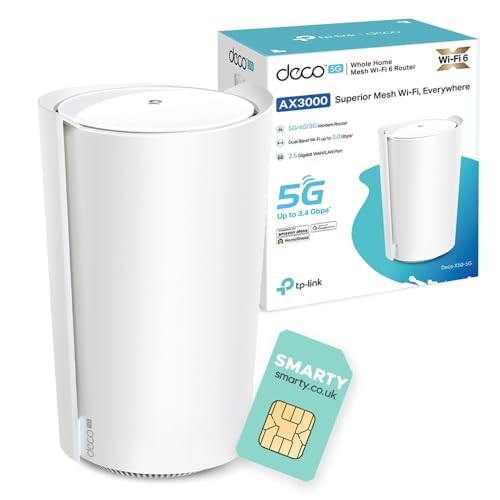
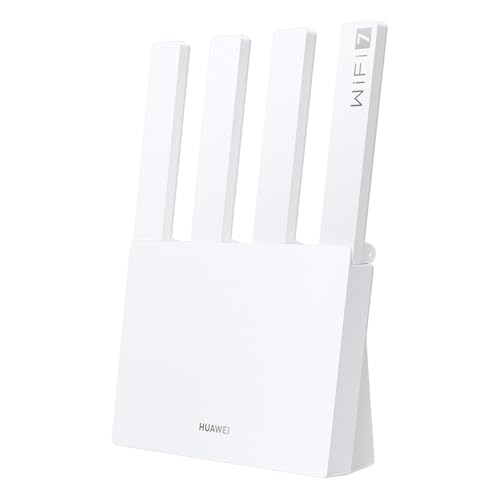
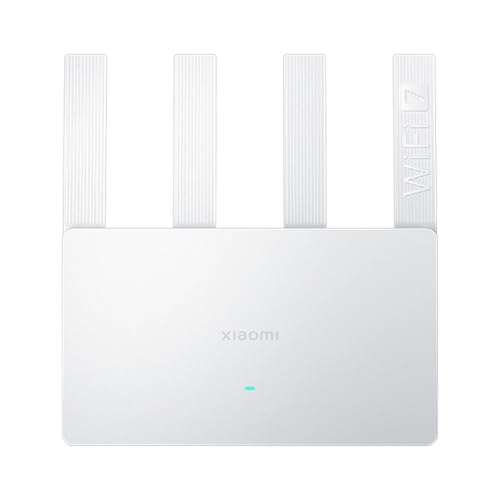
The best cheap router brands are as follows.
- Huawei (Overall score: 7.2 points)
- TP-Link (Overall score: 7.1 points)
- Xiaomi (Overall score: 6.8 points)
The chart below ranks cheap router brands by average overall score.
[horizontal-chart-11209819473295802527032883924022546940283781846328]
What Wi-Fi speed and standards do cheap routers support?
Cheap routers support basic Wi-Fi speeds and older standards. Most of them work with Wi-Fi 4 (802.11n) and some with entry-level Wi-Fi 5 (802.11ac). Wi-Fi 4 routers usually reach up to 300 Mbps on the 2.4 GHz band, while Wi-Fi 5 routers can push speeds up to around 867 Mbps on the 5 GHz band. These speeds are theoretical, so real performance is lower because of interference, distance, and the number of connected devices.
Cheap routers often use single-band or dual-band setups. A single-band router supports only 2.4 GHz, which has lower speed but better range. A dual-band router supports both 2.4 GHz and 5 GHz, so it can split devices across the two bands to reduce congestion.
Some budget models also advertise MU-MIMO or beamforming, but these features are usually basic and limited compared to mid-range or premium routers.
The chart below shows the Wi-Fi speed distribution of cheap routers.
[vertical-chart-02938718311569315637139648109609402160731814033565]
What coverage do cheap routers provide?
Cheap routers provide coverage that usually works well in small apartments or single rooms, but it struggles in larger homes.
The signal often reaches about 10 to 20 meters indoors, depending on the layout and walls, and it weakens through thick barriers. In open spaces, the range can extend farther, but performance drops at the edges of coverage. Most cheap routers use basic antennas and transmit at lower power than mid-range or high-end models, so they handle fewer devices at once.
Coverage also depends on whether the router supports only the 2.4 GHz band or both 2.4 GHz and 5 GHz. The 2.4 GHz band usually spreads farther but runs slower, while 5 GHz offers faster speeds but loses range quickly.
How many devices can cheap routers handle?
Cheap routers can handle around 10 to 20 devices at the same time, but performance often drops as more devices connect. This limit comes from weaker processors, less memory, and lower bandwidth capacity compared to mid-range or high-end models.
A cheap router may still allow multiple devices to connect, but it struggles to maintain stable speed and low latency once the number increases.
What security features do cheap routers include?
Cheap routers usually include the following security features.
- WPA2 or WPA3 encryption: These protocols protect the wireless connection from unauthorized access. WPA3 is stronger but less common in cheaper models.
- Guest network: This separates visitor devices from the main home network, which reduces the risk of unauthorized access to personal devices.
- Firewall: A built-in firewall filters incoming and outgoing traffic, which blocks suspicious connections.
- Parental controls: Some models include settings to restrict content or limit device access times.
- Default password change: Routers usually require users to change the factory password during setup, which prevents easy access by outsiders.
- Firmware updates: Even budget models often support updates, which patch vulnerabilities in the system.






