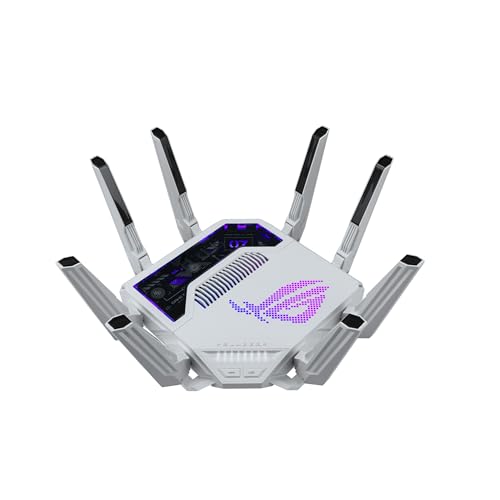

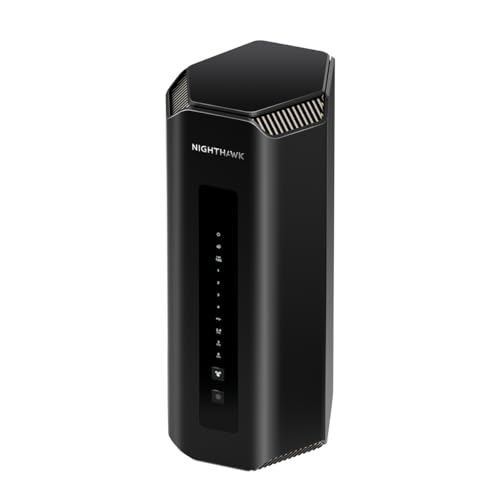

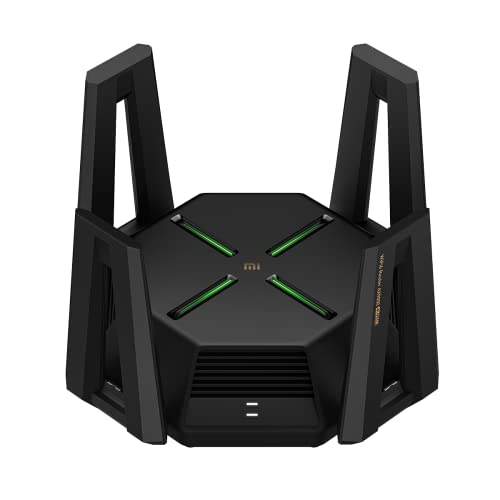
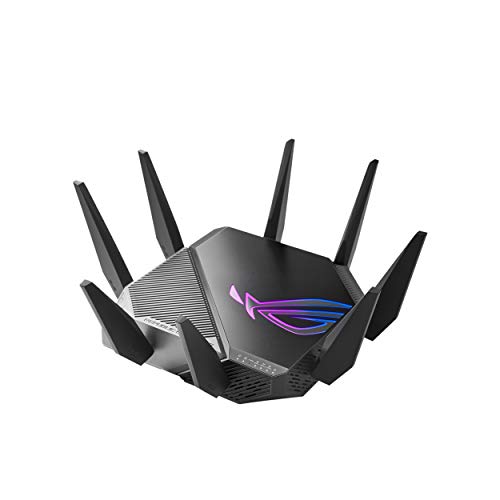
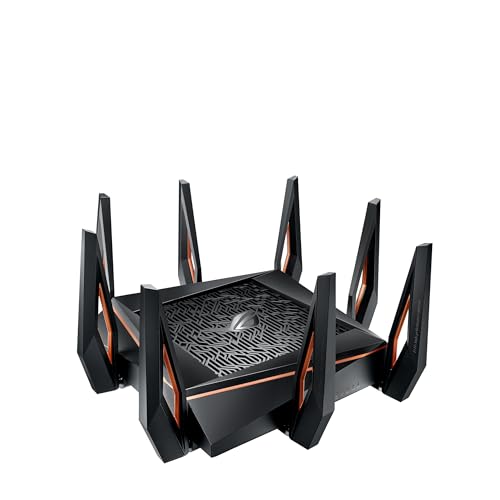
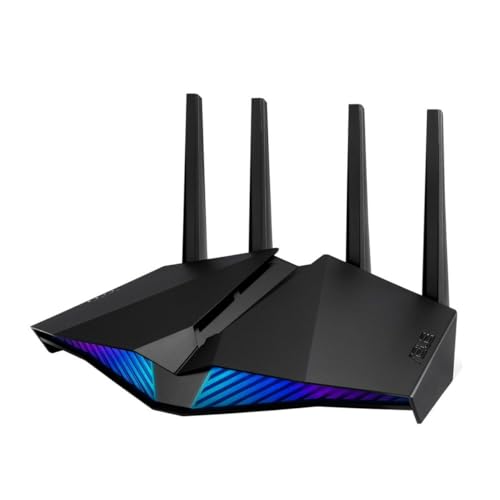
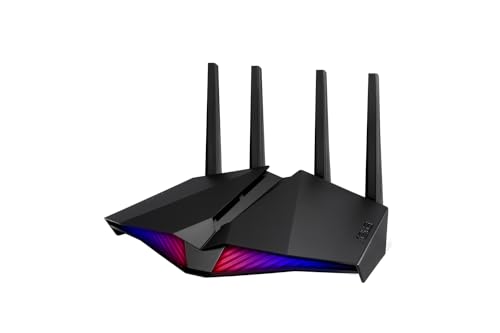
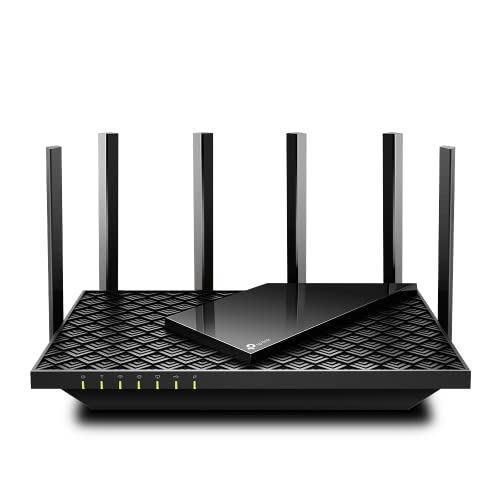
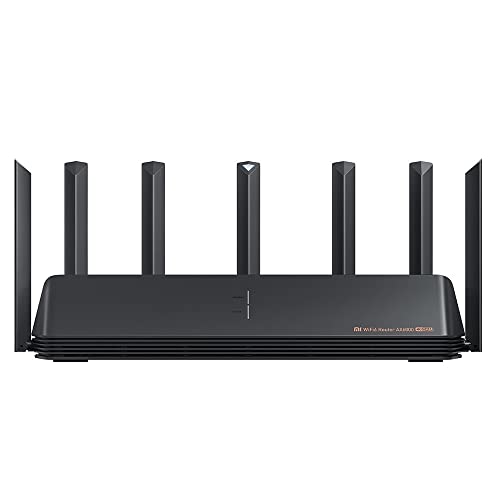
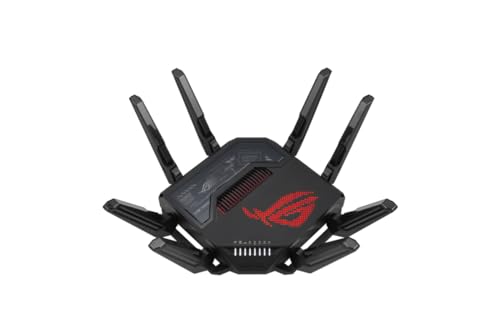
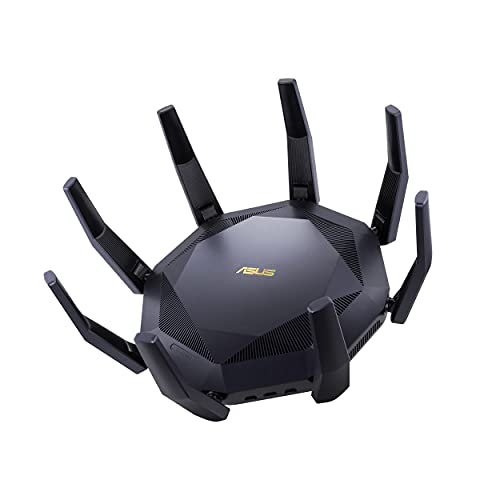
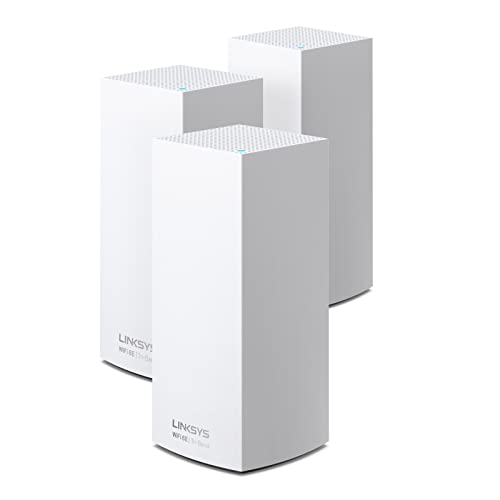
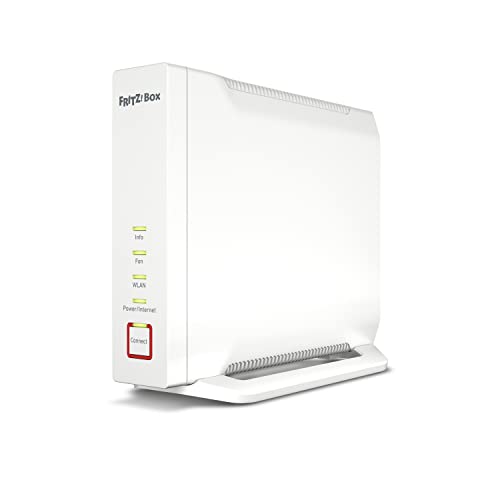
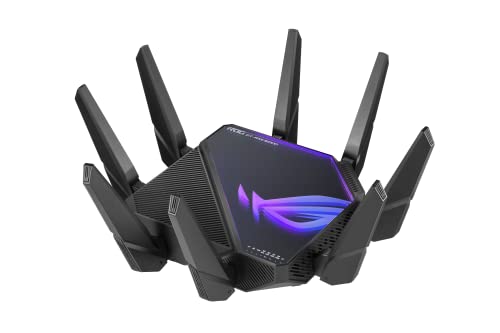
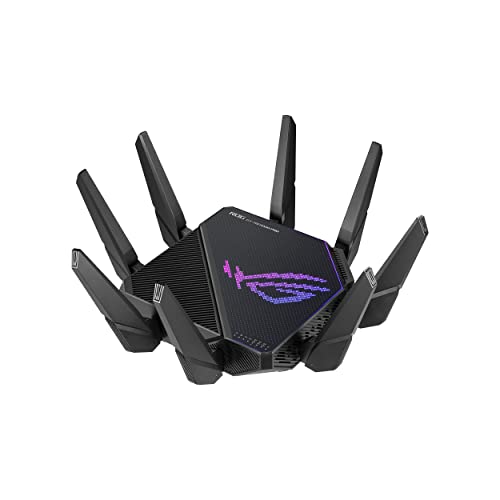
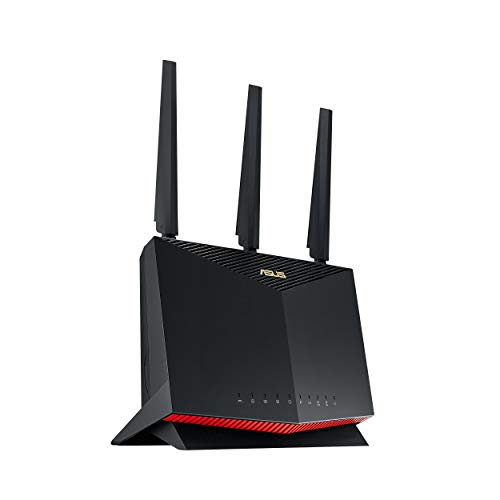
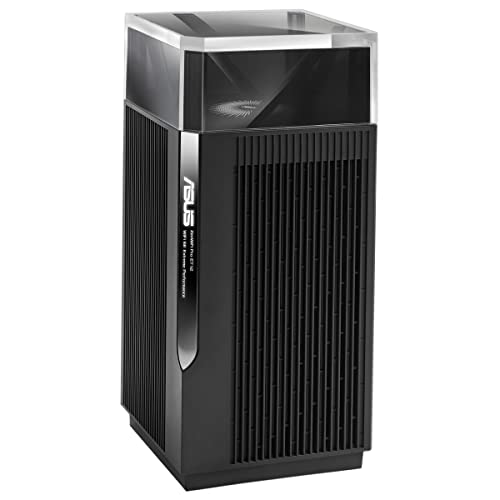
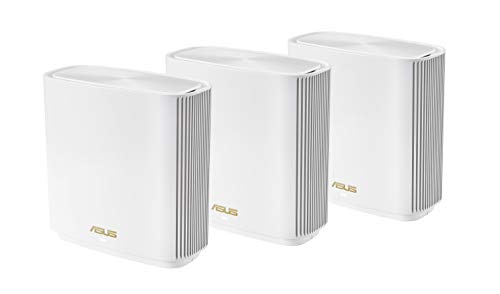
What is a gaming router?
A gaming router is a router designed to optimize network performance for online gaming. It uses features that reduce latency and stabilize connections, so players experience smoother gameplay with fewer delays.
These routers support high data speeds and advanced traffic management, which improves performance when multiple devices share the same network.
What are the main characteristics of gaming routers?
Gaming routers have specialized features that optimize network performance for online gaming as follows:
Low latency: Gaming routers reduce network delay through dedicated gaming modes and traffic prioritization algorithms. They process gaming data packets faster than standard routers and maintain stable ping times during intensive network usage.
Quality of Service (QoS): These routers automatically identify gaming traffic and assign it higher priority over other network activities. QoS features prevent bandwidth-heavy applications like streaming or downloads from interfering with game performance.
Gaming accelerators: Many gaming routers include built-in game accelerators that connect to optimized server networks. These features route gaming traffic through faster pathways and reduce connection hops to game servers.
Advanced Wi-Fi standards: Gaming routers support Wi-Fi 6, Wi-Fi 6E or Wi-Fi 7 standards which deliver faster wireless speeds and better performance in crowded networks. They often feature tri-band or quad-band configurations to separate gaming traffic from regular internet usage.
Ethernet ports: These routers typically include multiple Gigabit Ethernet ports and sometimes 2.5G or 10G ports for wired connections. Wired connections eliminate wireless interference and provide the most stable gaming experience.
Gaming-specific software: Gaming routers come with specialized firmware that includes real-time network monitoring, ping optimization tools, and game-specific settings. Some models integrate with gaming platforms to automatically optimize settings for specific games.
Powerful hardware: Gaming routers use faster processors, more RAM, and advanced cooling systems compared to standard routers. This hardware handles multiple gaming devices simultaneously without performance degradation.
Port forwarding and UPnP: These routers simplify network configuration for gaming consoles and PC games through automatic port management. They support advanced networking protocols that gaming applications require for optimal connectivity.
Do I need a gaming router?
You do not need a gaming router if you only use the internet for web browsing, streaming, or casual online activity. A standard router can handle these tasks because they do not demand low latency or advanced traffic management.
A gaming router becomes useful when you play competitive online games where fast and stable connections matter, since it reduces lag through features like Quality of Service (QoS) and advanced bandwidth control.

Which brands make the best gaming routers?
The best gaming router brands are as follows.
- ASUS (Overall score: 8.6 points)
- TP-Link (Overall score: 7.8 points)
- Netgear (Overall score: 7.7 points)
The chart below ranks gaming router brands by average overall score.
[horizontal-chart-01607818830801295407065525777730145144051939372040]
How much do gaming routers cost?
Gaming routers cost between £130 and £550, and the price depends on the features you want.
- Entry-level gaming routers start around £130 to £170 and already give you faster processors and better traffic control than standard routers.
- Mid-range models fall in the £220 to £340 range, which is where you find more advanced features like multi-gig ports, higher Wi-Fi speeds, and better Quality of Service (QoS).
- High-end gaming routers can reach £430 to £550 or more, with the most advanced processors, multi-band Wi-Fi 7 support, and dedicated ports for high-speed wired connections.
This chart visualizes gaming-router prices.
[vertical-chart-12579370067130844551063067384521911813160206625852]
What speeds do gaming routers support?
Gaming routers support high wireless speeds that match the latest Wi-Fi standards, so you can reach gigabit levels or higher depending on the technology in use.
A Wi-Fi 5 gaming router usually supports up to 3.5 Gbps, while Wi-Fi 6 models can reach around 9.6 Gbps. With Wi-Fi 7, which is the newest standard, the speed goes beyond 40 Gbps.
These numbers represent maximum theoretical speeds, and your real performance depends on your internet plan, connected devices, and network conditions.
How do gaming routers reduce latency and ping?
Gaming routers reduce latency and ping by prioritizing your gaming traffic over other types of data on the network. They use Quality of Service (QoS) features that detect gaming packets and route them with higher priority, so your commands and actions reach the server faster. This reduces the chance of delays when you play online, even if others in your home stream videos, download files, or use multiple devices at the same time.
These routers also include faster processors and dedicated software that stabilize your connection. They can lower jitter (the variation in packet delivery times) and maintain a more consistent ping, which helps you avoid sudden spikes in response times during gameplay.
What should you consider while choosing the best gaming router?
When you choose the best gaming router, you need to evaluate several key factors as follows:
- Processor and memory: Your router needs a powerful quad-core processor to handle multiple gaming devices and high network traffic simultaneously. The A73 processors found in premium routers like the Eero Max 7 deliver better performance than basic A53 processors. RAM capacity affects how well your router processes data, while flash storage stores settings and configurations that impact overall performance.
- Wi-Fi standards and bands: You should prioritize routers with Wi-Fi 6E or Wi-Fi 7 technology for the fastest speeds and lowest latency. Tri-band or quad-band routers like the Netgear Nighthawk RAXE300 split traffic across 2.4GHz, 5GHz, and 6GHz frequencies to reduce congestion. The 6GHz band in Wi-Fi 6E routers provides cleaner spectrum with less interference from neighboring networks.
- Quality of Service (QoS) features: Your gaming router must include advanced QoS or bandwidth prioritization to give gaming traffic priority over other network activities. ASUS ROG routers feature Game Boost technology that automatically detects and prioritizes gaming packets. Some routers like the TP-Link Archer series include triple-level game acceleration that optimizes traffic from your device to the game server.
- Port configuration and wired connectivity: You need multiple high-speed Ethernet ports for the best gaming performance, especially 2.5 Gbps or 10 Gbps ports for direct console and PC connections. Premium routers like the ASUS ROG Rapture GT-BE98 Pro include dedicated gaming ports that automatically prioritize connected devices. Link aggregation support allows you to combine multiple ports for even faster wired connections.
- Network coverage and antenna design: Your router should provide strong signal coverage throughout your gaming area with features like beamforming and MU-MIMO technology. Routers with adjustable external antennas like the ASUS ROG Rapture series can direct signal strength where you need it most. Mesh compatibility through systems like AiMesh lets you expand coverage across larger homes.
- Gaming-specific software features: You should look for routers with dedicated gaming interfaces and smartphone apps that simplify setup and monitoring. Advanced features like VPN Fusion in ROG routers let you run VPN connections alongside regular gaming traffic without performance drops. Game accelerator modes automatically optimize network paths between your home and game servers for lower ping times.






