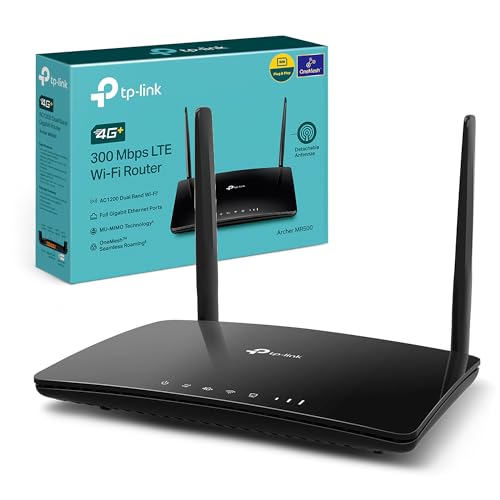

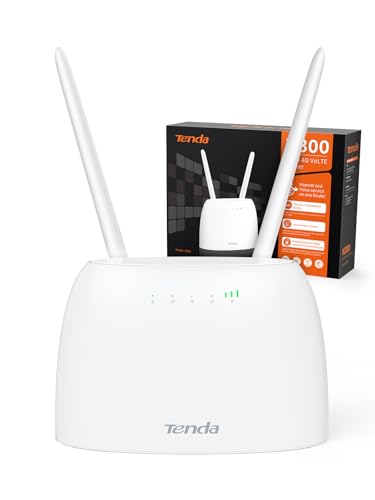
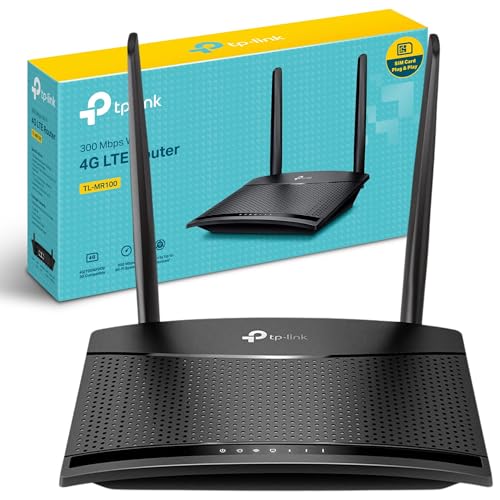
What is a portable Wi-Fi router?
A portable Wi-Fi router is a compact device that creates a wireless internet connection by using a SIM card with mobile data or by linking to an existing wired or wireless network. It acts as a personal hotspot that you can carry anywhere, so it is different from a traditional home router that stays fixed in one location.
The device shares its connection with multiple devices at once, such as smartphones, laptops, or tablets. Most models support 4G or 5G networks, which means you can reach high speeds when mobile coverage is strong.
Some portable routers also include a battery, so they work independently without constant charging, while others need to be plugged into a power source.

Which brands make the best portable Wi-Fi routers?
How much do portable Wi-Fi routers cost?
Portable Wi-Fi routers cost between £35 and £220 depending on features and connectivity.
Basic models sit at the lower end of the range and usually include 4G LTE support with limited speed and fewer device connections. Advanced devices reach higher prices because they use faster chipsets, support 5G networks, or include extra functions such as longer battery life or dual-band Wi-Fi.
The following chart shows the price distribution of portable Wi-Fi routers.
[vertical-chart-15678861202226177144111728261534278777032462213206]
How long does the battery last on portable Wi-Fi routers?
The battery on portable Wi-Fi routers usually lasts between 6 and 15 hours, depending on the model and usage.
Basic models tend to stay closer to the lower end, while more advanced devices with larger batteries can last through a full day. Some high-capacity routers can even run for over 20 hours on a single charge, which suits long trips or heavy use.
Battery life depends on factors such as the number of connected devices, the strength of the signal, and the data load. A router connected to several devices at once or streaming high volumes of data will drain faster than one used for light browsing.
What speeds do portable Wi-Fi routers support?
Portable Wi-Fi routers support speeds that depend on the mobile network standard they use and the Wi-Fi technology built inside.
Basic models work on 3G or 4G LTE networks with download speeds that usually reach between 150 Mbps and 300 Mbps, while advanced 4G routers can go up to 1 Gbps under ideal conditions. Newer devices that use 5G can support speeds above 1 Gbps and in some cases reach 2–4 Gbps, but the real speed depends on coverage, signal quality, and the mobile carrier’s network capacity.
On the Wi-Fi side, most portable routers use Wi-Fi 4 (802.11n) or Wi-Fi 5 (802.11ac), which support speeds from 300 Mbps up to 1.3 Gbps depending on the frequency band and number of antennas. Some of the newest models include Wi-Fi 6, which improves efficiency and can reach 1.8–3 Gbps in peak conditions.
These figures show the maximum theoretical speeds, so the real speed you get is often lower because of distance from the router, interference, and limits of the connected device.
How many devices can connect to portable Wi-Fi routers?
Portable Wi-Fi routers can connect between 5 and 20 devices at the same time, depending on the model and its hardware capacity.
Entry-level routers usually support about 5 to 10 devices, while more advanced models can handle 15 to 20 devices without major drops in performance. The exact number depends on the chipset, antenna design, and Wi-Fi standard used by the router.
When more devices connect, the available bandwidth divides among them, so each device may experience slower speeds. This effect is stronger if users stream videos, download large files, or play online games at the same time.
What else should you consider while choosing the best portable Wi-Fi router?
When choosing the best portable Wi-Fi router, you should consider the following key factors:
- Security protocols and encryption: Modern portable routers support advanced security features like WPA3 encryption, firewalls, and VPN support. These features protect your data when connecting to public networks or creating your own secure hotspot. Look for devices that include OpenVPN or WireGuard support, which creates an encrypted tunnel for your internet traffic. Some models also offer guest network capabilities and access control settings for enhanced privacy protection.
- Connectivity options and ports: Physical connectivity expands your router's functionality beyond wireless use. Ethernet ports allow wired connections that provide better stability and lower latency for gaming or video calls. Some portable routers include USB ports for file sharing or connecting external antennas to boost signal strength in areas with poor coverage. Multiple port options give you flexibility to connect various devices and accessories as needed.
- Operating modes and versatility: Portable routers support different operation modes that adapt to various scenarios. Router mode creates a standard Wi-Fi network, while access point mode extends existing networks. Range extender mode boosts weak signals, and hotspot mode connects to public Wi-Fi then creates your private network. Client mode connects devices that lack Wi-Fi capability to wireless networks. This versatility makes one device suitable for multiple use cases.
- Device connection limits: Each portable router supports a specific number of simultaneous device connections. Basic models support 5-10 devices, while advanced units handle up to 32 connected devices. Consider how many smartphones, tablets, laptops, and other devices you need to connect. More connections require stronger processing power and may affect overall performance, so choose a router that matches your typical usage patterns.
- Physical design and power requirements: Size and power needs affect portability and usage convenience. Ultra-compact models fit in your palm but may lack features, while larger units offer more capabilities at the cost of portability. Some routers require external power sources like USB-C connections to power banks or wall outlets, while others include built-in batteries. External antenna ports allow signal improvements in challenging locations but add complexity to the setup.






