
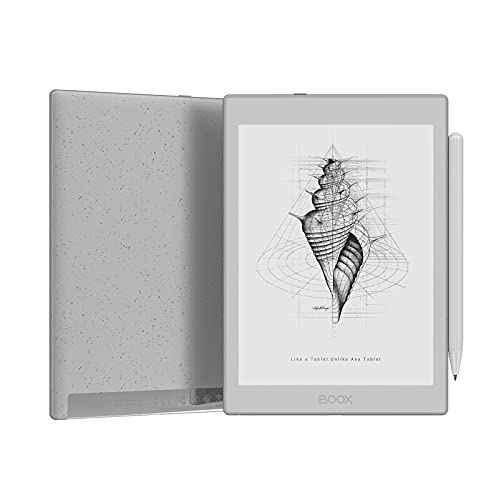
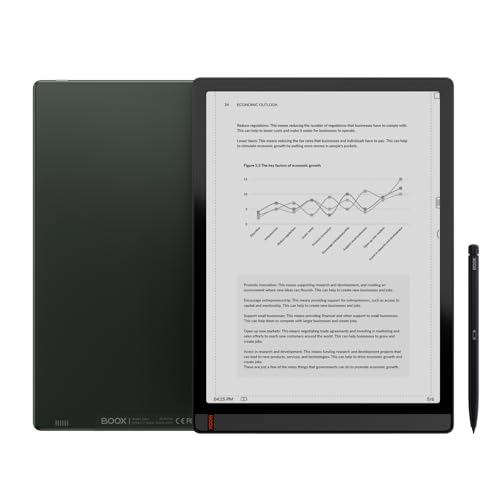
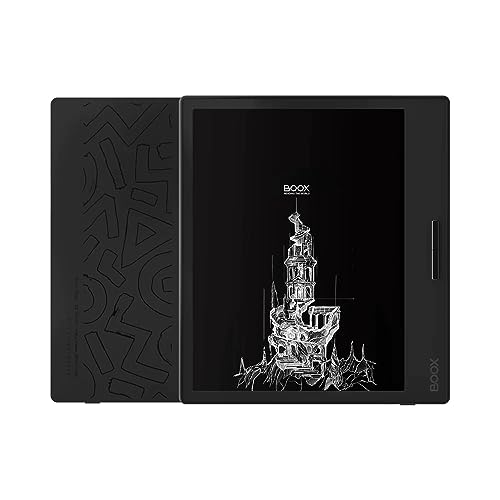
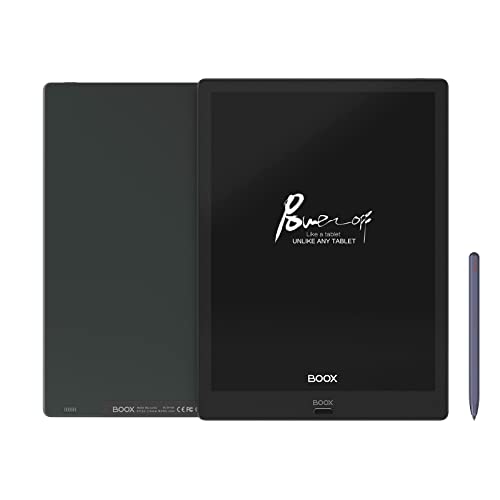
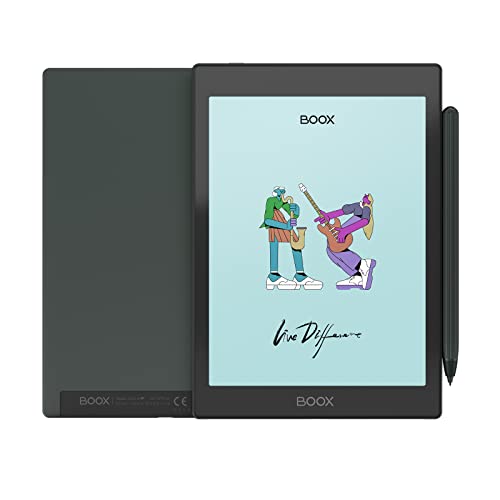
What is an Android eReader?
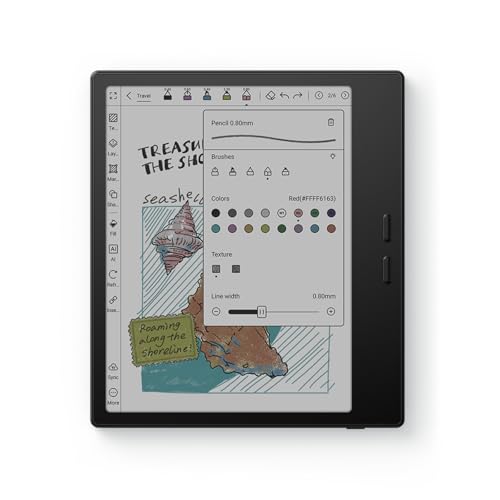
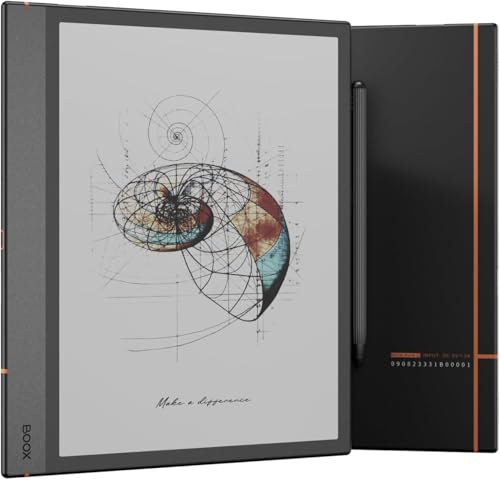
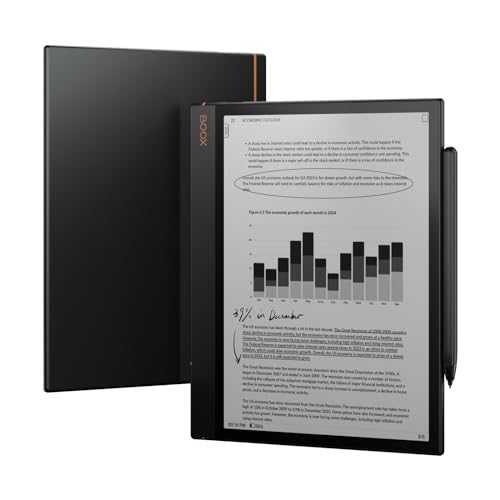
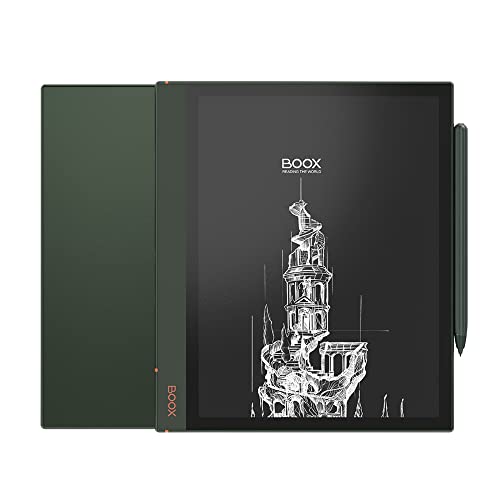
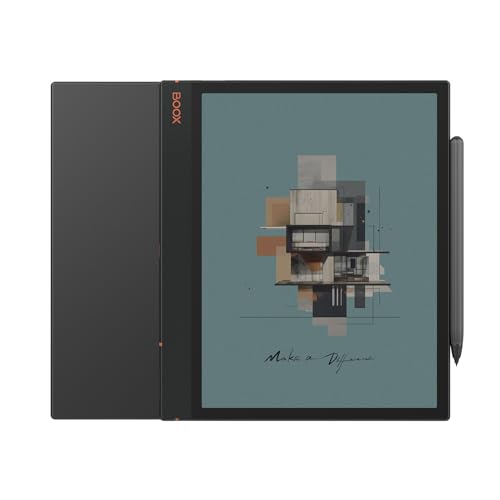
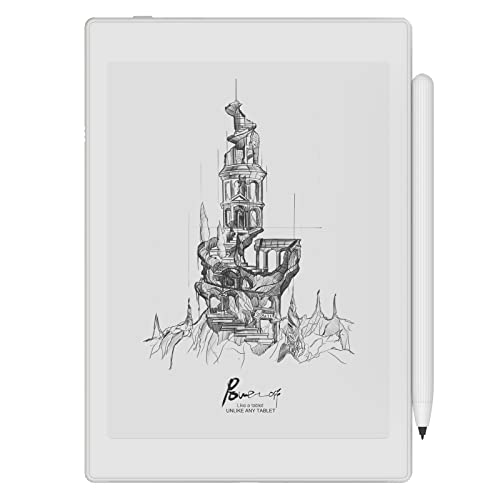
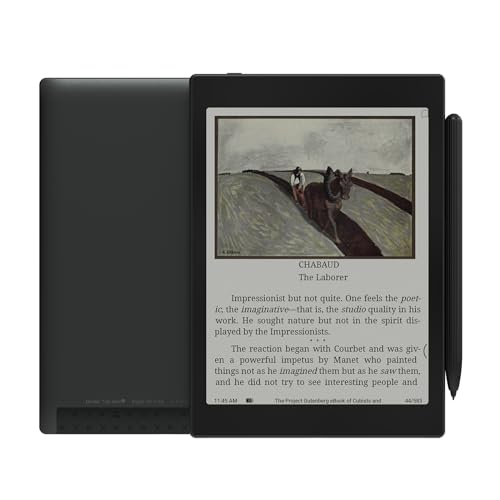
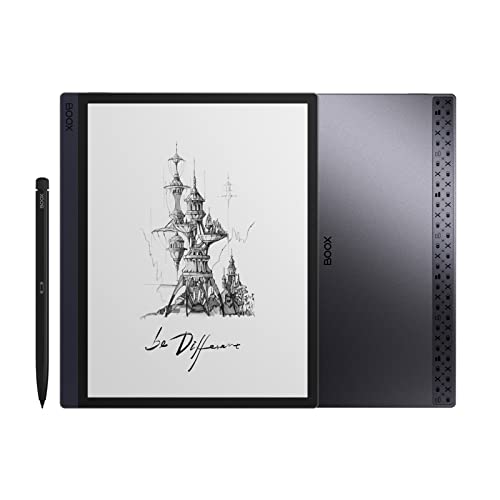
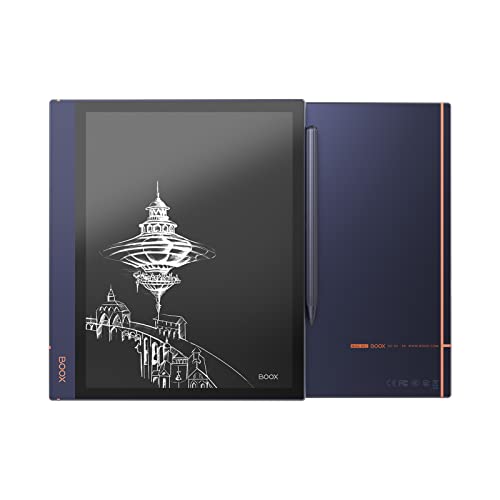
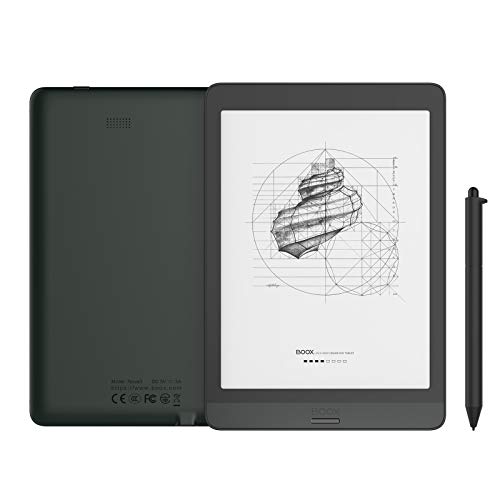
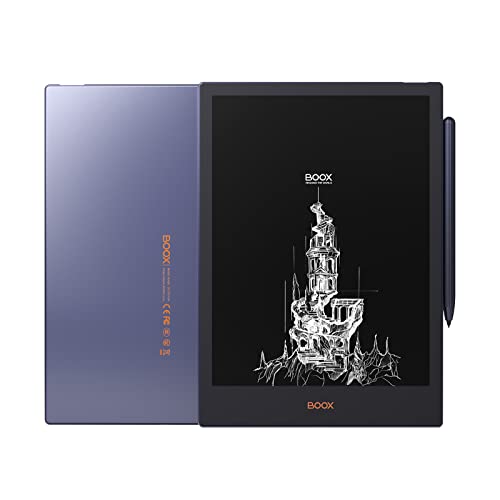
An Android eReader is an electronic reading device that runs on the Android operating system.
It works like a traditional eReader with an E Ink screen that reduces eye strain and extends battery life, but it also supports the same apps that run on Android tablets. This means you can install apps like Kindle, Kobo, or Google Play Books on one device instead of using separate hardware for each platform.
Are Android eReaders worse than standard eReaders?
Android eReaders are not worse than standard eReaders, but they have different trade-offs that make them better for some users and worse for others.
Standard eReaders deliver a more refined reading experience with smoother page turns and better optimization for book reading, while Android eReaders compensate with versatility and customization options.
Android eReaders require more technical knowledge because Android was not designed for E-ink screens, which creates various compatibility issues. Apps designed for phones often display poorly on monochrome E-ink displays and many suffer from more ghosting - afterimages that appear when the screen doesn't fully refresh.
Battery life is also shorter on Android devices because the operating system demands more resources than the simple Linux-based systems used in standard eReaders.
However, Android eReaders typically come with better hardware specifications including faster processors, more memory, and larger batteries to handle Android's demands.
What apps can you use on Android eReaders?
The most useful Android eReader apps are as follows.
- Kindle: You can read Amazon Kindle ebooks and sync your library across devices.
- Kobo: Kobo supports EPUB and PDF reading with access to Kobo's ebook store.
- Libby: Libby lets you borrow digital books and audiobooks from public libraries.
- Audible: Audible adds audiobook playback with bookmarks and playback speed control.
- Pocket: Pocket saves online articles in a cleaner text-first format for later reading.
- Moon+ Reader: Moon+ Reader supports many file types such as EPUB, PDF, and TXT with deeper reading customization.
- Google Play Books: Google Play Books gives you access to Google's ebook store and cloud library sync.
- Evernote: Evernote is useful for note-taking, clipping, and organizing content around your reading.
- Dropbox: Dropbox stores and syncs ebook files or documents across devices.
- Instapaper: Instapaper saves articles and web pages in a cleaner offline reading format.

Which brands make the best Android eReaders?
The best Android eReader brands are as follows:
- Onyx (Average overall score: 8)
- Barnes (Average overall score: 5.1)
Android eReader brands are ranked by overall score in the following chart.
[horizontal-chart-03208518286785126543070087670497286080510836115756]
How much do Android eReaders cost?
Android eReaders cost between £90 and £430, depending on screen size, hardware, and extra features.
Basic models with smaller screens and limited storage usually stay closer to 100–£130, while premium models with large displays, faster processors, and advanced functions reach 400–£430.
Most mid-range Android eReaders sell for around 200–£260 because this range balances performance and usability. Devices in this segment often include HD screens, more storage, and better build quality, so they suit everyday reading and light app use.
High-end Android eReaders cost more as they target professionals who read, study, or annotate documents on large screens. These models usually integrate stylus support, higher resolution, and longer battery life, which raises the price.
The chart below shows price distribution across Android eReaders.
[vertical-chart-18330740527015196678172627944226941949862692328267]
What else should you consider when choosing the best Android eReader?
The following factors matter most while choosing the best Android eReader.
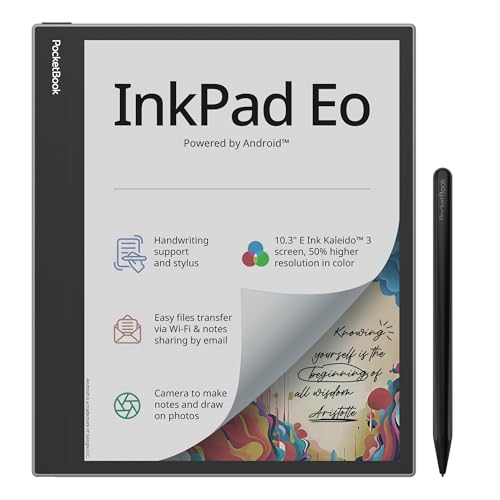
- Screen technology: E Ink is still the main reason to buy an Android eReader instead of an ordinary tablet. Some models stay monochrome for sharper text and longer runtime, while color E Ink models are more useful for comics, diagrams, and mixed documents. The better choice depends on whether you prioritize pure reading sharpness or broader visual content.
- Android version and apps: Android flexibility is a major advantage only if you actually need multiple reading, note, cloud, or library apps on one device. Newer Android versions usually improve compatibility and security, but the real question is whether the device gives smooth access to the apps you plan to use. Compare app support and Play Store access directly instead of assuming every Android reader behaves like a normal tablet.
- Battery and performance: Android eReaders need more processing power than closed-system readers, so RAM and chipset quality matter more here. Models with at least 4 GB RAM usually handle app switching and larger files more smoothly, but they still tend to drain faster than simpler Kindle or Kobo-style devices. If you want weeks of runtime with minimal management, a lighter proprietary system may still be the better fit.
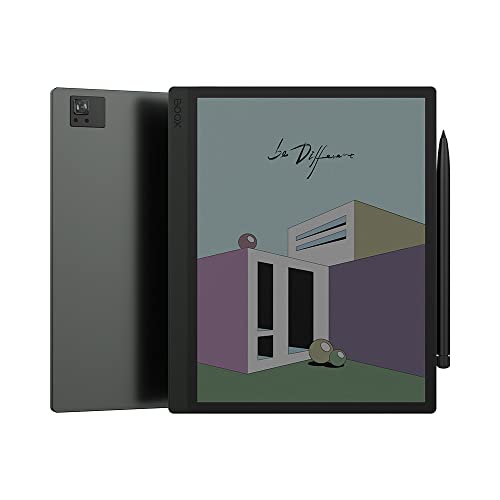
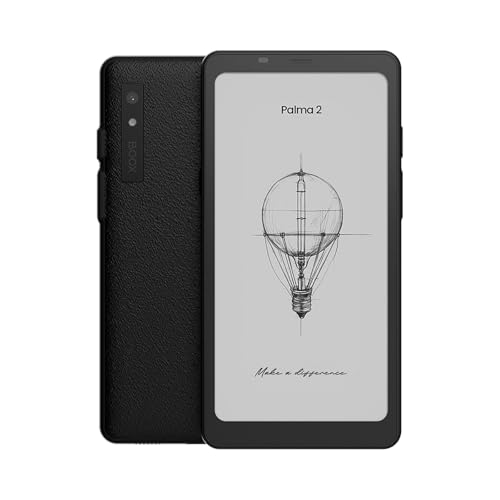
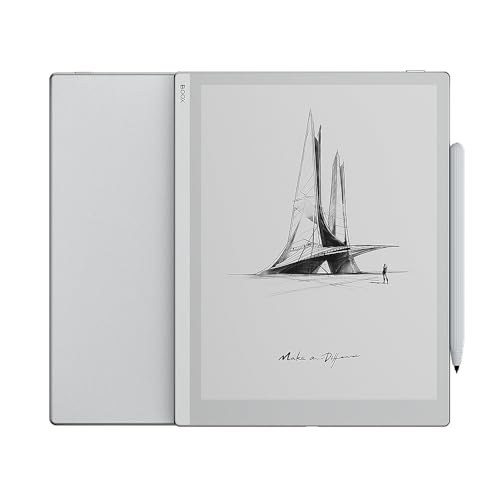
- Build and portability: Android eReaders span phone-sized models, compact 7-inch readers, and much larger note devices, so weight and grip change a lot across the category. A Boox Palma-style device works very differently from a 10-inch Android note reader even though both run Android. Decide first whether you want pocket portability, one-handed reading, or a document-sized work screen.
- Storage and file support: Android readers often add much more storage than standard eReaders, which helps with comics, PDFs, audiobooks, and offline app data. They are also better at handling mixed ecosystems because different apps can manage different DRM and file types. This matters if you read across several stores or keep a large offline library instead of a small ebook-only collection.
- Smart features: Some Android eReaders add handwriting recognition, text conversion, AI tools, or advanced notebook functions, but those extras only matter if they improve your actual workflow. They can be useful for study, annotation, and document work, but they also add software complexity and background load. Treat these features as productivity tools, not automatic upgrades.