
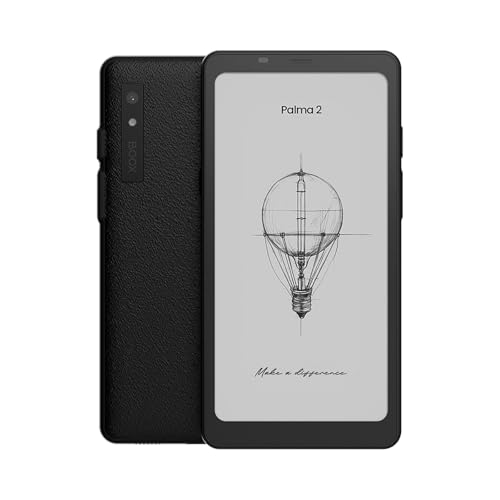
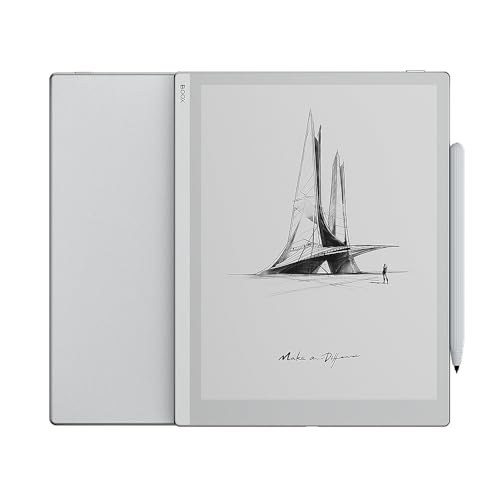
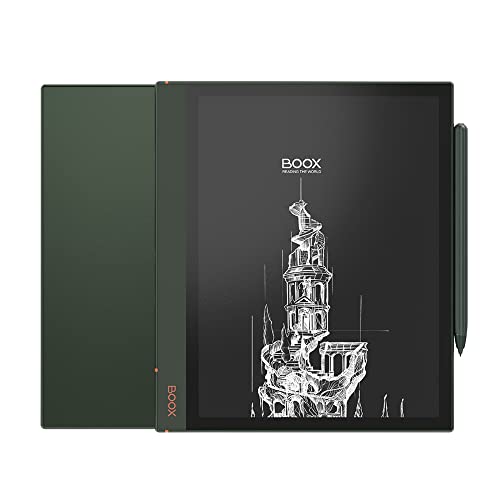
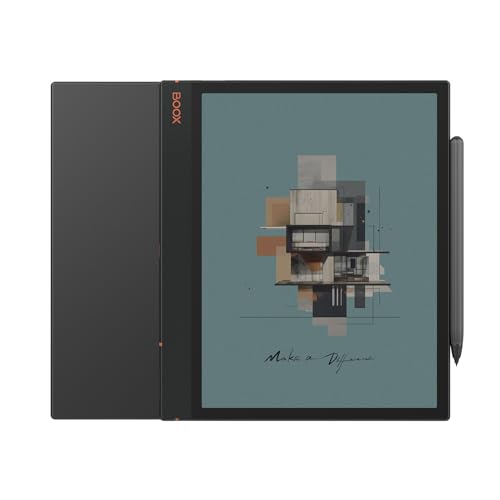
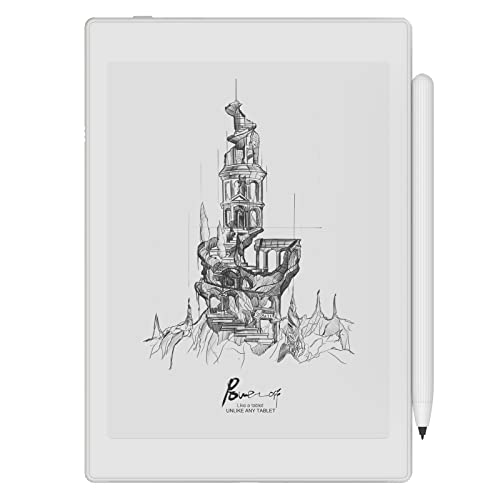
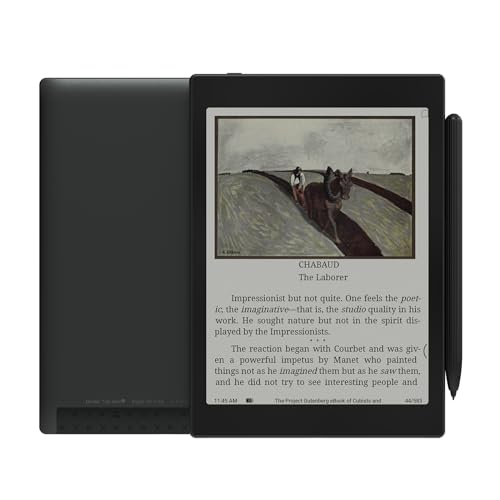
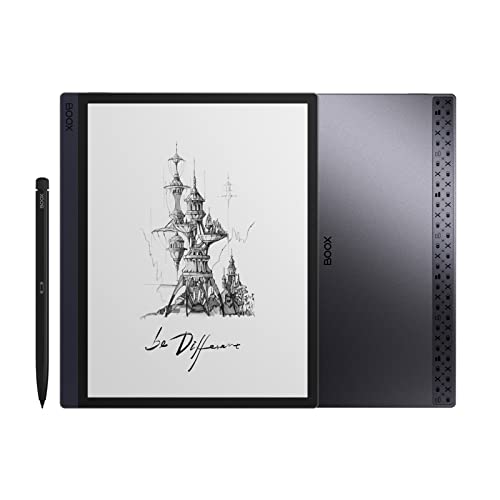
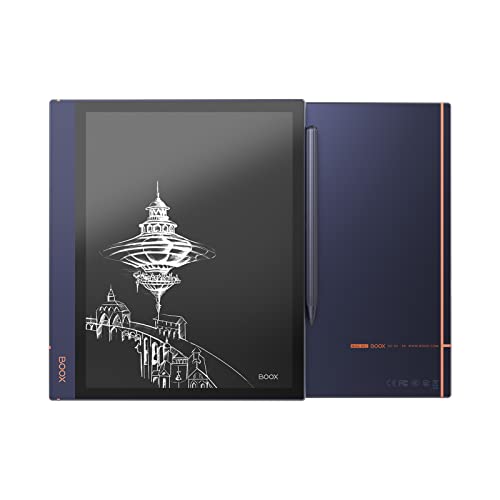
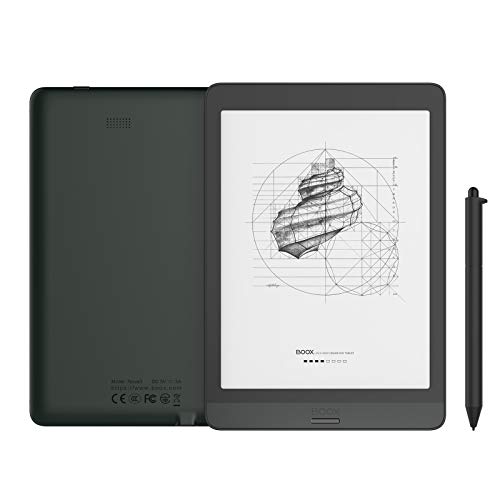
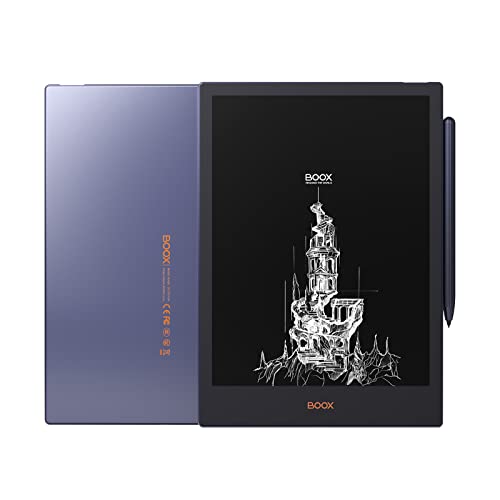
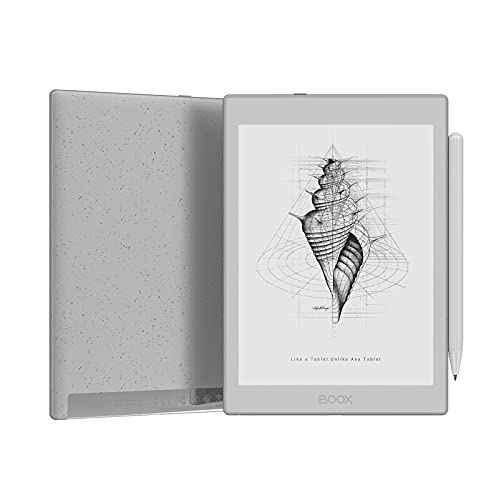
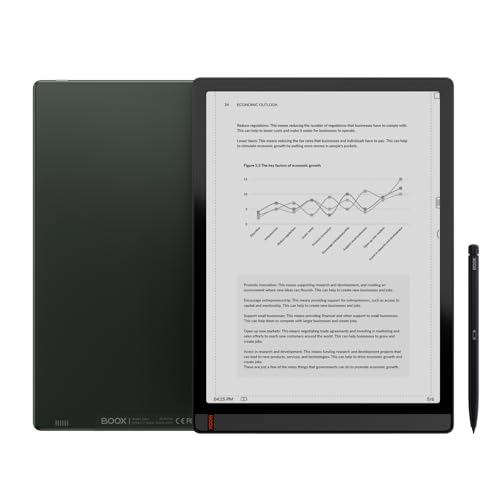
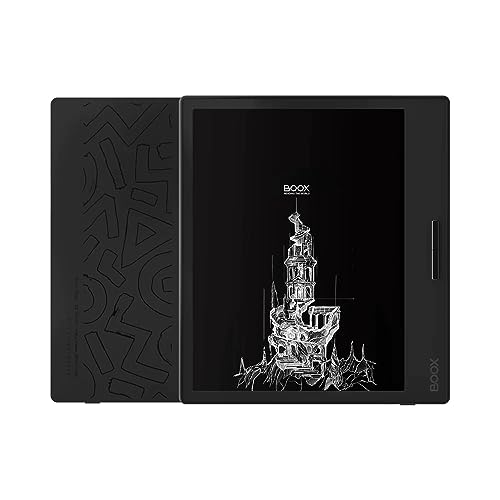
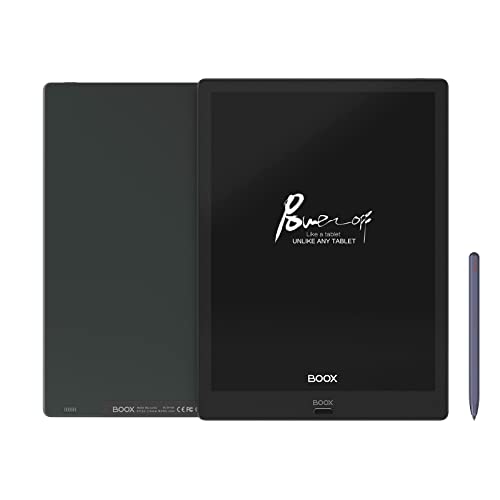
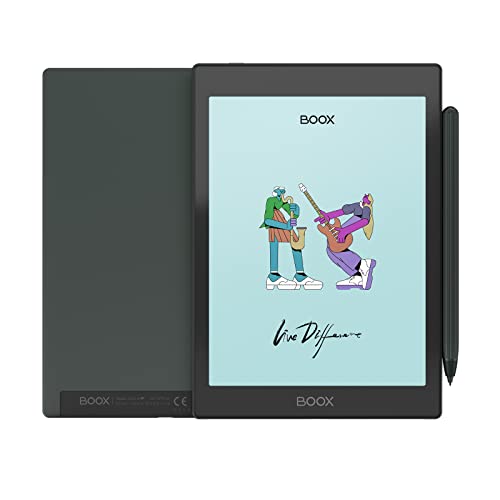
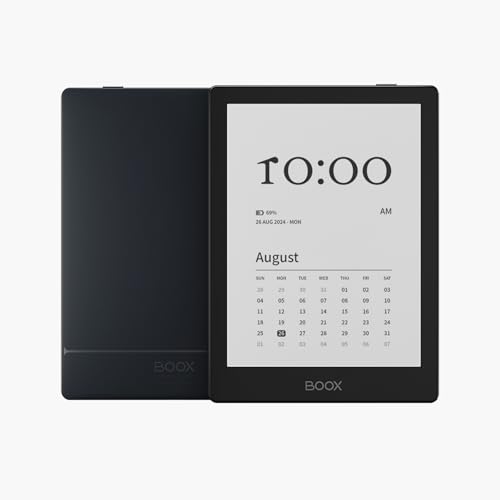
Are Onyx eReaders good?
Onyx Boox eReaders have an average overall score of 7.9, ranking #1 among all eReader brands, and a user rating of 8.3, placing them at #4 based on user reviews.
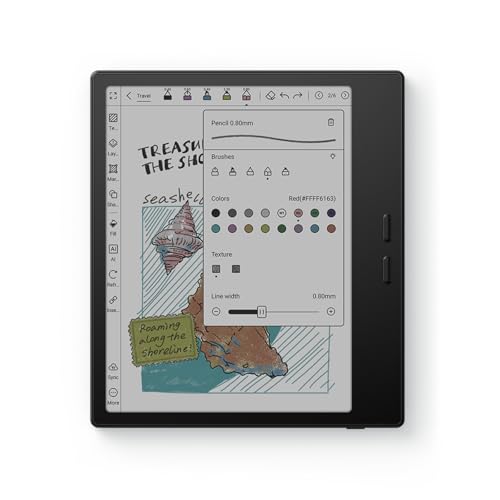
Onyx Boox models are usually strongest in hardware flexibility, Android app access, PDF handling, note-taking, and larger-screen productivity use. Many models support stylus input, broader file compatibility, and more advanced multitasking than simpler reading-focused eReaders, which makes the brand more useful for technical reading, documents, and work-heavy use cases.
The main trade-off is that the experience can feel more complex than Kindle or Kobo, and the software polish can vary more by model. Onyx Boox is usually the right choice for buyers who want a more capable Android-based E Ink device rather than the simplest pure reading experience.
The best currently available Onyx Boox eReaders (with the highest overall score) are as follows:
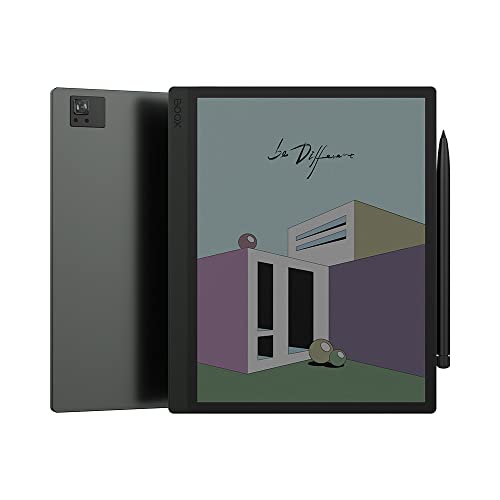
- Onyx Boox Note Air 4 C (Overall score: 8.94)
- Onyx Boox Go Color 7 (Overall score: 8.91)
- Onyx Boox Note Air 3 (Overall score: 8.61)
The chart below compares eReader brands based on their overall scores.
[horizontal-chart-03443204806401273189021830265755694920453923569808]
What are the main advantages of Onyx eReaders?
The main advantages of Onyx eReaders are as follows.
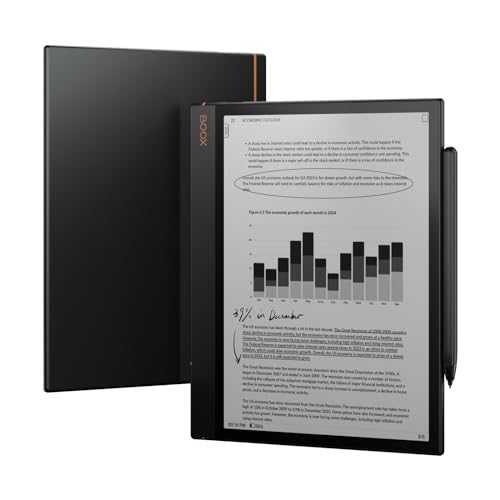
- Large-screen range: Onyx has one of the broadest large-screen E Ink ladders, including 10.3-inch and 13.3-inch devices that suit PDFs, academic papers, and document-heavy work better than small readers. This is a real strength if you need more than casual ebook reading.
- Strong stylus support: Many Onyx models use Wacom-based handwriting with pressure sensitivity, which makes them much more useful for notes, sketches, and PDF markup than ordinary reading-only devices. This is one of the clearest reasons to choose Onyx over simpler brands.
- Broad file support: Onyx handles a wide mix of ebook, document, and comic formats without forcing you into one store or one conversion path. That flexibility is especially useful for technical, professional, and mixed-library workflows.
- Full Android system: Android support lets one Onyx device run Kindle, Kobo, library apps, note apps, and productivity tools together. This gives Onyx much more flexibility than closed Kindle or Kobo systems if you really use multiple ecosystems.
- Stronger internal hardware: Newer Onyx models usually add more RAM, faster processors, and larger storage than standard reading-first eReaders. That matters when you work with large PDFs, split-screen tools, note layers, or several apps.
- Adjustable lighting: Warm and cool front-light control is well integrated across much of the lineup. It helps keep large-screen and long-session reading more comfortable in changing lighting conditions.
- Good battery for the class: Onyx devices do more than simple eReaders, yet they still benefit from E Ink's lower power draw. They will not match the simplest monochrome readers every time, but they remain much more efficient than ordinary tablets.
What are the main disadvantages of Onyx eReaders?
The main disadvantages of Onyx eReaders are as follows.
- Higher prices: Onyx usually sits above the basic Kindle and Kobo tiers, especially once you move into large-screen or Tab-class devices. That makes the brand harder to justify if your main use is simple novel reading.
- More weight and bulk: Large-screen Onyx models are much less portable than compact 6-inch or 7-inch readers. If you want one-handed travel reading, the bigger Onyx hardware can feel excessive.
- More complex software: Android gives Onyx flexibility, but it also makes the interface less simple and less beginner-friendly than Kindle or Kobo. Buyers often need more setup time, more tweaking, and more tolerance for software complexity.
- Shorter standby with apps: Once you use Wi-Fi, third-party apps, and heavier Android workflows, Onyx battery life drops faster than on closed-system eReaders. This is the trade-off behind the extra flexibility.
- Less waterproofing: Water resistance is not a strong universal advantage in the Onyx lineup. That makes many models less ideal for bath, pool, or worry-free outdoor reading than waterproof Kobo or Paperwhite tiers.
- Update consistency: Onyx adds useful updates, but the long-term consistency is less predictable than on simpler closed ecosystems. That matters if you want a device that stays low-maintenance for many years.

Who makes Onyx eReaders?
Onyx eReaders are made by Onyx International Inc., a Chinese company founded in 2006 and based in Shenzhen.
The brand is best known for its Boox line of eReaders and tablets, which run on Android and support a wide range of reading formats. The company focuses on E Ink technology and produces devices that combine eReader functions with tablet features.
Onyx International started as a small team of engineers with backgrounds in consumer electronics and software. Over the years it expanded its reach worldwide, with products sold in Europe, North America, and Asia. The company operates with a few hundred employees and works closely with E Ink Holdings, the supplier of the electronic paper displays used in its devices.
How popular are Onyx eReaders?
Onyx e-readers are a niche but growing player worldwide, with shipments in 2024 estimated at about 2 million units and a global market share near 5 %, which placed the brand among the top 3 vendors. The Boox Note Air 3, Tab Ultra, and Leaf 2 were the main drivers, targeting users who wanted larger screens, Android support, and stylus input.
Onyx performed strongest in Asia and Europe, while in North America its presence stayed smaller but rising.
What are the main Onyx eReader models?
The main Onyx eReader series are as follows.
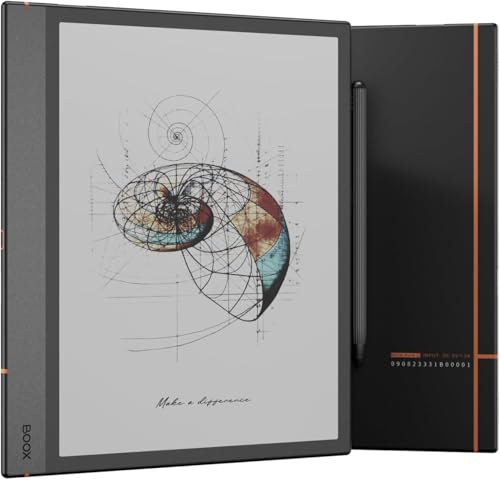
- Boox Note: Note is the core 10.3-inch line for larger-page reading, handwriting, and professional document work. It is usually the most balanced Onyx series for buyers who want a serious note-capable E Ink device without going to the largest screen tier.
- Boox Max: Max is the largest-screen Onyx line, centered on 13.3-inch reading and document workflows. It is aimed at academic papers, technical PDFs, and other use cases where page size matters more than portability.
- Boox Nova: Nova is the mid-sized 7.8-inch line that tries to balance portability with more room for PDFs, comics, and note use than a basic 6-inch reader. It sits between compact handheld reading and large work-focused devices.
- Boox Poke: Poke is the compact, simpler reading-first line in the Onyx range. It makes the most sense when you want Android flexibility in a smaller body without paying for the larger note-centric hardware tiers.
- Boox Tab: Tab is the more performance-focused productivity line with stronger hardware, stylus support, and larger-screen options. It is closer to an E Ink work tablet than to a simple ebook reader.
- Boox Leaf: Leaf is a thinner 7-inch reading-first line that emphasizes handheld comfort and casual reading more than heavy note-taking. It is a better fit for buyers who want lighter reading hardware without moving back to the smallest screen tier.
How much do Onyx eReaders cost?
Onyx eReaders cost between £170 and £800 depending on the model and specifications.
Entry-level devices start near £170, while mid-range models with larger screens and extra features usually range from £260 to £430. High-end models with advanced hardware and larger displays can reach £600 or more, and the most advanced professional devices are close to £800.
What should you consider while choosing the best Onyx eReader?
The following factors matter most while choosing the best Onyx eReader.
- Screen class: Onyx spans compact reading devices, 7-inch handhelds, 10.3-inch note readers, and even 13.3-inch document models. Start by deciding whether you want a portable reader, a balanced note device, or a large-format work screen.
- Size and portability: Poke and Leaf stay easier to carry, while Note and Tab-class devices are better for PDFs and writing but much less pocketable. Onyx has one of the widest size spreads in the category, so this choice affects daily use immediately.
- Stylus and handwriting: Note and Tab lines are much stronger if handwriting, annotation, and pen workflow matter. Compact Onyx readers are better treated as reading devices first, not as substitutes for the larger writing models.
- Software flexibility: Onyx's Android system is a major advantage only if you actually want multiple reading, cloud, and productivity apps on one device. If you prefer a simpler reading-first interface, too much flexibility can become extra complexity instead of a real benefit.
- Battery behavior: Smaller and simpler Onyx readers usually last longer, while larger screens and heavier Android workflows consume more power. Compare runtime with your real use pattern, especially if you expect lots of Wi-Fi, note use, or third-party app activity.
- Connectivity and storage: Wi-Fi and Bluetooth are common, but higher-end models may add more storage, stronger accessory support, and better document workflows. This matters most if your library includes large PDFs, audiobooks, or work files rather than simple ebooks.
- Extra hardware: Speakers, microphones, keyboards, and other productivity extras differ a lot across the range. They can be useful on larger Tab and Note-class devices, but they are not equally important for buyers who only want a strong reading screen.