How do tablets for seniors differ from regular tablets?
Tablets for seniors differ from regular tablets in the following ways:
- Screen size and brightness: Senior tablets often use larger displays (usually 10 inches or more) with high brightness and sharp contrast so that text and icons remain clear.
- Simplified interface: They run software with bigger icons, large text, and a simplified layout that reduces clutter and confusion.
- Accessibility features: Many senior models include voice commands, hearing aid compatibility, and adjustable font sizes for vision or hearing support.
- Pre-installed apps: Tablets for seniors usually come with health, communication, and emergency apps already installed so the device is ready to use.
- Physical design: They often have sturdy builds, stronger cases, and charging docks so that seniors handle them more easily.
- Customer support: Senior-focused tablets usually include direct support lines or built-in assistance features that regular tablets lack.
Which brands make the best tablets for seniors?
The best tablet brands for seniors are as follows.
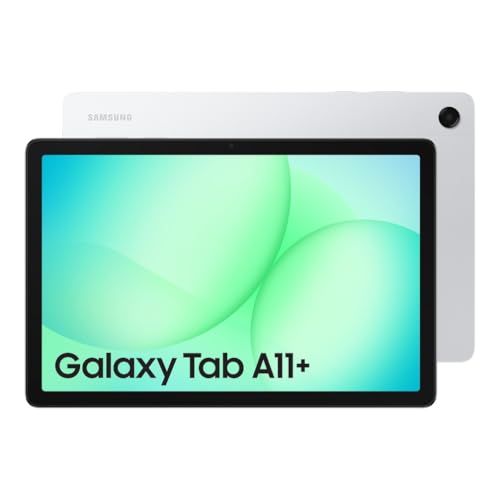
- Samsung (Overall score: 8.8 points)
- Apple (Overall score: 8.5 points)
- Honor (Overall score: 7.5 points)
Tablet brands for seniors are ranked by overall score in the following chart.
[horizontal-chart-16522410568203881883096923668392999413940649316992]
How much do tablets for seniors cost?
Tablets for seniors cost between £85 and £510 depending on brand, screen size, and features.
You can find entry-level models around £85 to £130 which cover basic tasks like browsing, reading, or video calls. Mid-range models usually stay between £170 and £300 as they add stronger processors, bigger displays, and longer battery life. Premium models can reach £425 to £510 with higher resolution screens, faster performance, and better build quality.
Prices across tablets for seniors are distributed in the following chart.
[vertical-chart-15886630095118278799007410173456768805872533564199]
How powerful do processors in tablets for seniors need to be?
Processors in tablets for seniors need to be mid-range in power, not as strong as high-end gaming chips but faster than basic entry-level ones. A quad-core or octa-core processor with clock speeds around 2.0 GHz gives you smooth performance for browsing, video calls, reading news, or streaming. With this level of power, you avoid delays when you open apps or switch between them.
If you use your tablet for video chats with family, email, or online shopping, you do not need the latest flagship chip. A processor found in tablets that cost between £170 and £340 usually runs these tasks without slowdowns.
The following chart shows how RAM capacity is distributed across tablets for seniors.
[vertical-chart-02455515133939099872087569515437077839150802948005]
What screen size works best for seniors’ tablets?
The screen size that works best for seniors’ tablets is usually between 10 and 12 inches.
A larger display helps you read text, watch videos, and browse the internet without straining your eyes. It also gives you more space for bigger icons and clear navigation, which can make the tablet easier to use. Tablets with smaller screens, such as 7 or 8 inches, feel lighter and more portable, but they can be harder to read if you have vision problems.
How long does the battery last on tablets for seniors?
The battery on tablets for seniors usually lasts between 8 and 12 hours on a single charge. This means you can use the device through most of the day without needing to recharge it, whether for reading, video calls, or browsing the internet. Some models reach up to 15 hours if you use them mainly for light tasks like reading e-books or checking emails, while others with larger screens or stronger processors may last closer to 7 or 8 hours.
You should look at the size of the battery (measured in mAh) and the type of display, since brighter and larger screens consume more energy. A 7-inch or 8-inch tablet usually lasts longer than a 10-inch one, because the screen needs less power. If you often watch videos or use apps that need more processing power, the battery will drain faster.
Charging speed also matters, since tablets with fast charging can reach 50% in about one hour, so you do not need to keep them plugged in for too long.
What operating system is easiest for seniors to use?
The operating system that is easiest for seniors to use is iPadOS, since Apple’s interface is simple, consistent, and easy to navigate. You get large icons, clear menus, and smooth performance without complicated settings. The App Store also includes many apps for reading, video calls, and health tracking, which makes the device practical for everyday use.
Android is another option, especially if you want more tablet choices at different prices. Many Android tablets let you adjust the interface with larger fonts, simplified home screens, and voice assistants. Some even come with “easy mode” settings, so you can reduce clutter and see only the most used apps.
Windows tablets are less common but work well if you already use a Windows PC at home. The layout is familiar, and you can use the same Microsoft apps. However, Windows tablets usually cost more and have more features than most seniors need.
What else to consider while choosing the best tablet for seniors?
When choosing the best tablet for seniors, you should consider the following key hardware specifications and features.
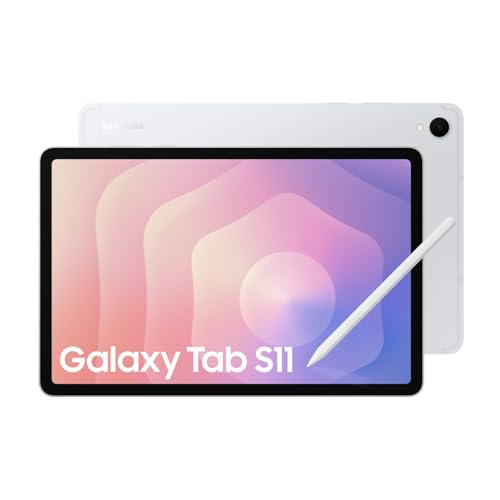
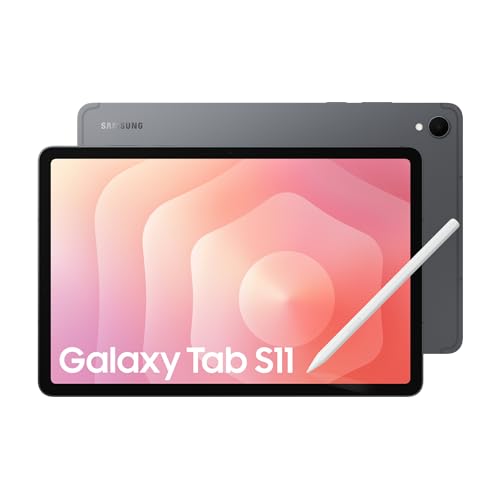
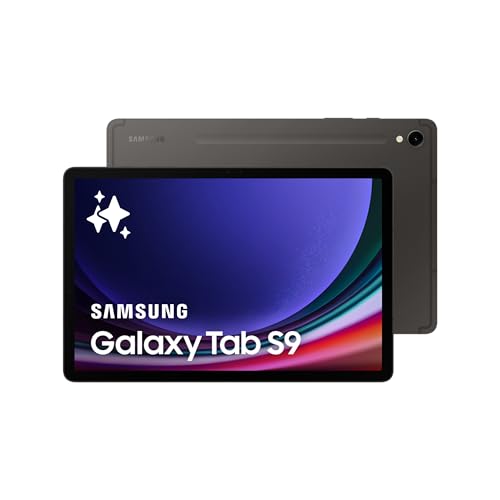
- Screen size and display quality: Tablets with 10-inch screens or larger work best for seniors who need clear visibility. The iPad Air and Samsung Galaxy Tab A series feature bright displays with good contrast ratios. Large text and icons reduce eye strain during extended use.
- Operating system: iOS on iPads tends to be more intuitive for seniors new to technology, while Android tablets like the Samsung Galaxy Tab offer more customization options. Simple interfaces with fewer steps to complete tasks help seniors navigate more easily.
- Design and weight: Lightweight tablets under 500 grams reduce hand fatigue during use. The iPad Mini and Samsung Galaxy Tab A7 Lite balance portability with screen size. Rounded edges and non-slip backs improve grip security.
- Battery life: Tablets that last 8-10 hours on a single charge work well for daily use without frequent charging. The iPad and Samsung Galaxy Tab S series typically exceed this benchmark. Long battery life reduces anxiety about device power management.
- Storage capacity: Tablets with 64GB or more storage accommodate photos, apps, and videos without running out of space. Models like the iPad (9th generation) and Samsung Galaxy Tab A8 offer expandable storage through memory cards. Adequate storage prevents performance slowdowns.
- Audio and speaker quality: Clear, loud speakers help seniors who may have hearing difficulties. The iPad Pro and Samsung Galaxy Tab S8 feature enhanced audio systems with better volume output. Good audio quality improves video calls with family members.
- Customer support access: Brands that provide accessible customer service through phone support benefit seniors who prefer direct assistance. Apple stores and Samsung support centers offer in-person help for device setup and troubleshooting. Comprehensive warranty coverage protects the investment long-term.