Which brands make the best Bluetooth soundbars?
The best Bluetooth soundbar brands are as follows:
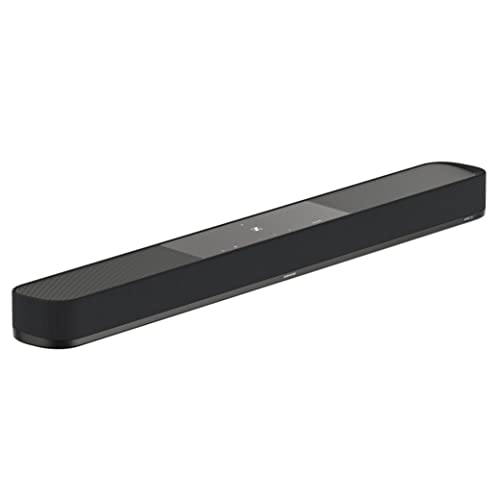
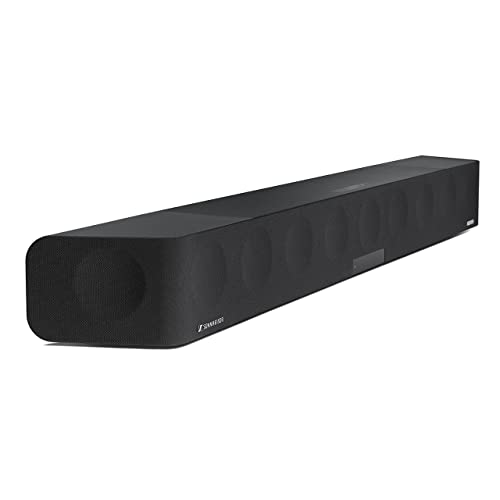
- Sennheiser (Average overall score: 8.1)
- Sony (Average overall score: 7.7)
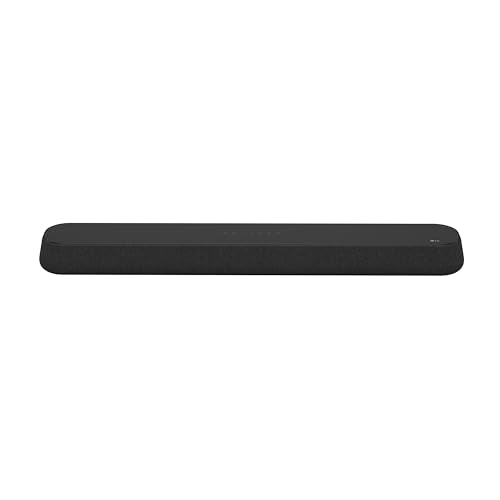
- LG (Average overall score: 7.3)
The chart below ranks Bluetooth soundbar brands by average overall score.
[horizontal-chart-02417684728532157089025721869081491059851881102040]
What does Bluetooth add to a soundbar?
Bluetooth adds quick wireless playback from your phone, tablet, or laptop without needing the soundbar to join your home network. That makes it useful when you want a simpler setup, guest-friendly pairing, or fast casual listening.
In the current Soundbars data, Bluetooth is almost standard, but the Bluetooth feature set is usually basic rather than advanced. Most Bluetooth soundbars here support just one Bluetooth codec, and the category is still dominated by 2.0 and 2.1 channel designs, so Bluetooth often comes with straightforward everyday bars rather than flagship surround systems.
What Bluetooth does not automatically add is a richer streaming ecosystem. About two thirds of Bluetooth soundbars in this category do not also include Wi-Fi, so app control, multi-room playback, AirPlay, Chromecast, and similar network features usually depend on a separate Wi-Fi-capable model.
How do Bluetooth soundbars compare with Wi-Fi models?
Bluetooth soundbars are usually simpler and cheaper, while Wi-Fi models are better if you want a fuller streaming ecosystem. Bluetooth is best for quick direct playback from a phone or laptop; Wi-Fi is better for multi-room audio, app control, and services like AirPlay, Chromecast, or Spotify Connect.
In our current Soundbars data, about two thirds of Bluetooth soundbars do not also include Wi-Fi, which shows that many Bluetooth models are still built as straightforward TV-audio upgrades rather than networked speakers. That usually keeps setup easier and prices lower, but it also means fewer ecosystem features.
If your main goal is occasional music from a phone plus better TV sound, Bluetooth is often enough. If you want the soundbar to behave more like a connected streaming platform, Wi-Fi is the stronger long-term choice.
How much do the best Bluetooth soundbars cost?
The best Bluetooth soundbars usually cost under 150 EUR at the entry level, around 150-300 EUR in the mid-range, about 300-600 EUR for stronger step-up models, and 600+ EUR for premium systems. In our current Soundbars data, the average Bluetooth model sits around 260 EUR, but the category still stretches from very cheap everyday bars to high-end Atmos systems.
The biggest concentration is at the affordable end of the market. Well over half of Bluetooth soundbars in this dataset are below 150 EUR, which is why Bluetooth often shows up in simple 2.0 or 2.1 bars aimed at easier TV upgrades and casual music playback.
You usually pay more when Bluetooth is combined with better channel layouts, Dolby Atmos, Wi-Fi, or a broader speaker ecosystem. Those premium models make sense if you want cinema-style immersion, but many buyers will find the practical sweet spot below the flagship tier.
How do Bluetooth soundbars connect to different devices?
The main ways Bluetooth soundbars connect to different devices are as follows.
- TVs: Usually through HDMI ARC, eARC, or optical. Bluetooth can work for some TVs, but wired TV audio is normally the more stable choice.
- Phones and tablets: This is where Bluetooth is most useful. It gives you quick music playback without needing the soundbar on Wi-Fi.
- Laptops: Bluetooth works well for casual listening, but HDMI or optical is usually better if the soundbar is being used as part of a fixed TV or monitor setup.
- Streaming boxes and consoles: These are usually best connected through the TV or through HDMI pass-through on the soundbar, not over Bluetooth.
- Guest devices: Bluetooth is convenient when different people want to pair quickly without signing into apps or joining a shared network.
If the soundbar will mainly stay with a TV, prioritize its HDMI connection first and treat Bluetooth as a secondary convenience feature.
What should you consider while choosing a Bluetooth soundbar?
The main things to check while choosing a Bluetooth soundbar are as follows.
- HDMI ARC / eARC: This still matters more than Bluetooth for TV audio. Check how the bar connects to the TV first, then treat Bluetooth as the music and convenience layer.
- Bluetooth version: In this category, Bluetooth 5.0 is the most common version, with 4.2 still appearing often and 5.3 showing up on newer models. If the spec sheet only shows 4.0 or 4.2, expect a more basic wireless implementation than on 5.0 or 5.3 models.
- Codec support: Many Bluetooth soundbars support only SBC, while better models may add AAC, LDAC, or aptX. If music quality matters, check the codec list instead of assuming all Bluetooth soundbars behave the same.
- Channels: A basic 2.0 or 2.1 bar is fine for casual TV and music, but 3.1 and higher layouts are better if you want clearer dialogue and a less flat front soundstage.
- Subwoofer setup: Check whether bass comes from the main bar alone, an included subwoofer, or optional wireless expansion. This makes a big difference to movies and gaming.
- Wi-Fi and casting: Some Bluetooth soundbars also include Wi-Fi, AirPlay, Chromecast, or Spotify Connect, but many do not. If you want a fuller streaming ecosystem, verify this explicitly.
- Ports and pass-through: Optical, HDMI inputs, and HDMI pass-through still matter if you connect consoles, streamers, or older TVs. A good Bluetooth soundbar should not be judged on wireless features alone.
- Size and fit: Make sure the bar matches your TV width and furniture, especially if you are choosing between compact entry-level bars and wider premium models.
A Bluetooth soundbar is usually the right choice when you want easy phone playback on top of better TV sound. If you also care about higher-quality music streaming, broader ecosystem features, or a more advanced cinema setup, check the codecs, ports, and Wi-Fi support just as closely as the Bluetooth label itself.