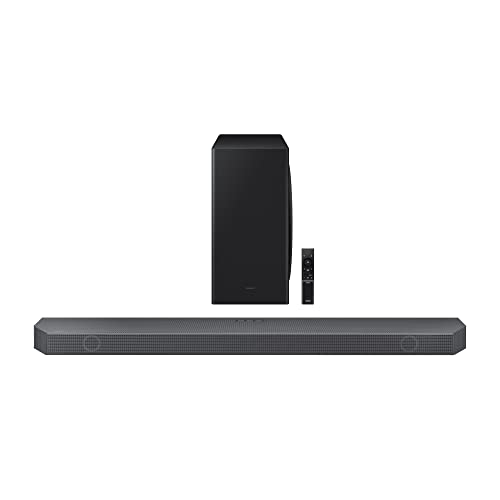
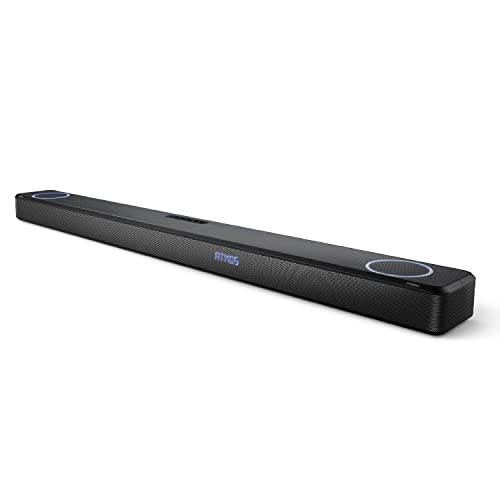
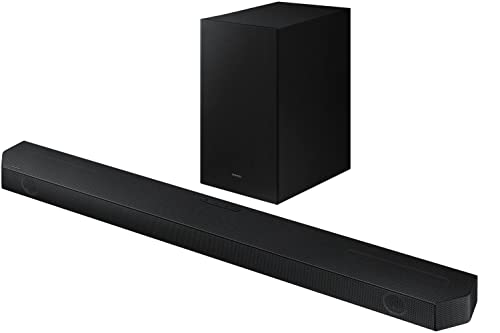
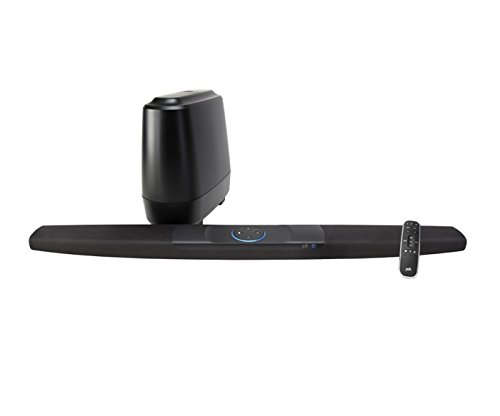
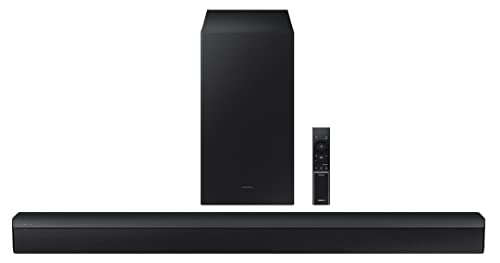
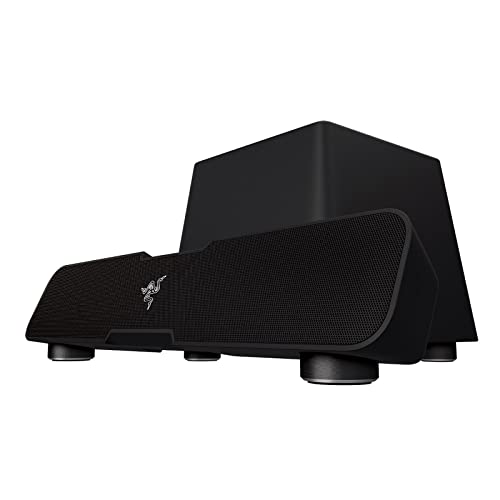
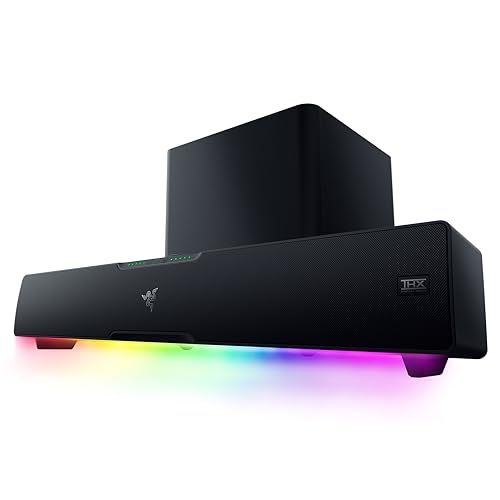
Which brands make the best soundbars with subwoofer?
The best soundbar brands with subwoofer are as follows:
- LG (Average overall score: 8.8)
- Samsung (Average overall score: 7.7)
- Razer (Average overall score: 5.8)
The chart below ranks soundbar brands with subwoofer by average overall score.
[horizontal-chart-00333517696858613862169673687520790536891883149635]
What does a subwoofer add to a soundbar?
A subwoofer adds deeper bass, more punch, and more physical weight than a soundbar alone can usually deliver. That difference is easiest to hear in film effects, action scenes, games, and bass-heavy music.
It can also improve the main bar indirectly. When low frequencies are handled by a separate subwoofer, the soundbar itself often sounds cleaner and less strained through dialogue and mid-range effects.
That does not mean more bass is always better. The real benefit comes from getting fuller low-end support without making the system boomy, sloppy, or difficult to place in the room.
How do soundbars with a subwoofer differ from all-in-one models?
Soundbars with a subwoofer usually sound bigger and fuller than all-in-one models, but they also take more space and add another box to place. In practice, they are usually built around 2.1 or 3.1-style layouts, while all-in-one bars are more often simple 2.0 designs.
They also tend to sit higher in price. Most soundbars with a subwoofer are sold as step-up systems rather than entry-level TV-audio upgrades, because the extra bass hardware raises both scale and cost.
That trade-off is the real difference. A soundbar with subwoofer usually gives more bass impact and a larger presentation, while an all-in-one bar wins on simpler furniture fit, easier placement, and lower everyday hassle.
Do you need a soundbar with separate subwoofer?
No, you do not need a soundbar with separate subwoofer for every room. It is worth it mainly when you want more bass weight for films, games, and music, and you have enough room to place the extra box properly.
In a small living room, bedroom, or apartment setup, an all-in-one bar can still be the better fit if your priority is cleaner dialogue and a simpler layout. A separate subwoofer helps most when you want scale and impact, not just a basic TV-sound upgrade.
The decision is usually about room fit and listening style. If you regularly watch action films or want a bigger cinema feel, the separate subwoofer is often worth it; if you mainly watch regular TV at moderate volume, it can be optional.
How much do soundbars with subwoofer usually cost?
Most soundbars with subwoofer cost about £130-£550, with only a few cheaper models below that and very few going far above it. That makes this segment more mid-range than budget, even before you move into premium Atmos systems.
The lower end usually covers simpler 2.1 bars and more straightforward TV-audio upgrades. The upper end is where you start seeing stronger channel layouts, better HDMI support, and more complete cinema-oriented systems.
You are usually paying here for more bass scale, a fuller presentation, and a system that feels larger than an all-in-one bar. Whether that is worth it depends on room size, bass tolerance, and how much films and gaming matter in the setup.
How do soundbars with a subwoofer connect to your TV?
The main ways soundbars with a subwoofer connect to your TV are as follows.
- HDMI ARC: This is still one of the most common TV connections on soundbars with a subwoofer. It keeps the setup simple and usually lets the TV remote control the soundbar volume.
- HDMI eARC: This is the stronger connection if the soundbar also supports Atmos or higher-bandwidth formats. It matters more on step-up systems than on simpler 2.1 bars.
- Optical: Some soundbars with subwoofer still rely on optical for basic TV audio. It works, but it is less flexible than ARC or eARC.
- Subwoofer pairing: Wireless subwoofers are common, which makes placement easier, but the subwoofer still needs a good spot in the room and a stable connection to the main bar.
- Extra HDMI inputs: These matter if you want to route consoles or streaming boxes through the soundbar instead of only through the TV.
For this type of setup, it is worth checking both the TV connection and the subwoofer connection path. A soundbar can connect well to the TV but still be annoying if the subwoofer placement or pairing is unreliable.
What should you consider while choosing a soundbar with subwoofer?
The main things to check while choosing a soundbar with subwoofer are as follows.
- Subwoofer type: Wireless subwoofers are common and usually easier to place neatly, but they still need a good location and reliable pairing to sound right. A wired subwoofer can be simpler electrically, but it limits placement more. It is also worth checking how reliably the subwoofer reconnects after standby, because daily-use frustration often starts there.
- Subwoofer hardware: Check whether the system uses a compact entry-level subwoofer or a larger cabinet designed to add more low-end output and scale. This matters because a weak or undersized subwoofer can leave the system sounding lighter than the spec sheet suggests. If the maker gives no useful hardware detail at all, treat the bass performance claims more cautiously.
- Channel layout: Many soundbars with subwoofer are still 2.1 systems, which can already be a strong step up for everyday TV and film use. If you want a more cinematic presentation, then a 3.1 or Atmos-capable layout usually makes more sense. A real center channel is especially useful if clearer dialogue matters as much as bigger bass.
- HDMI ARC type: ARC is enough for many simpler systems, but eARC is the better fit if the soundbar also aims at Atmos or stronger multi-channel playback. Check the TV connection before assuming the subwoofer is the main spec that matters. If you may add a console, Atmos streaming, or more advanced formats later, eARC leaves more room.
- Subwoofer placement: A bad subwoofer position can make even a good system sound muddy or bloated. Make sure you actually have a practical place for the extra box before treating it as an automatic upgrade. If the only possible spot is shoved into a tight corner or cabinet, the result can be worse than you expect.
- Upgrade path: Some soundbars with subwoofer also support rear-speaker expansion, while others stay as fixed 2.1 or 3.1 systems. If you may want a bigger surround setup later, check that before buying. If you know you want to keep the setup simple, a fixed system can still be the smarter and cheaper choice.
- Bar size and room fit: The soundbar itself still has to suit the TV and furniture. A separate subwoofer adds scale, but the main bar still determines much of the dialogue clarity and front soundstage. A wider bar can sound larger, but it can also block the TV base or overhang the cabinet if you do not measure properly.
A soundbar with subwoofer is usually the right choice when you want more scale and bass than an all-in-one bar can comfortably deliver. The better buy is the one that gives you controlled bass and good room fit, not just the one with the largest subwoofer on paper.