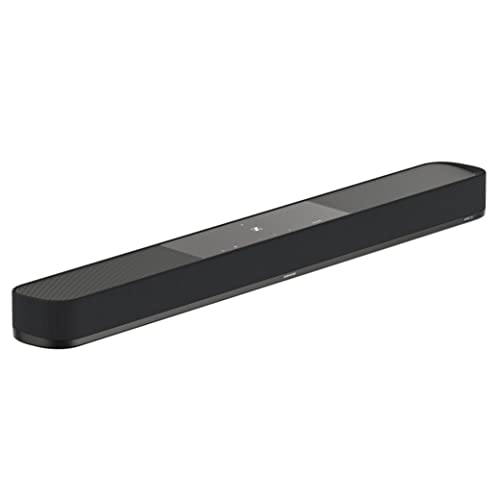
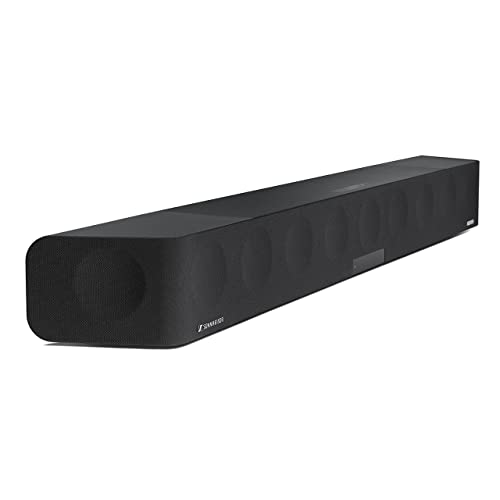
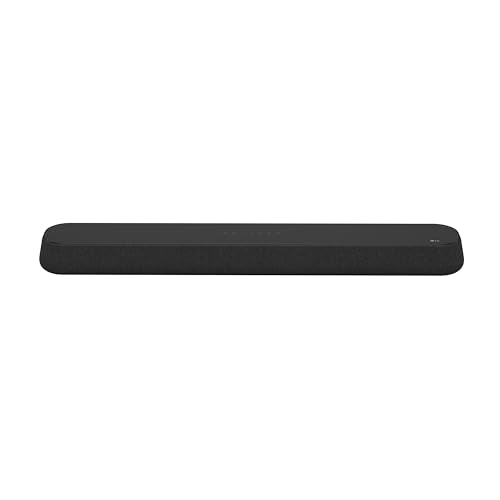
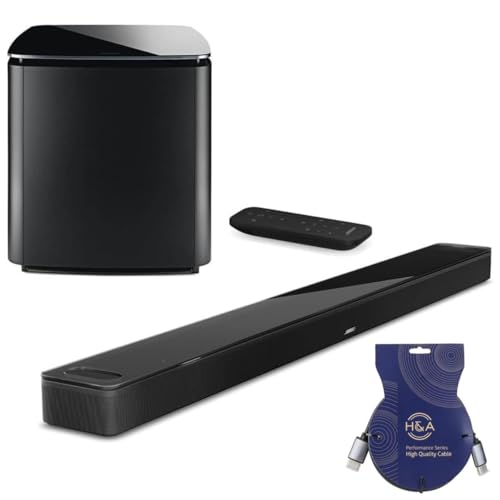
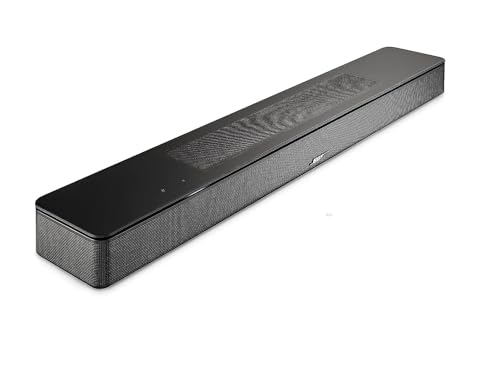
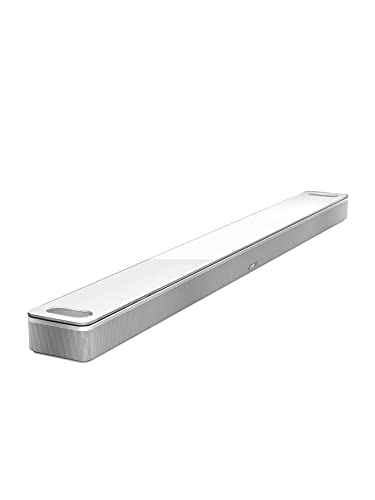
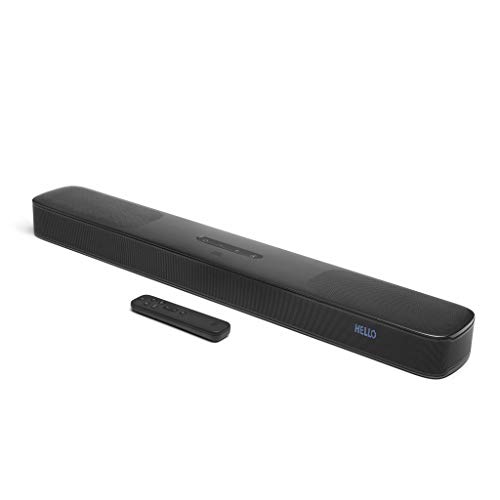
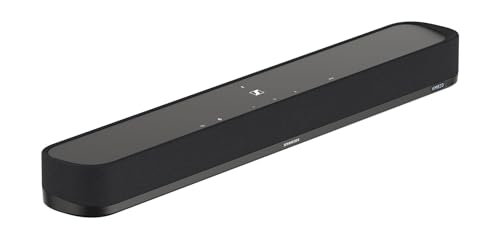
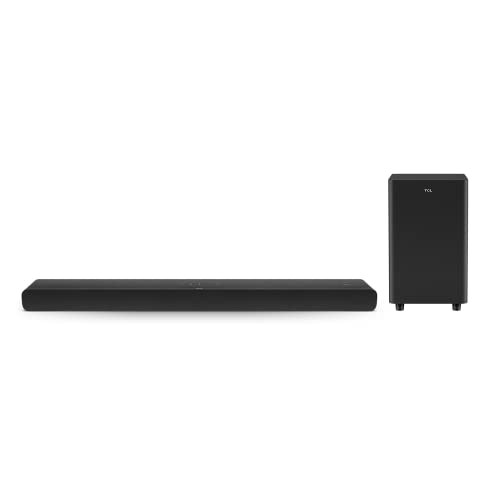
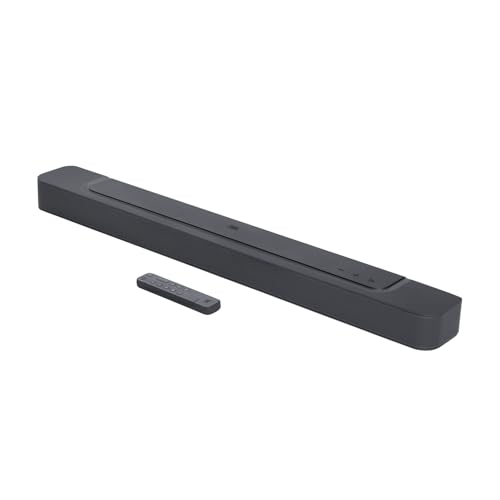
Which brands make the best soundbars for LG TV?
The best soundbars for LG TV are as follows.
- Philips (Average overall score: 8.6)
- Sennheiser (Average overall score: 8.1)
- LG (Average overall score: 8.1)
[horizontal-chart-03156127123599368929029352706114277786300762874893]
Do all soundbars work with LG TV?
No, not all soundbars work equally well with an LG TV.
The safest options support HDMI ARC or eARC, because that gives you direct TV-audio return, simpler control through the TV remote, and fewer setup limitations than bars that rely mainly on optical or Bluetooth.
The stronger matches also tend to offer clearer dialogue processing, more capable channel layouts such as 2.1, 3.0, 3.1.3, or 7.1.4, and in some cases features like Dolby Atmos or a dedicated subwoofer.
A soundbar can still connect to an LG TV without those specs, but the result is usually a more basic TV-audio upgrade rather than a more complete home-cinema fit.
How do soundbars connect to an LG TV?
The main ways soundbars connect to an LG TV are as follows.
- HDMI ARC: This is still the baseline option for easy TV integration and the minimum most buyers should accept for a straightforward living-room setup.
- HDMI eARC: This is the better choice if you want the cleanest path for higher-end audio formats and a more future-proof setup. Across the LG options in this guide, eARC shows up often enough to matter, especially once you move above the entry tier.
- Optical: Optical still works when ARC is missing, but it is more of a fallback than a first-choice solution. If a soundbar makes you rely on optical for TV use, that is usually a sign you are looking at a more basic fit.
- Bluetooth: Bluetooth is useful for music playback and casual wireless use, but it should not be the main TV connection. Treat it as a convenience feature, not the core reason to buy a soundbar for LG TV.
How much do the best soundbars for LG TV cost?
Most soundbars for LG TV fall around £90-£340, while the high-end tier can extend to about £1,400.
At roughly £90-£100, the typical spec set is closer to basic 2.0 or 2.1 audio, simpler connectivity, and fewer home-cinema features.
Around £280-£340, you are more likely to see stronger channel structure, better HDMI integration, and a more complete TV-focused feature set.
At around £1,400, the price is usually being driven by a much larger multichannel layout, Dolby Atmos support, and a more hardware-heavy package rather than by small tuning differences.
What soundbar size fits an LG TV best?
The best soundbar size for an LG TV is mainly about width. Bars around 650-750 mm usually fit more naturally under many 43-inch to 55-inch TVs, while bars around 800-1000 mm are often a better match for many 55-inch to 65-inch screens. Very large soundbars, around 1400 mm, are usually more appropriate for 75-inch-class TVs and wide furniture, because smaller setups can end up with side overhang or an oversized look.
Height is usually a secondary issue, but it still affects installation. Low-profile bars around 60 mm are less likely to block the lower screen edge or the IR receiver, so the safest approach is to check both the stand width and the vertical clearance below the TV.
What should you consider while choosing a soundbar for LG TV?
The main things to check while choosing a soundbar for LG TV are as follows.
- HDMI ARC / eARC: This is the first compatibility check. ARC is the minimum for proper TV-audio return and simpler remote control, while eARC is better if you want fewer format limits and cleaner support for higher-bitrate audio. If a model relies mainly on optical or Bluetooth for TV use, it is usually a more basic fit.
- Channel layout: A 2.0 or 2.1 soundbar is usually enough for clearer dialogue and stronger TV sound than the built-in speakers. Layouts such as 3.x, 5.x, or 7.1.4 are more relevant when you want stronger front separation, more surround information, or more serious film playback. The channel structure often tells you more about the product class than marketing labels do.
- Width and height: Width should match both the TV size and the stand area below it. A bar that is too wide can create side overhang, while a bar that is too tall can interfere with the lower screen edge or the IR receiver. Check horizontal fit and vertical clearance before treating any other size number as secondary.
- Subwoofer configuration: Some soundbars handle bass only through the main bar, while others include a separate subwoofer. If you want stronger low-frequency output for films, games, or music, this matters more than small differences in quoted wattage. A separate subwoofer usually signals a more capable low-end setup, even before you look at the rest of the spec sheet.
- Dolby Atmos support: Atmos is a direct separator between simpler TV bars and more advanced home-cinema models. It does not guarantee high performance by itself, but it usually points to a more ambitious format and speaker layout. Check Atmos support together with HDMI eARC and the channel count, because those specs work together.
- Rear-speaker expansion: Some soundbars stay limited to front-stage playback, while others support optional or bundled rear speakers. That matters if you want a system that can scale into a more complete surround setup later. Upgrade flexibility is often easier to live with than replacing the entire bar when your needs change.
- Control and wireless features: Bluetooth, app control, and dialogue-enhancement features affect everyday usability. They can make the system easier to operate, but they do not compensate for weak TV connectivity, limited channel layout, or poor bass hardware. Treat them as useful secondary checks after the core audio and connection specs are already in place.