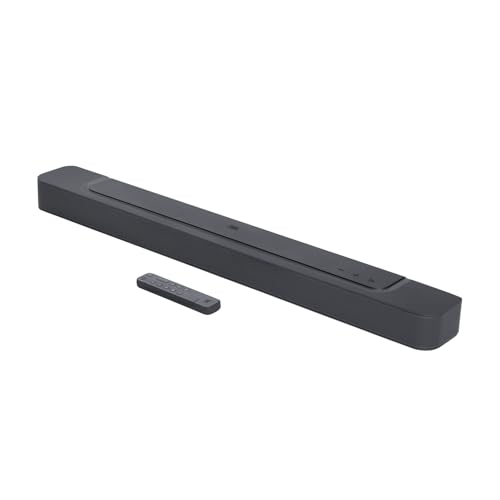
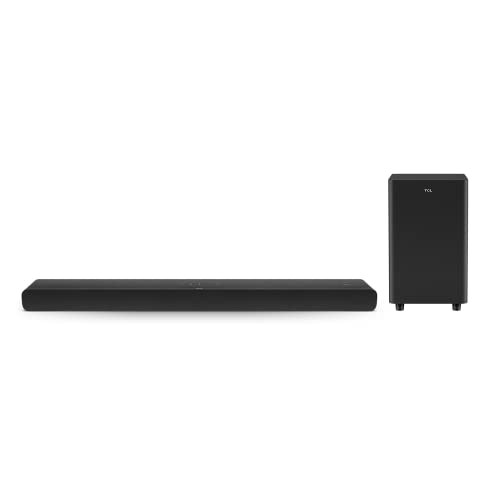
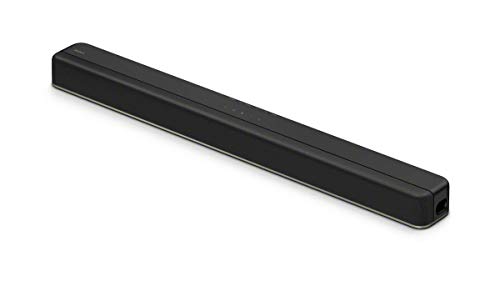
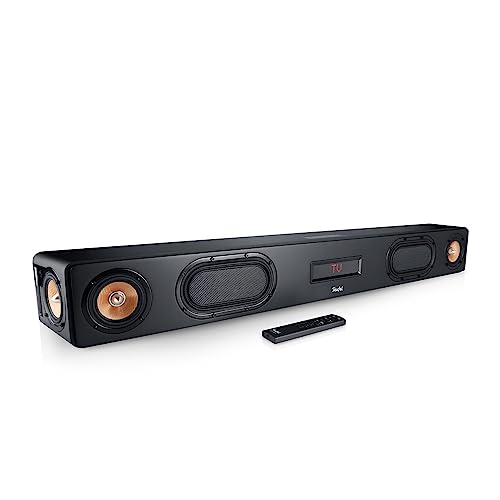
Which brands make the best gaming soundbars?
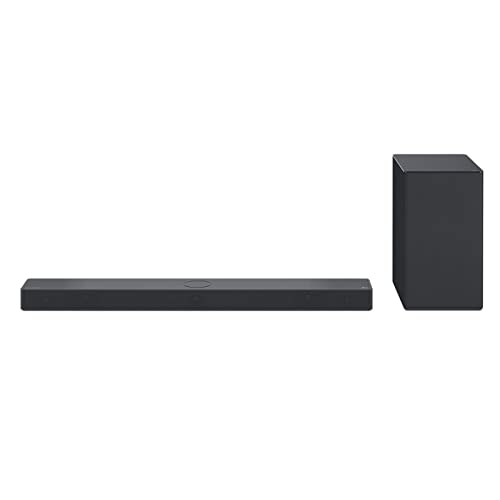
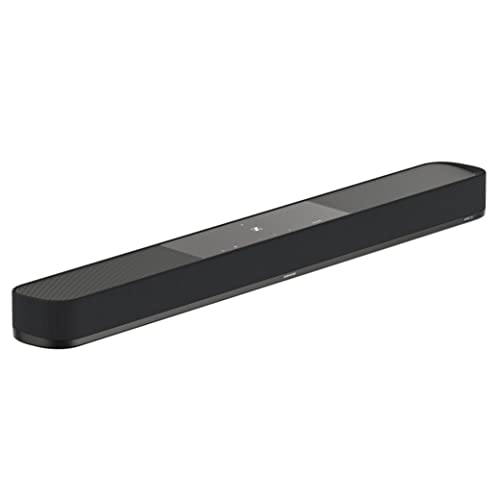
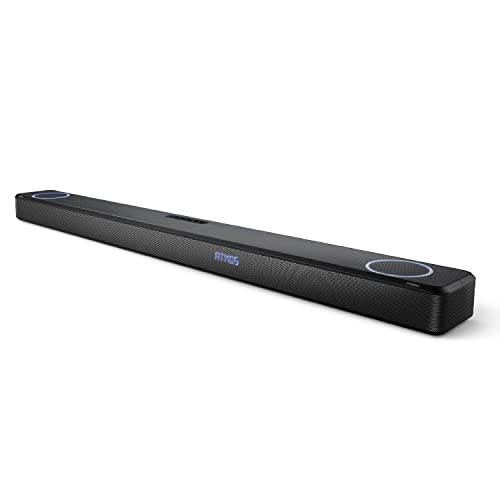
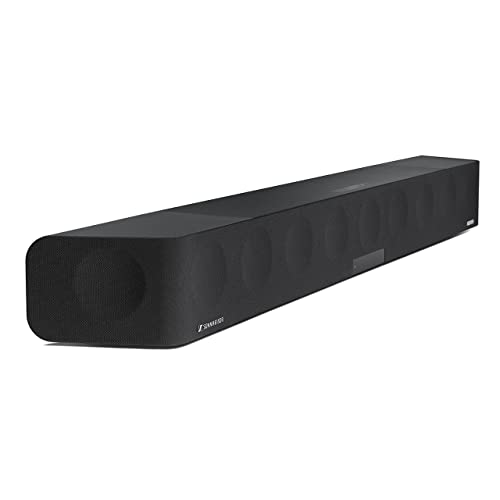
The best soundbar brands with gaming-suitable models are as follows.
- Sony (Average overall score: 8.2)
- Sennheiser (Average overall score: 8.1)
- LG (Average overall score: 8.1)
The chart below ranks soundbar brands with gaming-suitable models by average overall score.
[horizontal-chart-02887774397417647253158624676830976892161741978932]
What makes a soundbar good for gaming?
A good gaming soundbar should preserve the video signal, keep audio delay under control, and provide enough channel width for positional effects.
HDMI pass-through is the first requirement because the soundbar sits between the console or PC and the display. Most gaming-ready models can pass at least 60 Hz video, while stronger options support 120 Hz for higher-refresh console or PC setups.
Audio layout still matters, but it should be judged together with latency and passthrough. A 2.1 model can work for basic console play, while 5.x, 7.x, and Atmos layouts are more relevant for stronger surround cues. ALLM and VRR support are useful checks because they help preserve gaming display behavior instead of treating the soundbar as only an audio device.
How do gaming soundbars compare with gaming headsets?
Gaming soundbars differ from gaming headsets mainly in privacy, positional accuracy, and room playback.
A headset usually gives more precise left-right imaging and avoids disturbing other people, while a soundbar gives shared sound and keeps your ears open.
The trade-off is that a soundbar must manage room acoustics, display connection, and latency, while a headset connects directly to the player and removes most room variables.
How do gaming soundbars connect to consoles and PCs?
The main ways gaming soundbars connect to consoles and PCs are as follows.
- HDMI input: HDMI is the central connection for console gaming because it can carry both video and audio through the soundbar. Check the number of HDMI inputs if you want to connect more than one console without swapping cables.
- ARC / eARC: ARC and eARC return audio from the TV to the soundbar. eARC is preferable when you want fewer format limits and better support for high-bitrate audio formats.
- Pass-through frame rate: 60 Hz pass-through is enough for many console and living-room setups. A 120 Hz-capable soundbar is the better target for PS5, Xbox Series X, or PC gaming when high-refresh output matters.
- ALLM / VRR: ALLM automatically switches a display into low-latency mode, while VRR helps match refresh behavior to the game frame rate. These features are not universal, so they should be checked directly on gaming-focused setups.
- Optical or Bluetooth: Optical and Bluetooth can work as fallback audio paths, but they do not replace HDMI for full gaming integration. They are weaker choices when video passthrough, latency control, and format support matter.
How important is low latency on a gaming soundbar?
Low latency is critical on a gaming soundbar because audio delay is easier to notice in games than in passive TV watching.
The safest setup is usually HDMI or eARC with gaming display features preserved, not a wireless path that may add delay.
Latency data is often incomplete, so you should also verify ALLM, VRR, 120 Hz passthrough, and whether the soundbar has a dedicated game mode before treating it as gaming-ready.
How much do the best gaming soundbars cost?
Most gaming soundbars cost from about £170 to well above £850, with only a small entry group below £170.
The £170-£425 range usually covers basic HDMI-capable models with ARC/eARC and 60 Hz passthrough. Around £425-£850, the spec set tends to add stronger channel layouts, better format support, and more complete console integration.
Above £850, price is usually tied to premium multichannel systems, Atmos layouts, 120 Hz passthrough, and broader HDMI feature support.
What should you consider while choosing a gaming soundbar?
The main things to check while choosing a gaming soundbar are as follows.
- HDMI passthrough: HDMI passthrough is the first gaming-specific check because the soundbar may sit between the console and the TV. Verify that the bar can pass the resolution and frame rate you actually use, not just that it has an HDMI port. If you play at 120 Hz, a 60 Hz-only passthrough model can become the bottleneck.
- ARC / eARC: ARC and eARC decide how cleanly TV audio returns to the soundbar. eARC is the stronger option for high-bitrate formats and more reliable format handling. If the soundbar only has basic ARC, check whether your console path still supports the audio formats you want.
- ALLM and VRR: ALLM helps the display switch into low-latency mode automatically, while VRR helps smooth variable game frame rates. These are display-chain features, not just audio features, so the soundbar must avoid breaking them. Check them directly because many HDMI-equipped soundbars still do not support both.
- Latency handling: Gaming exposes audio delay quickly during shooting, racing, rhythm, and dialogue-heavy games. A wired HDMI or eARC route is usually safer than Bluetooth for keeping sound synchronized. If measured latency is unavailable, look for game mode, passthrough specs, and user reports about lip-sync or input-delay behavior.
- Channel layout: A 2.1 layout can be enough for casual play, but wider 5.x, 7.x, or Atmos layouts matter more for spatial cues and room-filling effects. Channel count should be matched with format support, not judged alone. A big layout without reliable passthrough can still be a poor gaming fit.
- HDMI input count: Multiple HDMI inputs matter if you use more than one console, a gaming PC, or a streaming box. One input can work, but it may force cable swapping or routing through the TV. Check input count together with passthrough quality, because extra ports are only useful if they preserve the right video signal.
- Fallback connections: Optical and Bluetooth are useful backup paths, but they are not substitutes for a full gaming HDMI chain. Optical can carry basic game audio but will not solve high-refresh video routing. Bluetooth is convenient for casual audio, but it is usually the weakest option for latency-sensitive play.